무료 AI 배경 제거 도구
AI로 모든 이미지의 배경을 즉시 제거하세요. 제품 사진, 인물 등에 완벽합니다. 무료 크레딧 5개를 받으세요!
이미지 선택
드래그 앤 드롭 또는 클릭하여 업로드
JPG, PNG, WEBP • 최대 10MB
또는 예시 사용

몇 시간이 아닌 몇 초 만에 배경 제거
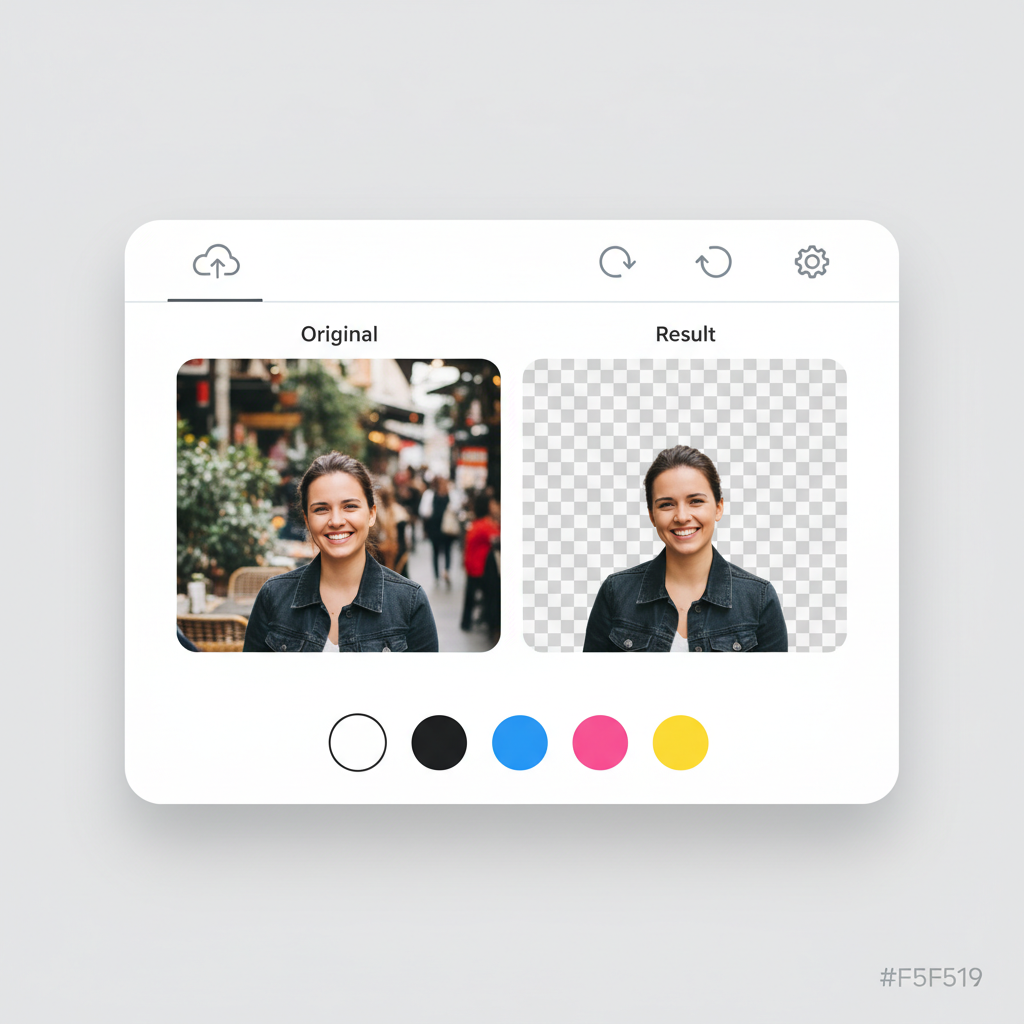
지루한 수동 편집에 작별을 고하세요. AI 기반 배경 제거 도구가 자동으로 피사체를 감지하고 몇 초 만에 배경을 제거합니다. 포토샵에서 몇 시간 걸리던 작업이 이제 클릭 한 번으로 완료됩니다. 온라인 스토어용 제품 사진을 준비하든 소셜 미디어 콘텐츠를 만들든, 디자인 기술 없이도 즉시 전문적인 결과를 얻으세요.
무료로 배경 제거
복잡한 피사체도 픽셀 단위 완벽한 에지
고급 AI가 가장 까다로운 에지도 정밀하게 처리합니다. 흐르는 머리카락부터 섬세한 털, 정교한 보석부터 미세한 디테일까지—매번 깔끔하고 자연스러운 컷아웃을 얻으세요. 더 이상 거친 에지나 남은 배경 픽셀이 없습니다. AI가 피사체와 배경 사이의 경계를 지능적으로 식별하여 전문적으로 편집된 것 같은 결과를 제공합니다.
지금 시도하기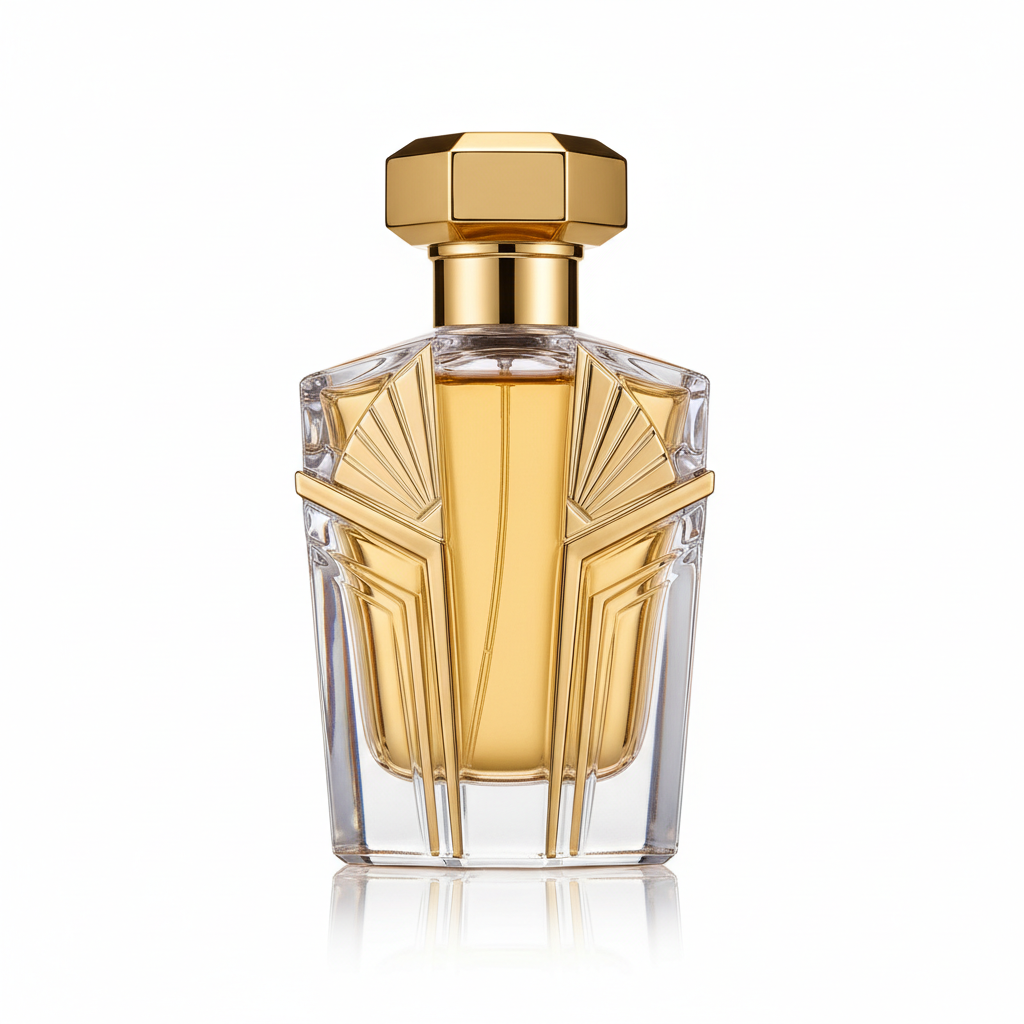
투명, 흰색 또는 필요한 모든 색상
필요한 정확한 출력을 얻으세요. 최대한의 유연성을 위해 투명 배경으로 다운로드하거나 브랜드 또는 프로젝트 요구사항에 맞는 단색을 선택하세요.
- 흰색 배경이 필요한 전자상거래 상품
- 브랜드 색상을 사용한 소셜 미디어 게시물
- 투명 PNG가 필요한 디자인 프로젝트
- 깔끔한 배경의 전문 프로필 사진
전문적인 결과, 완전 무료로 시작
비싼 소프트웨어 구독이 필요 없습니다. 복잡한 학습 곡선도 없습니다. 이미지를 업로드하고 AI가 힘든 작업을 처리하게 하세요. 무료로 가입하고 5 크레딧을 받아 체험하세요. 배경 제거 한 번에 1 크레딧만 사용됩니다. 결과가 마음에 들면 (그럴 겁니다), 업그레이드하여 더 많은 크레딧과 기능을 사용하세요.
무료로 시작하기수천 명이 신뢰
우리의 배경 제거 도구는 전 세계 전자상거래 판매자, 디자이너, 콘텐츠 제작자들이 사용합니다
정밀한 피사체 감지
평균 처리 속도
대용량 이미지 지원
JPG, PNG, WEBP 지원
우리 AI 배경 제거 도구를 신뢰하는 10,000+ 만족한 사용자와 함께하세요
작동 방식
3가지 간단한 단계로 배경 제거
이미지 업로드
사진을 업로드하거나 드래그 앤 드롭하세요. 최대 10MB의 JPG, PNG, WEBP를 지원합니다.
AI 처리
우리 AI가 몇 초 안에 자동으로 배경을 감지하고 제거합니다.
결과 다운로드
배경 색상을 선택하고 PNG 또는 JPG 형식으로 다운로드하세요.
지원 형식
최대 파일 크기: 10MB
How Our AI Background Removal Technology Works
Our background removal tool uses a deep learning segmentation model trained on millions of images. The AI analyzes each pixel to classify it as foreground (the subject you want to keep) or background (what you want removed). Unlike simple color-based chroma key removal, our model understands object boundaries, depth, and context — which is why it handles complex scenarios like hair, glass, and shadows accurately. The entire process runs on cloud GPUs, delivering results in under 5 seconds regardless of image complexity.
Step 1: 이미지 업로드
Our system accepts JPG, PNG, and WebP images up to 10MB. When you upload, the image is sent securely to our processing servers. We automatically detect the image dimensions and color space to optimize processing. For best results, use well-lit images where the subject is clearly distinguishable from the background.
Step 2: AI 처리
The AI segmentation model runs on enterprise GPUs, analyzing every pixel in your image. It creates a precise mask that separates the foreground subject from the background. The model handles challenging edges like hair strands, semi-transparent objects, and complex outlines with pixel-level accuracy. Processing typically takes 2-5 seconds.
Step 3: 결과 다운로드
Once the background is removed, you can choose a transparent background (PNG), or apply white, black, or any custom color. Download your result in PNG format for transparency support, or JPG for smaller file sizes. The original image quality is fully preserved in the foreground subject.
모든 사용 사례에 완벽
전자상거래부터 소셜 미디어까지, 모든 프로젝트에 배경 제거 도구가 적합합니다
전자상거래 제품
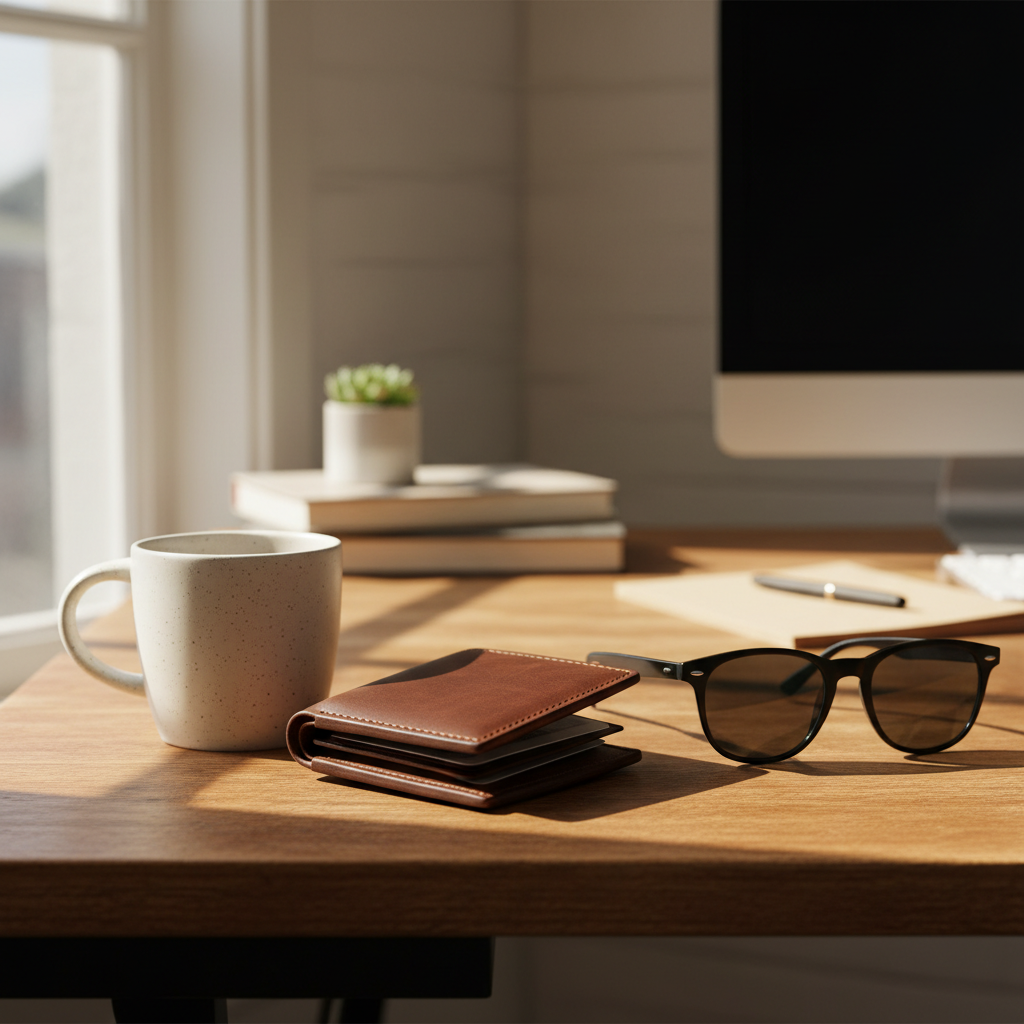
아마존, 이베이, 쇼피파이 등 마켓플레이스를 위한 깔끔한 흰색 배경을 만드세요. 마켓플레이스 요구사항을 충족하고 전환율을 높이세요.

인물 및 프로필 사진
몇 초 만에 전문적인 프로필 사진과 증명사진을 얻으세요. 링크드인, 이력서, 명함에 완벽합니다.
로고 및 그래픽
모든 프로젝트를 위한 투명 로고를 만드세요. 브랜딩, 마케팅 자료, 웹 디자인에 완벽합니다.

소셜 미디어 콘텐츠
인스타그램, 틱톡, 페이스북 등을 위한 맞춤 배경의 눈길을 끄는 게시물.

반려동물 및 동물
완벽한 컷아웃을 위한 정밀한 털 감지. 사랑스러운 반려동물 사진과 추억을 만드세요.
물건 및 상품
창의적 프로젝트, 프레젠테이션 또는 온라인 판매를 위해 모든 물체를 분리하세요.
Marketing Materials
Create professional flyers, banners, and ad creatives with clean cutouts. Place products and people on branded backgrounds for consistent marketing campaigns.
Real Estate Listings
Remove distracting backgrounds from property interior shots, furniture images, and staging photos. Create clean, professional real estate marketing materials.
Education & Presentations
Prepare clean images for slides, worksheets, and educational materials. Remove backgrounds from diagrams, photos, and illustrations for cleaner presentations.
Print-on-Demand Products
Isolate designs for t-shirts, mugs, phone cases, and other merchandise. Get transparent PNGs ready for print-on-demand platforms like Printful and Redbubble.
How Nano Banana 2 Compares to Other Background Removers
See how our AI stacks up against popular background removal tools
There are many background removal tools available, each with different strengths. Here is how Nano Banana 2 Background Remover compares to the most popular alternatives.
Nano Banana 2 vs Remove.bg
Remove.bg is one of the most well-known background removal tools and delivers good quality results. However, it limits free downloads to low resolution (up to 0.25 megapixels) and requires a subscription for full-resolution output. Nano Banana 2 provides full-resolution downloads from the start with a pay-as-you-go credit system — no subscription needed. Both tools offer comparable AI accuracy for most subjects, but Nano Banana 2 includes custom background color selection at no extra cost.
Nano Banana 2 vs Canva Background Remover
Canva offers background removal as part of its Pro subscription (2.99/month). While Canva is excellent as an all-in-one design tool, its background remover is just one feature among many. If you only need background removal, paying for a full Canva Pro subscription may not be cost-effective. Nano Banana 2 offers dedicated, high-quality background removal with a simple credit system, making it more affordable for users who specifically need this capability.
Nano Banana 2 vs PhotoRoom
PhotoRoom specializes in product photography and includes background removal, templates, and batch processing. It is a strong choice for e-commerce sellers who need a complete product photo editing suite. Nano Banana 2 focuses specifically on delivering the best possible background removal results with maximum flexibility — transparent, white, or custom color backgrounds with full-resolution output. For users who want a simple, fast, and affordable background removal tool without a monthly subscription, Nano Banana 2 is the better choice.
Nano Banana 2 Background Remover is designed for users who want professional-quality background removal without the commitment of a monthly subscription. Our credit-based pricing means you only pay for what you use, and every download is full resolution.
Tips & Best Practices for Background Removal
Get the best results from our AI background remover with these expert tips
Use Good Lighting
Well-lit images produce the cleanest results. Natural daylight or studio lighting helps the AI distinguish between the subject and background more accurately. Avoid heavy shadows that blend the subject with the background.
Ensure Subject-Background Contrast
The AI works best when there is clear visual contrast between your subject and the background. A dark subject on a dark background will be harder to separate than a dark subject on a light background.
Upload High-Resolution Images
Higher resolution images give the AI more pixel data to work with, especially around fine details like hair and edges. Start with the highest quality image available for the best output.
Simpler Backgrounds Work Best
While our AI handles complex backgrounds well, simpler, less cluttered backgrounds produce the cleanest results. If possible, photograph subjects against a plain or relatively uniform background.
Choose PNG for Transparency
Always download as PNG if you need a transparent background. JPG does not support transparency, so the transparent areas will appear white in JPG downloads. Use PNG when you plan to place the subject on a different background later.
Center Your Product in the Frame
For e-commerce product photos, center the product in the image and leave some padding around the edges. This gives the AI clear boundaries and makes the final image look more professional on marketplace listings.
Set Up an Efficient Workflow
For multiple images, keep the tool tab open and process images one after another. Each removal takes under 5 seconds, so you can process dozens of images in minutes. Download each result immediately for the fastest workflow.
Zoom In to Check Edges
After removal, zoom into the edges of your subject to verify the AI captured fine details correctly. Pay special attention to areas like hair, transparent objects, and areas where the subject color is similar to the background.
Remove backgrounds, then reimagine them. Place your product in trending lifestyle scenes with AI.
Explore More AI Tools
Discover our complete suite of AI photo editing tools
자주 묻는 질문
배경 제거 도구에 대해 알아야 할 모든 것
Part of the Nano Banana 2 suite — free AI image tools powered by Google Gemini.