AI 이미지 업스케일러 - 무료 4K 확대
품질 손실 없이 이미지를 4K 이상으로 확대합니다. AI 기반 2배 및 4배 업스케일링과 얼굴 향상 기능. 무료로 시작하세요.
이미지 선택
드래그 앤 드롭 또는 클릭하여 업로드
JPG, PNG, WEBP • 최대 10MB
또는 예시 사용
확대 옵션
GFPGAN으로 얼굴 특징 선명하게
왜 우리의 AI 이미지 업스케일러를 선택해야 할까요?
Real-ESRGAN 기술을 사용한 전문 AI 이미지 확대
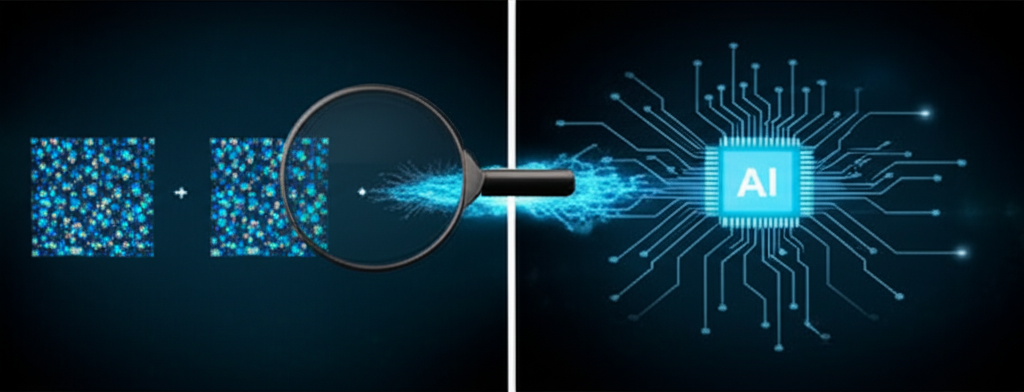
AI 기반 이미지 확대
우리의 고급 Real-ESRGAN AI는 단순히 이미지 크기를 조정하지 않습니다—누락된 세부 사항을 지능적으로 재구성하고, 텍스처를 향상시키며, 이전에 보이지 않았던 선명도를 추가합니다. 모든 픽셀이 분석되고 최대 품질을 위해 향상됩니다.
무료로 이미지 확대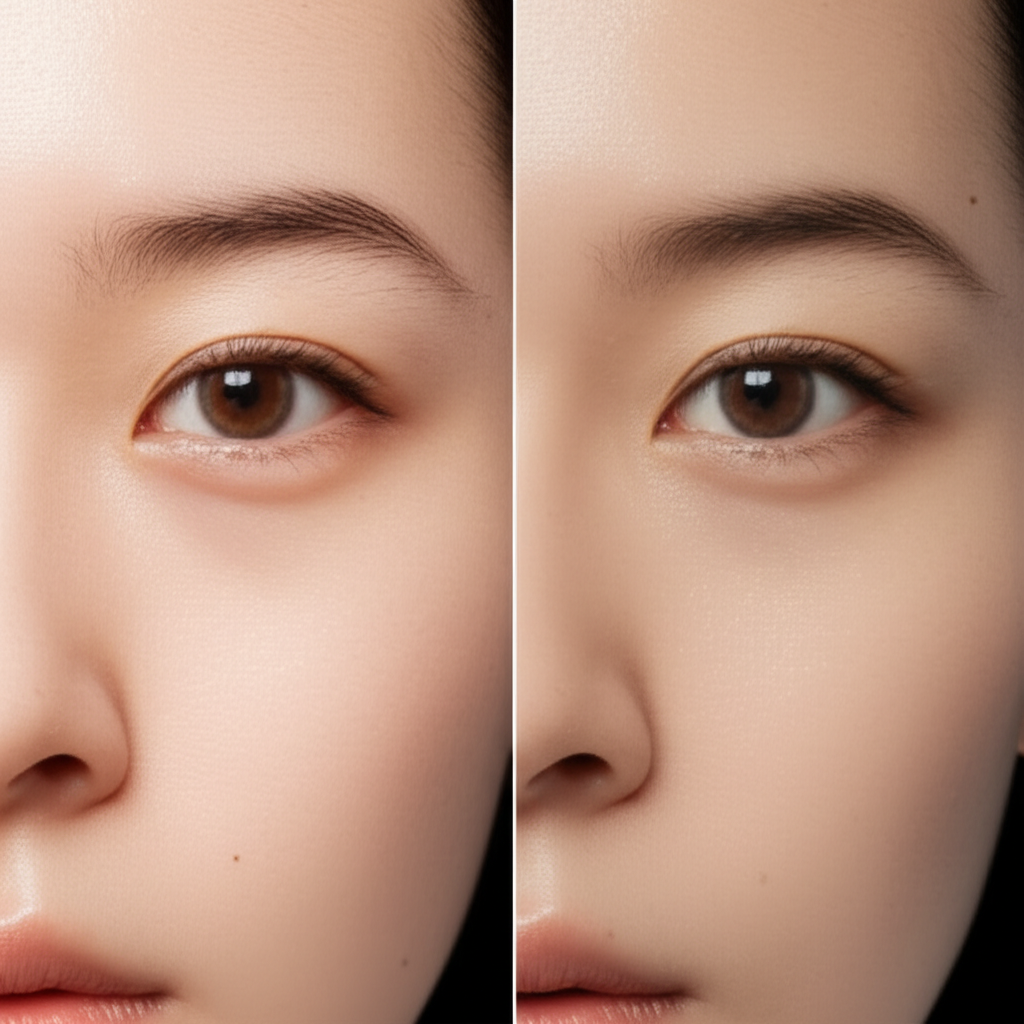
내장된 얼굴 향상
GFPGAN으로 구동되는 얼굴 향상기는 놀라운 인물 사진 결과를 위해 얼굴 특징을 특별히 대상으로 합니다. 눈이 더 선명해지고, 피부 질감이 자연스럽게 개선되며, 표정은 진정성을 유지합니다—오래된 가족 사진 확대에 완벽합니다.
얼굴 향상 체험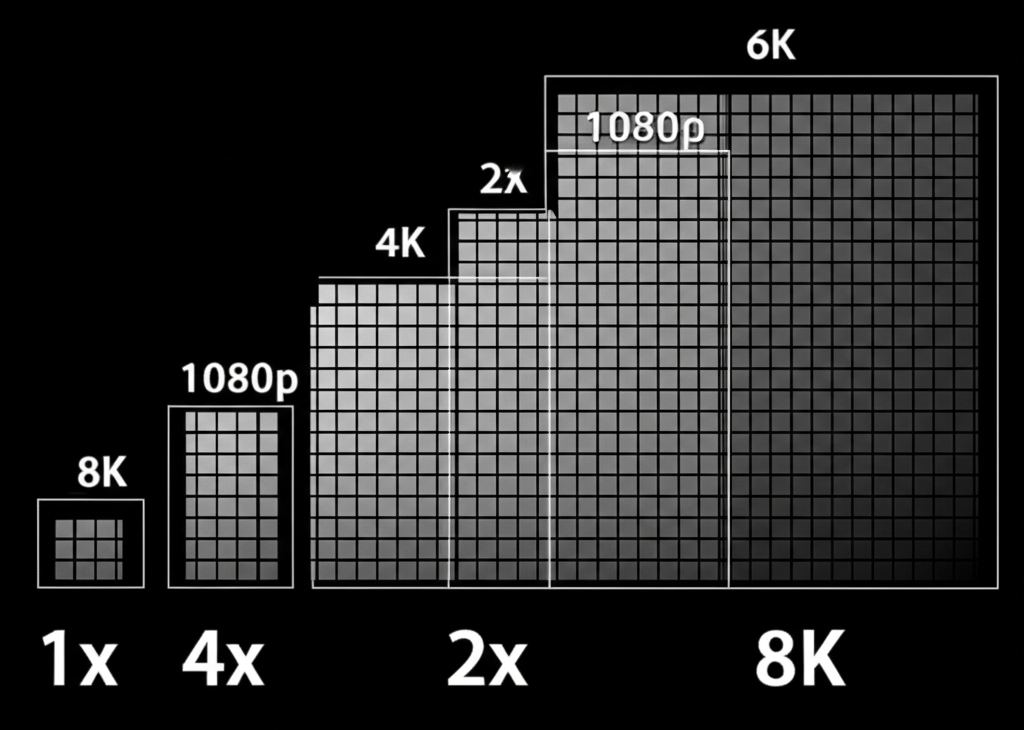
4K 이상으로 확대
작은 이미지를 대형 인쇄 가능 파일로 변환합니다. 2배는 해상도를 두 배로, 4배는 네 배로—4K, 8K 또는 그 이상에 도달합니다. 포스터 인쇄, 배경화면 확대, 대형 디스플레이용 이미지 준비에 완벽합니다.
- 2배: 빠른 처리(~12초), 소셜 미디어에 이상적
- 4배: 최대 디테일(~25초), 인쇄에 완벽
- 품질 손실 없음—AI가 누락된 디테일을 채움
- 최대 10MB까지 모든 이미지 크기 지원
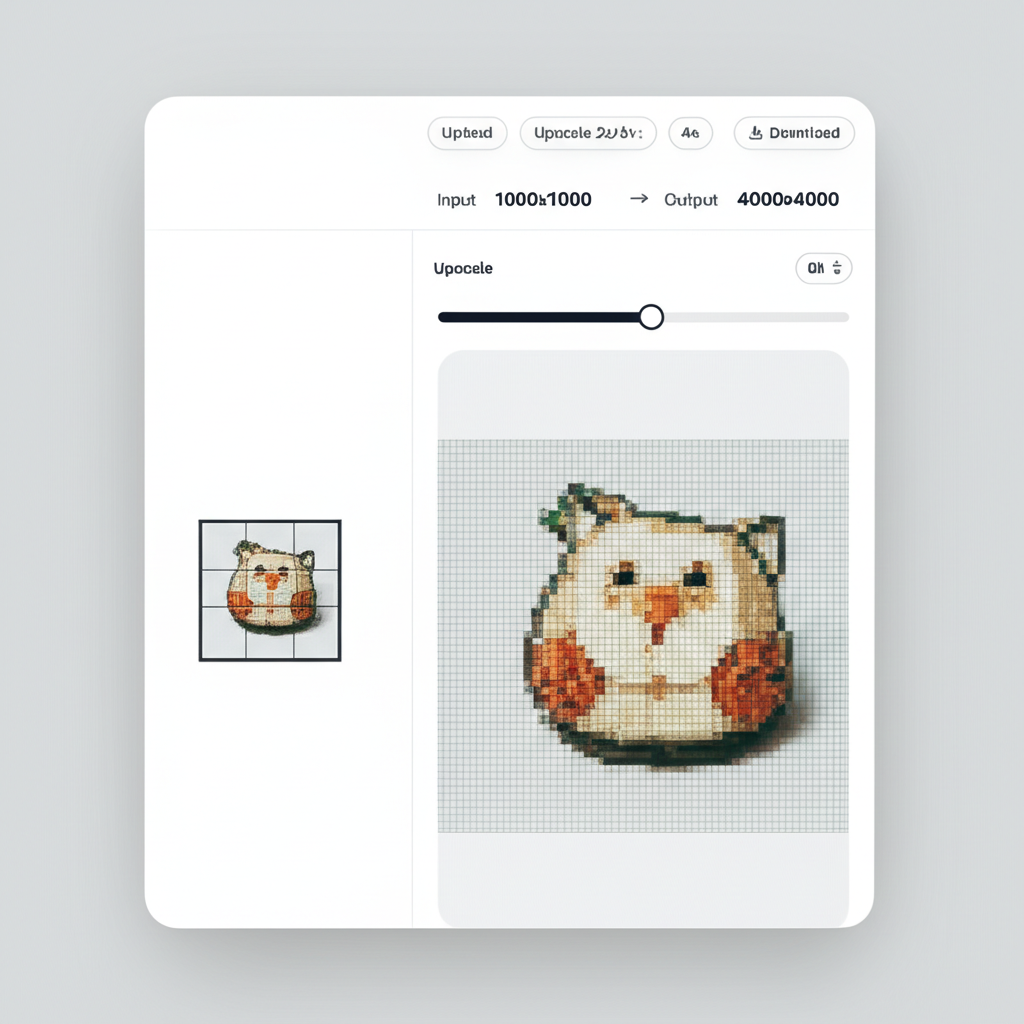
무료 및 투명한 가격
숨겨진 수수료나 월간 구독이 없습니다. 5개의 무료 크레딧으로 시작한 다음, 사용한 만큼만 지불하세요. 2배 확대는 2크레딧, 4배는 3크레딧. 간단하고 공정하며 투명합니다.
무료로 시작3단계로 이미지 확대하기
AI로 모든 이미지를 4K 이상 해상도로 확대
이미지 업로드
최대 10MB의 JPG, PNG 또는 WebP 이미지를 업로드합니다. 드래그 앤 드롭하거나 클릭하여 찾아보기.
확대 설정 선택
2배 또는 4배 확대 배율을 선택하고, 인물 사진의 경우 얼굴 향상을 토글합니다.
고해상도 결과 다운로드
몇 초 만에 확대된 이미지를 받으세요. 최고 품질은 PNG로, 작은 크기는 JPG로 다운로드합니다.
The Technology Behind AI Image Upscaling
Our image upscaler uses Real-ESRGAN (Real-Enhanced Super-Resolution Generative Adversarial Network), a state-of-the-art AI model specifically designed for image super-resolution. Unlike traditional bicubic or bilinear interpolation that simply stretches pixels and creates blurry results, Real-ESRGAN has been trained on millions of image pairs to understand textures, edges, patterns, and fine details. When you upload an image, the model analyzes the existing pixels and intelligently generates new, realistic detail that fills in the gaps. For portraits, we optionally apply GFPGAN (Generative Facial Prior GAN), which specializes in restoring and enhancing facial features with remarkable accuracy.
Step 1: 이미지 업로드
Upload any image in JPG, PNG, or WebP format up to 10MB. Our system detects the image dimensions, color profile, and content type automatically. For optimal 4x results, we recommend images at least 512x512 pixels — smaller images work too but may show more AI-generated texture patterns.
Step 2: 확대 설정 선택
Choose 2x upscaling to double your resolution (e.g., 1000x1000 → 2000x2000) or 4x to quadruple it (e.g., 1000x1000 → 4000x4000). Toggle face enhancement if your image contains people — GFPGAN will sharpen eyes, improve skin texture, and enhance facial expressions while keeping results natural and realistic.
Step 3: 고해상도 결과 다운로드
Once processing completes, you can compare the original and upscaled versions side by side. Download as PNG for maximum quality and lossless output, or JPG for a smaller file size suitable for web use and sharing. All downloads are full resolution with no watermarks.
이미지 확대 사용 사례
오래된 사진부터 AI 아트까지, 모든 이미지를 인쇄 가능 해상도로 확대
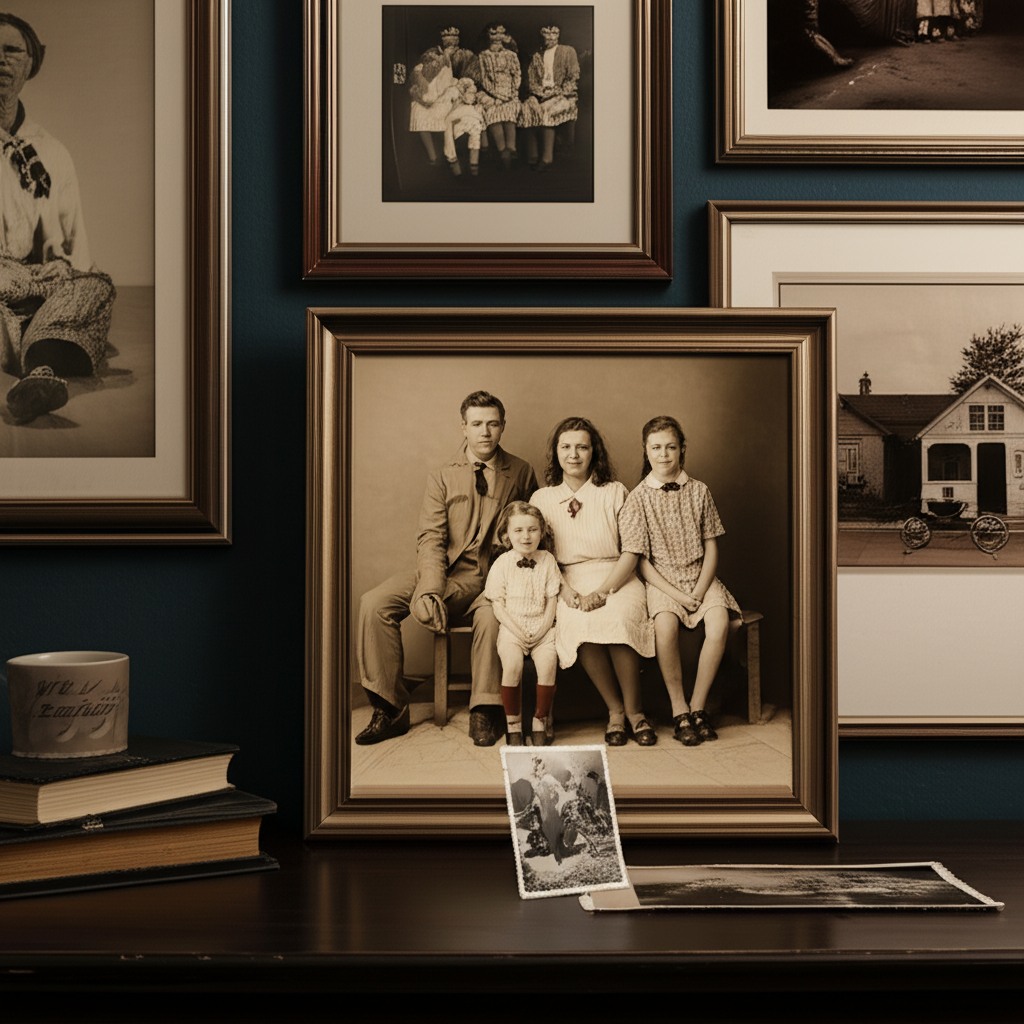
오래된 사진 확대
인쇄를 위해 소중한 추억과 빈티지 사진을 확대합니다. 작고 픽셀화된 이미지를 크고 세밀한 인쇄물로 변환합니다.
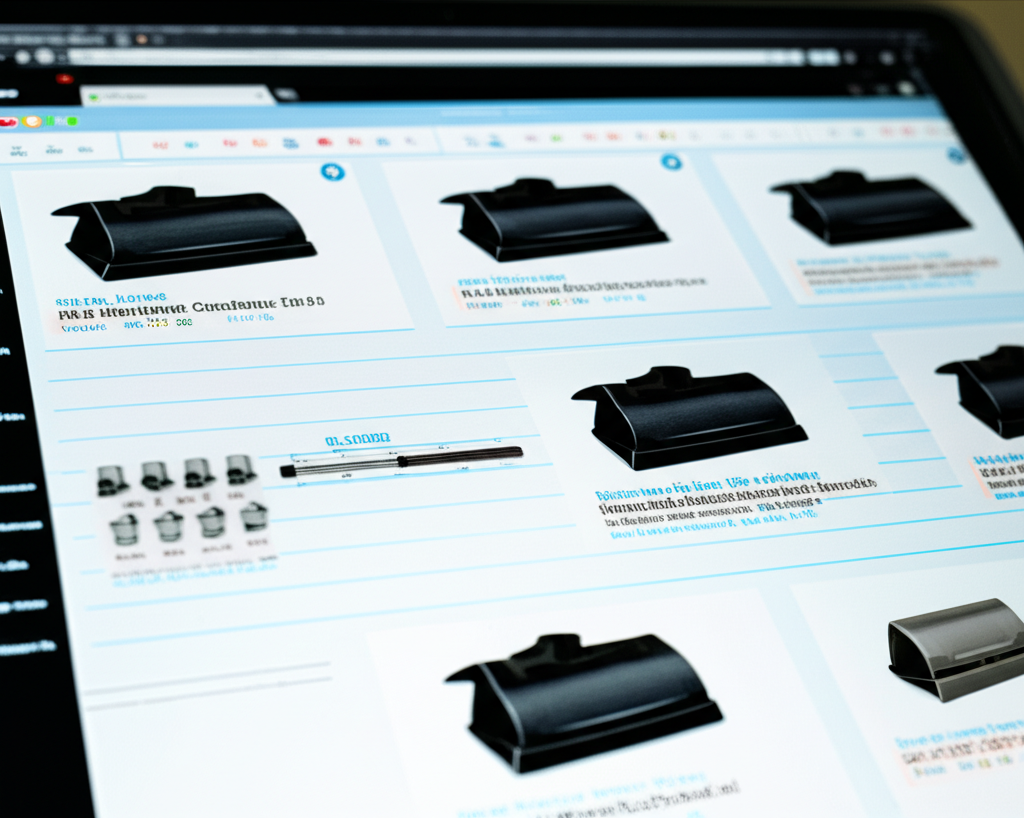
전자상거래 제품
줌 기능을 위해 제품 사진을 확대합니다. 모든 세부 사항을 보여주는 고해상도 이미지를 만듭니다.
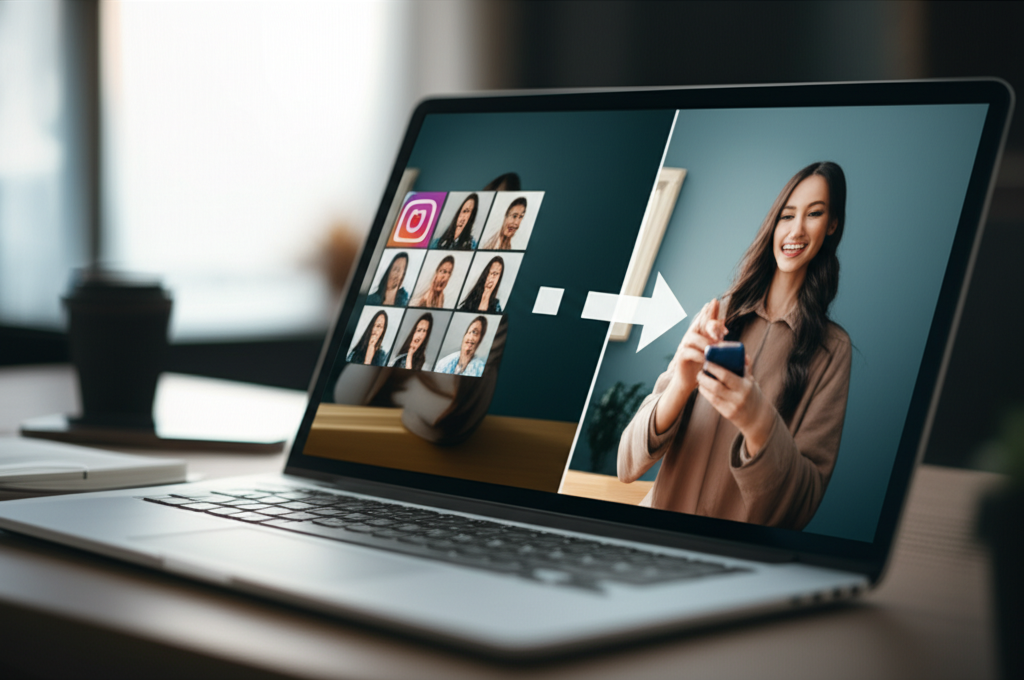
소셜 미디어 콘텐츠
대형 디스플레이와 고 DPI 화면을 위해 이미지를 확대합니다. 모든 기기에서 콘텐츠를 멋지게 보이게 합니다.
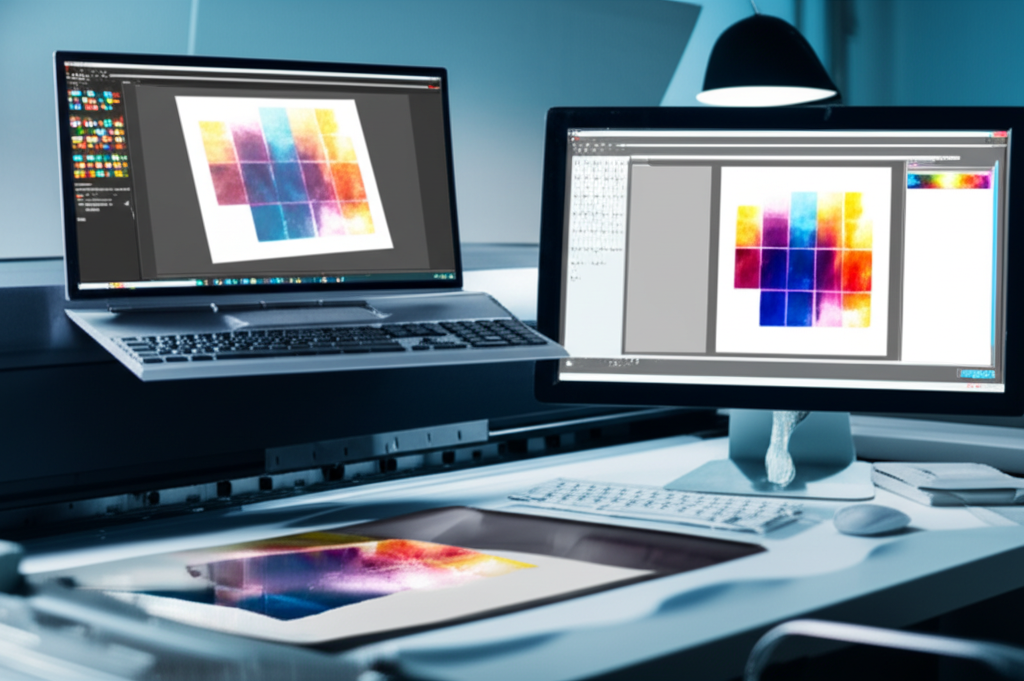
인쇄 및 포스터
대형 인쇄용 이미지를 준비합니다. 선명도나 세부 사항 손실 없이 포스터 크기로 확대합니다.
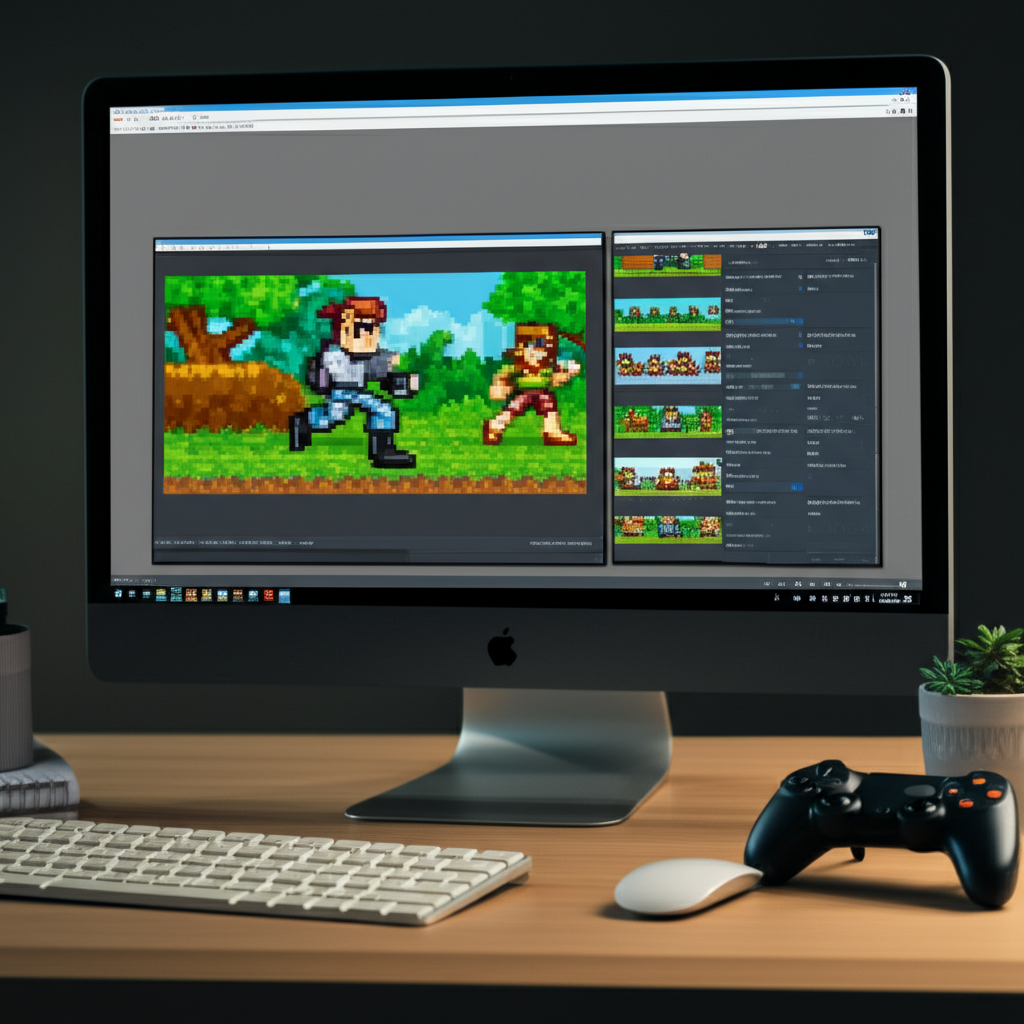
게임 및 디지털 자산
현대 디스플레이를 위해 텍스처, 스프라이트 및 디지털 아트를 확대합니다. 게임 모딩과 디지털 프로젝트에 완벽합니다.
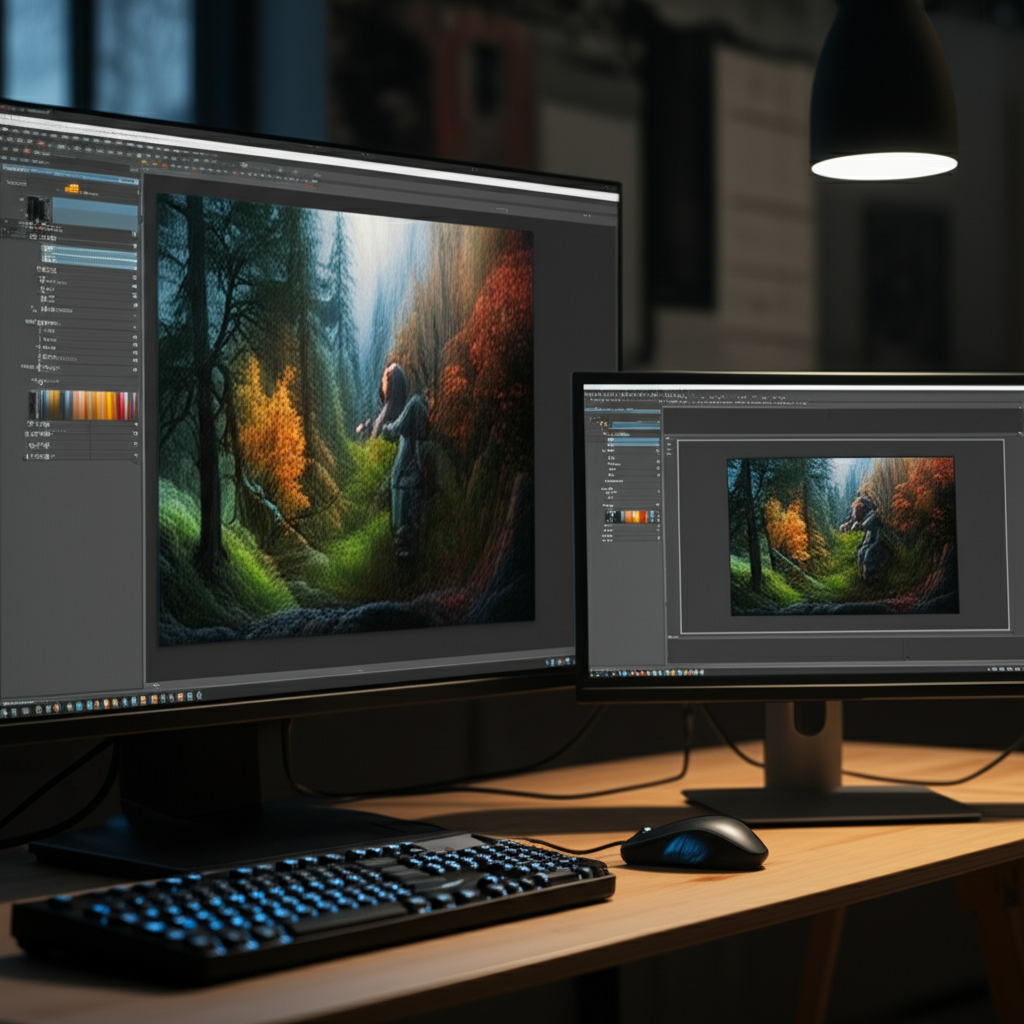
AI 생성 아트
인쇄 또는 디스플레이를 위해 AI 생성 이미지를 확대합니다. 작품을 미리보기 크기에서 벽에 걸 만한 작품으로 만듭니다.
Real Estate Photography
Upscale property listing photos for high-resolution virtual tours and large display prints. Make room photos look sharp and professional on real estate websites.
Wedding & Event Photos
Enlarge precious wedding and event photos for printing, framing, and albums. Recover detail from distant shots and make every moment print-worthy.
Document & Scan Enhancement
Upscale scanned documents, book pages, and archival materials for better readability. Sharpen text and illustrations that were captured at low resolution.
Desktop & Phone Wallpapers
Transform any image into a crisp, high-resolution wallpaper for your desktop, laptop, or phone. Upscale to match your exact screen resolution for pixel-perfect display.
How Nano Banana 2 Compares to Other Image Upscalers
An honest look at how our AI upscaler stacks up against popular alternatives
AI image upscaling has become widely available, but not all tools are equal. Here is how Nano Banana 2 Image Upscaler compares to the most popular alternatives on the market.
Nano Banana 2 vs Bigjpg
Bigjpg is a popular free upscaler that uses waifu2x-based models, which work particularly well for anime and illustration-style images. For photographic content, however, Real-ESRGAN (used by Nano Banana 2) generally produces more realistic textures and finer detail. Bigjpg also has queue times during peak hours and limits free users to lower resolution outputs. Nano Banana 2 processes images immediately with no queue and provides full-resolution downloads for all users.
Nano Banana 2 vs Let's Enhance
Let's Enhance is a subscription-based service (/month) offering multiple AI upscaling models. It provides good quality and batch processing for paid users. The downside is the monthly subscription — if you only need occasional upscaling, the per-image cost can be quite high. Nano Banana 2 uses a credit-based system where you pay only for what you use, making it significantly more cost-effective for moderate usage. Both tools deliver comparable quality for photographic content.
Nano Banana 2 vs Topaz Gigapixel AI
Topaz Gigapixel AI is a premium desktop application (9 one-time purchase) that offers excellent upscaling quality and full offline processing. It is the go-to choice for professional photographers who process large volumes of images. For casual and moderate users, however, the upfront cost and desktop-only limitation make it less accessible. Nano Banana 2 offers comparable quality through a browser-based interface with no software installation required, and our credit system makes it accessible for any budget.
Nano Banana 2 Image Upscaler provides professional-quality Real-ESRGAN upscaling with an optional GFPGAN face enhancer, all through a simple browser-based interface. Our pay-as-you-go pricing makes high-quality upscaling accessible without subscriptions or expensive software purchases.
Tips & Best Practices for Image Upscaling
Maximize the quality of your upscaled images with these expert recommendations
Start with the Best Available Quality
AI upscaling amplifies both detail and artifacts. Start with the highest quality source image available — avoid heavily compressed JPGs or images with visible noise. If you have access to the original file, use it instead of a web-optimized version.
Choose the Right Scale Factor
Use 2x for images that just need a moderate boost — web thumbnails to full-size, or social media to print. Use 4x for images that need dramatic enlargement — old photos to poster size, or AI art to wall display. Over-upscaling beyond what the source supports may introduce unwanted AI artifacts.
Enable Face Enhancement for Portraits
Whenever your image contains faces, toggle on face enhancement. GFPGAN specifically targets facial features, producing noticeably sharper eyes, more natural skin textures, and clearer expressions compared to general upscaling alone.
Use PNG for Maximum Quality
Always download upscaled results as PNG when quality matters. JPG compression can undo some of the detail the AI generated. Save as JPG only when you need smaller file sizes for web uploads or sharing.
Avoid Upscaling Already-Upscaled Images
Running an upscaled image through the upscaler again rarely improves quality and can introduce compounding AI artifacts. If you need more than 4x enlargement, start with 4x from the original rather than running 2x twice.
Crop Before Upscaling
If you only need a portion of the image at high resolution, crop it first and then upscale. This saves processing time and credits, and the AI can focus its detail generation on the content that matters.
Compare Before and After
Use the side-by-side preview to inspect the upscaled result at full zoom before downloading. Check edges, textures, and faces to ensure the output meets your expectations. Different images respond differently to upscaling.
Test with a Small Section First
For important projects, test upscaling on a cropped section of your image first. This lets you evaluate the quality before committing credits to the full image, especially useful for 4x upscaling of large images.
Upscale your product photos to 4K, then create stunning lifestyle scenes for your listings.
Explore More AI Tools
Discover our complete suite of AI photo editing tools
이미지를 확대할 준비가 되셨나요?
AI로 모든 이미지를 고해상도로 변환하세요. 무료로 시작, 신용카드 필요 없음.
신용카드 필요 없음 • 무료 크레딧 5개 • 언제든 업그레이드
Built by NanoBanana2 — explore all AI image tools for free.