상품 사진에 흰색 배경 추가
깨끗한 흰색 배경으로 전문적인 상품 사진을 만드세요. 아마존, 이베이, 쇼피파이 및 모든 이커머스 플랫폼에 완벽합니다.
상품 이미지 업로드
드래그 앤 드롭 또는 클릭하여 업로드
JPG, PNG, WEBP • 최대 10MB
또는 예시 시도
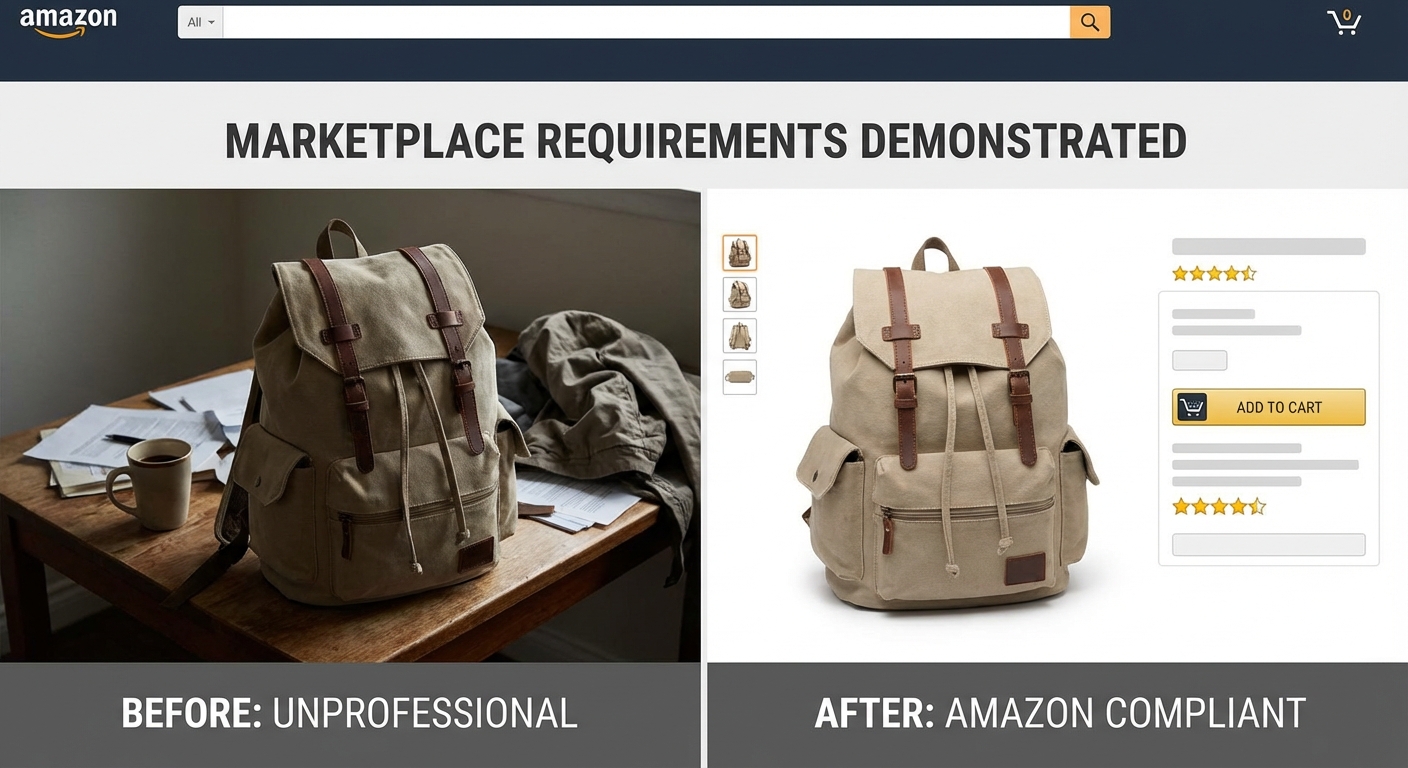
이커머스 플랫폼 요구사항을 즉시 충족
아마존, 이베이, 쇼피파이, 쿠팡—모든 주요 마켓플레이스는 상품 리스팅에 깨끗한 흰색 배경이 필요합니다. AI가 자동으로 상품을 감지하고 모든 배경을 순수 흰색(#FFFFFF)으로 교체하여 모든 플랫폼 요구사항을 충족합니다.
무료로 흰색 배경 추가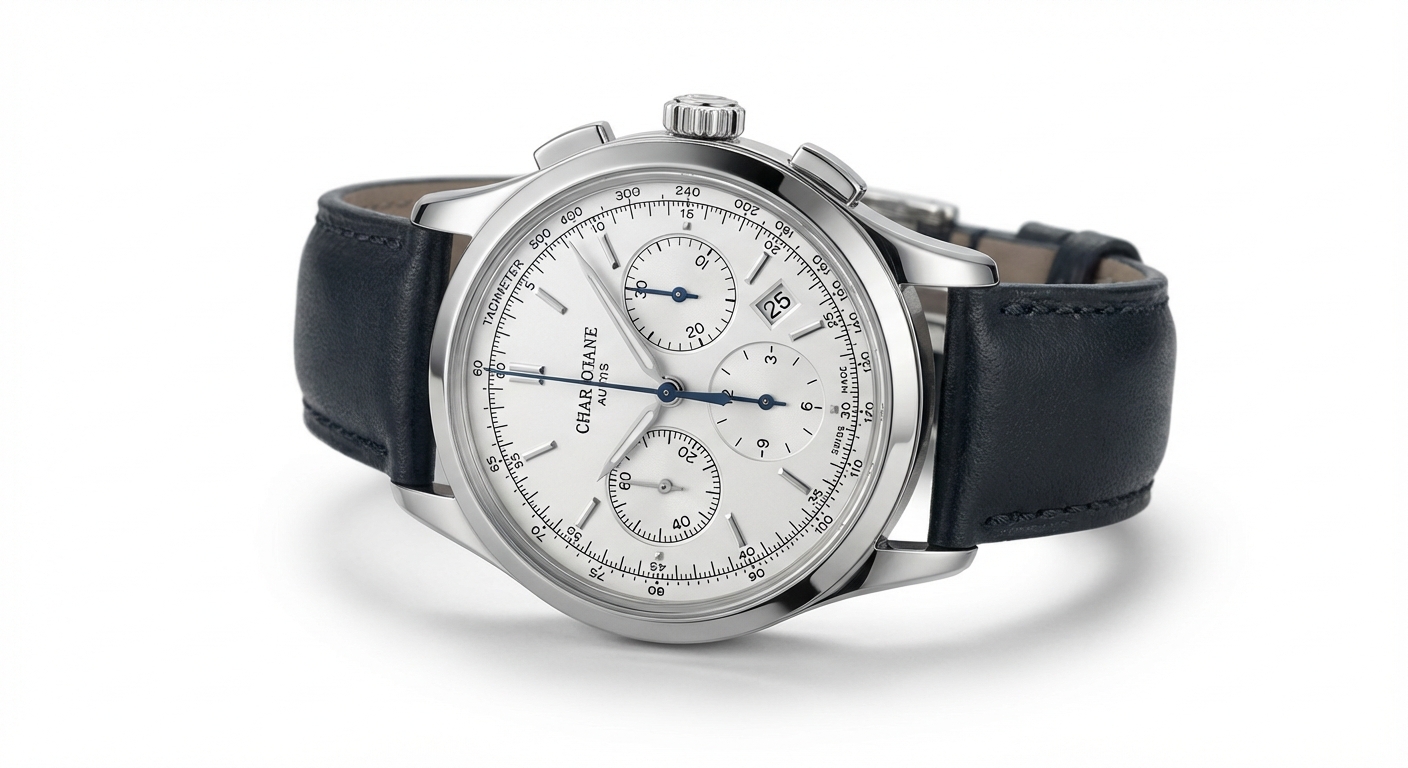
스튜디오 없이도 전문적인 상품 사진
비싼 장비나 전문 사진작가 없이도 스튜디오급 상품 사진을 얻으세요. AI가 상품 주위에 픽셀 완벽한 엣지를 만들어 매끄러운 표면부터 복잡한 텍스처까지 모든 것을 처리합니다.
지금 시도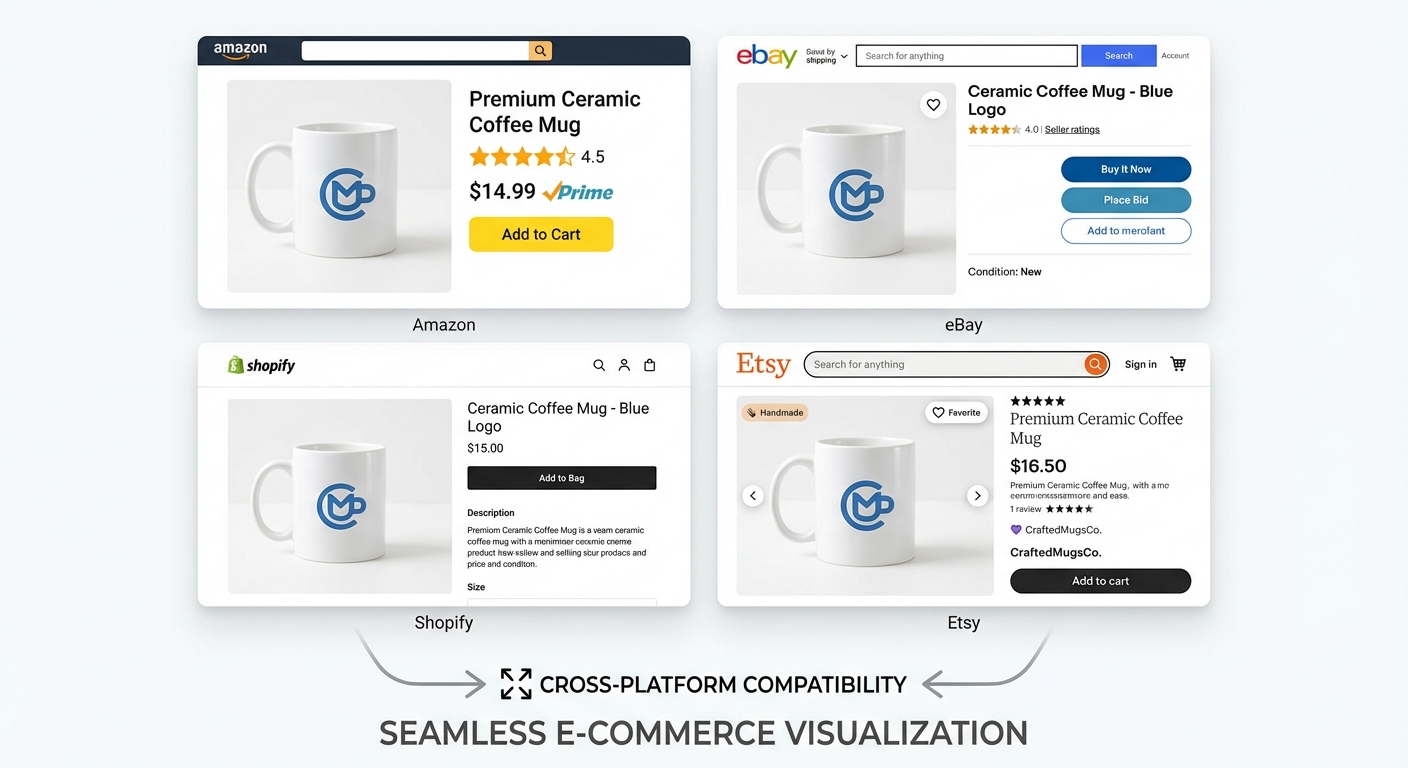
모든 마켓플레이스에 완벽
한 번의 클릭으로 모든 주요 이커머스 플랫폼에 최적화된 상품 이미지를 만드세요. 흰색 배경 출력은 다음 요구사항을 충족합니다:
- 아마존 (순수 흰색 배경 필수)
- 이베이 (깔끔한 상품 프레젠테이션)
- 쇼피파이 (전문적인 스토어프론트)
- 쿠팡 (마켓플레이스 준비 이미지)
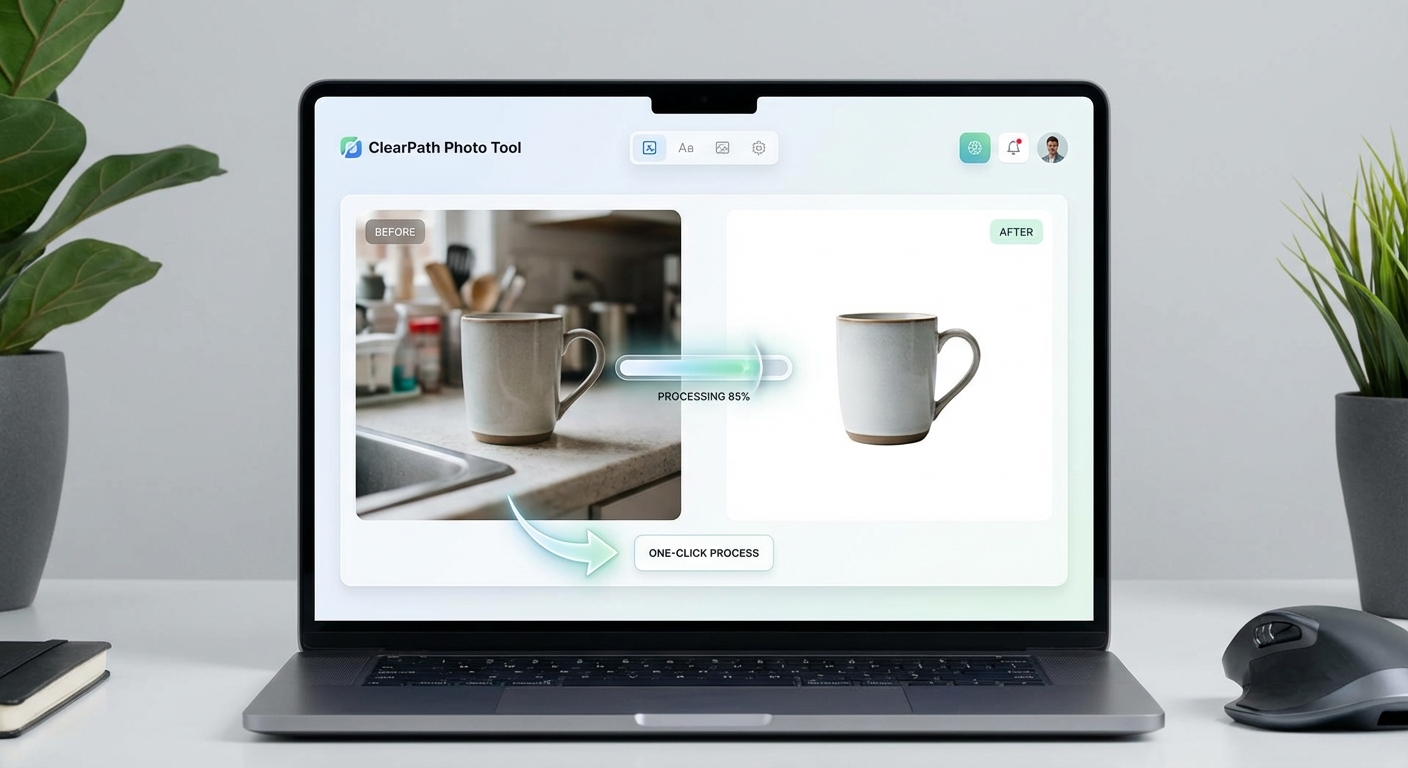
저렴한 비용으로 전문적인 결과
비싼 사진 편집 서비스나 사진작가를 고용할 필요가 없습니다. AI가 몇 초 만에 전문적인 흰색 배경 결과를 제공합니다. 무료로 가입하고 5 크레딧을 받아 시도해 보세요. 각 이미지는 1 크레딧만 사용합니다.
무료로 시작온라인 판매자들의 신뢰
전 세계 이커머스 판매자와 상품 사진작가들이 사용하는 흰색 배경 도구
정밀한 상품 감지
빠른 배경 교체
모든 마켓플레이스 요구사항 충족
정확한 #FFFFFF 출력
전문적인 상품 사진을 위해 AI를 신뢰하는 수천 명의 판매자와 함께하세요
3단계로 흰색 배경 추가하기
모든 상품 사진을 전문적인 이커머스 이미지로 변환
상품 사진 업로드
상품 이미지를 업로드하거나 드래그 앤 드롭하세요. JPG, PNG, WEBP 최대 10MB 지원.
AI 처리
AI가 배경을 제거하고 깨끗하고 순수한 흰색(#FFFFFF) 배경을 추가합니다.
다운로드 및 판매
모든 이커머스 플랫폼에 사용할 수 있는 전문적인 상품 이미지를 다운로드하세요.
지원 형식
최대 파일 크기: 10MB
흰색 배경 사용 사례
아마존에서 쇼피파이까지, 모든 플랫폼을 위한 전문적인 상품 사진 만들기
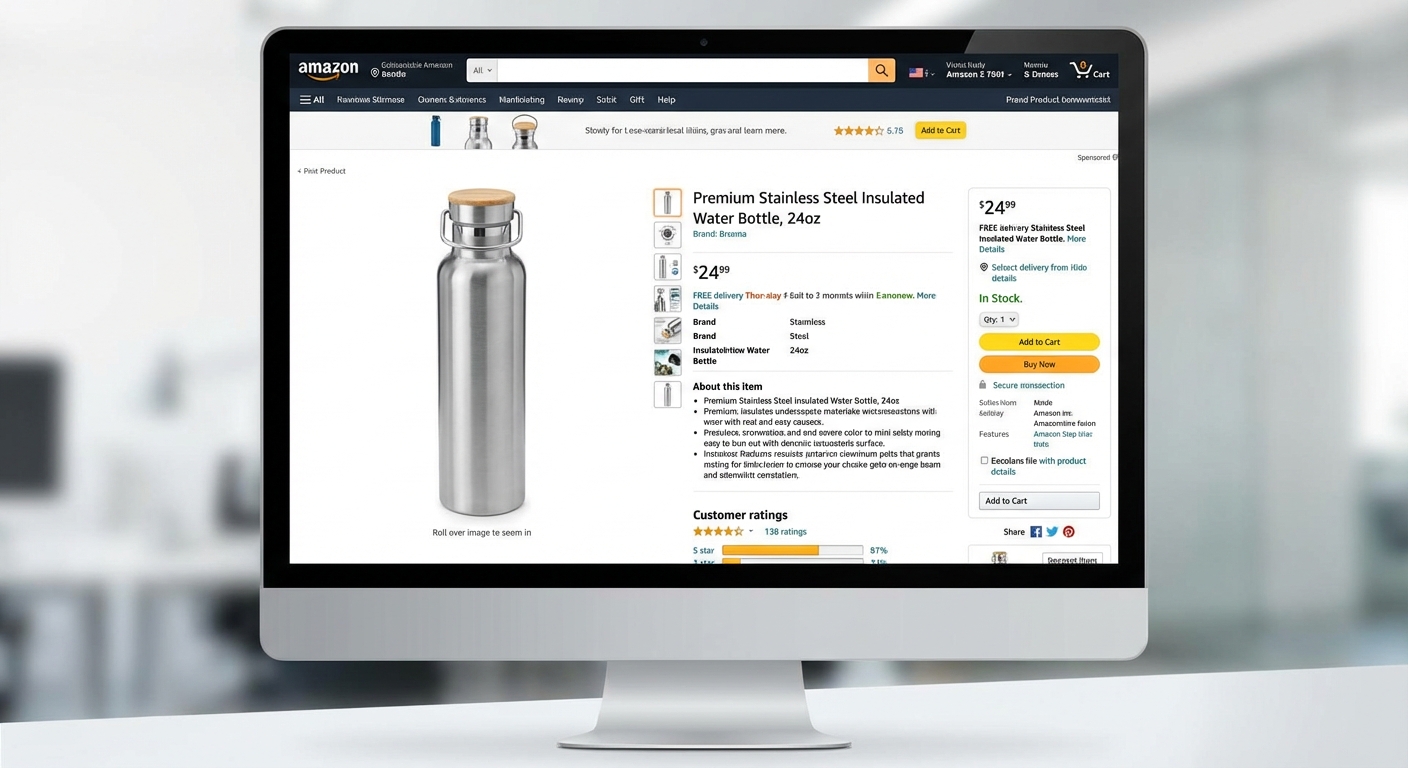
아마존 리스팅
아마존의 순수 흰색 배경 요구사항을 충족하세요. 엄격한 가이드라인을 준수하는 메인 이미지를 만드세요.
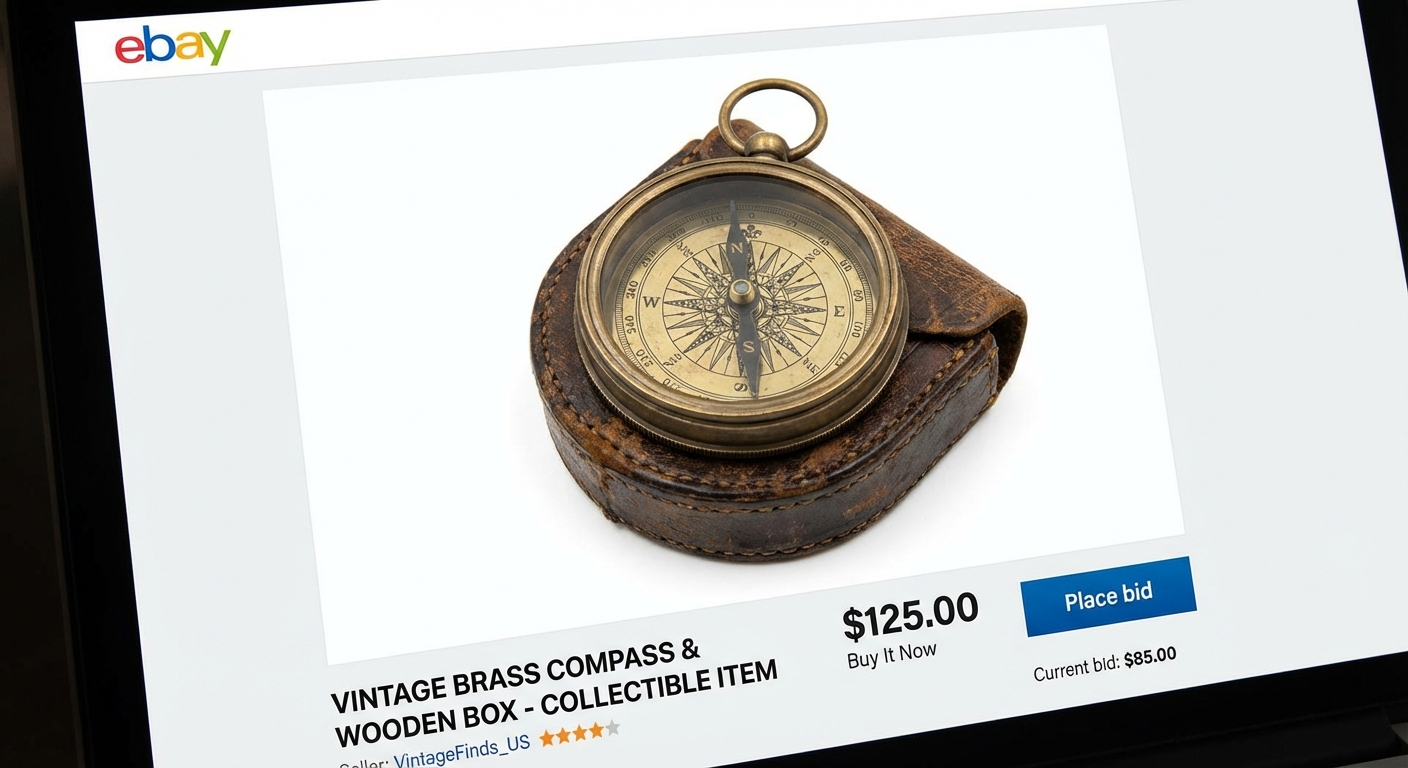
이베이 경매
깔끔하고 전문적인 상품 사진으로 리스팅을 돋보이게 하세요. 흰색 배경은 구매자 신뢰도를 높입니다.
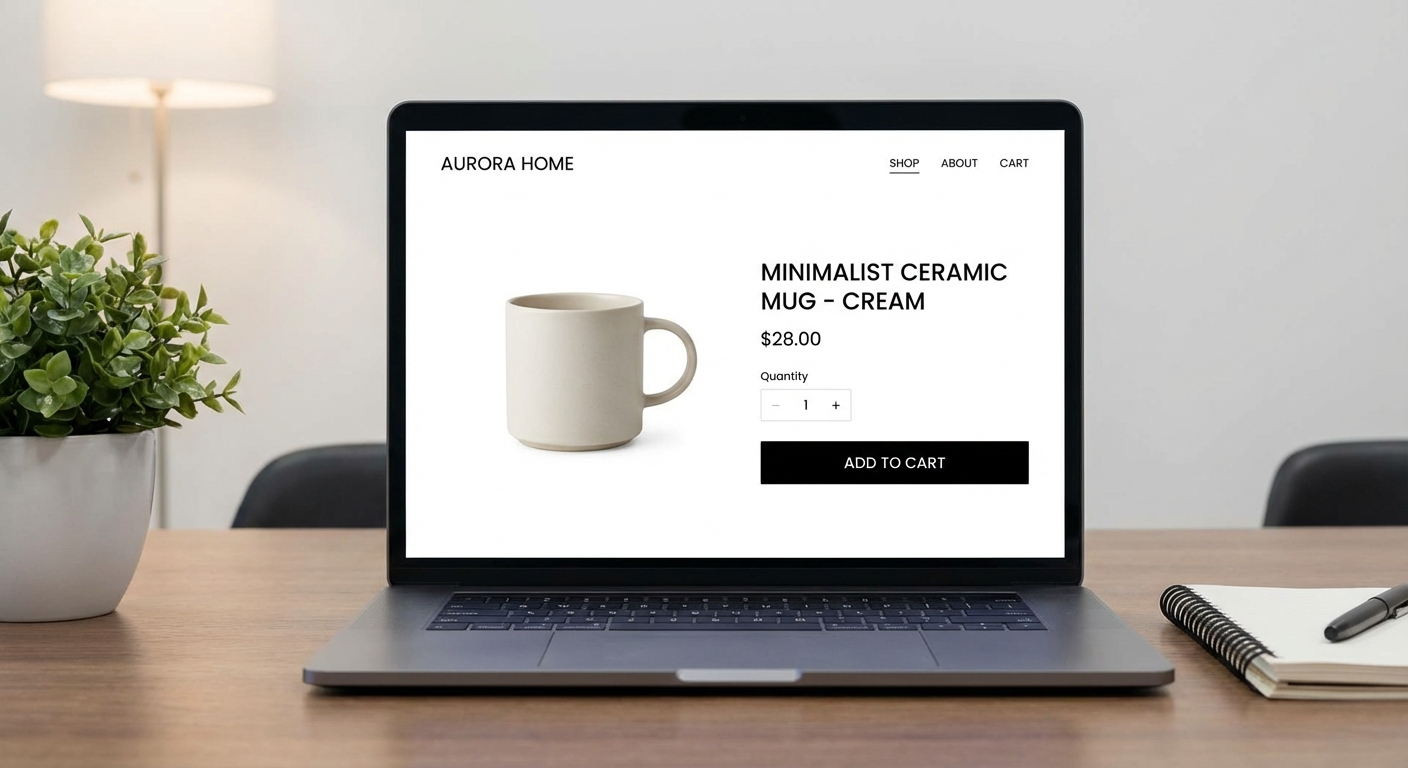
쇼피파이 스토어
일관된 흰색 배경 상품 이미지로 전문적이고 응집력 있는 스토어프론트를 만드세요.
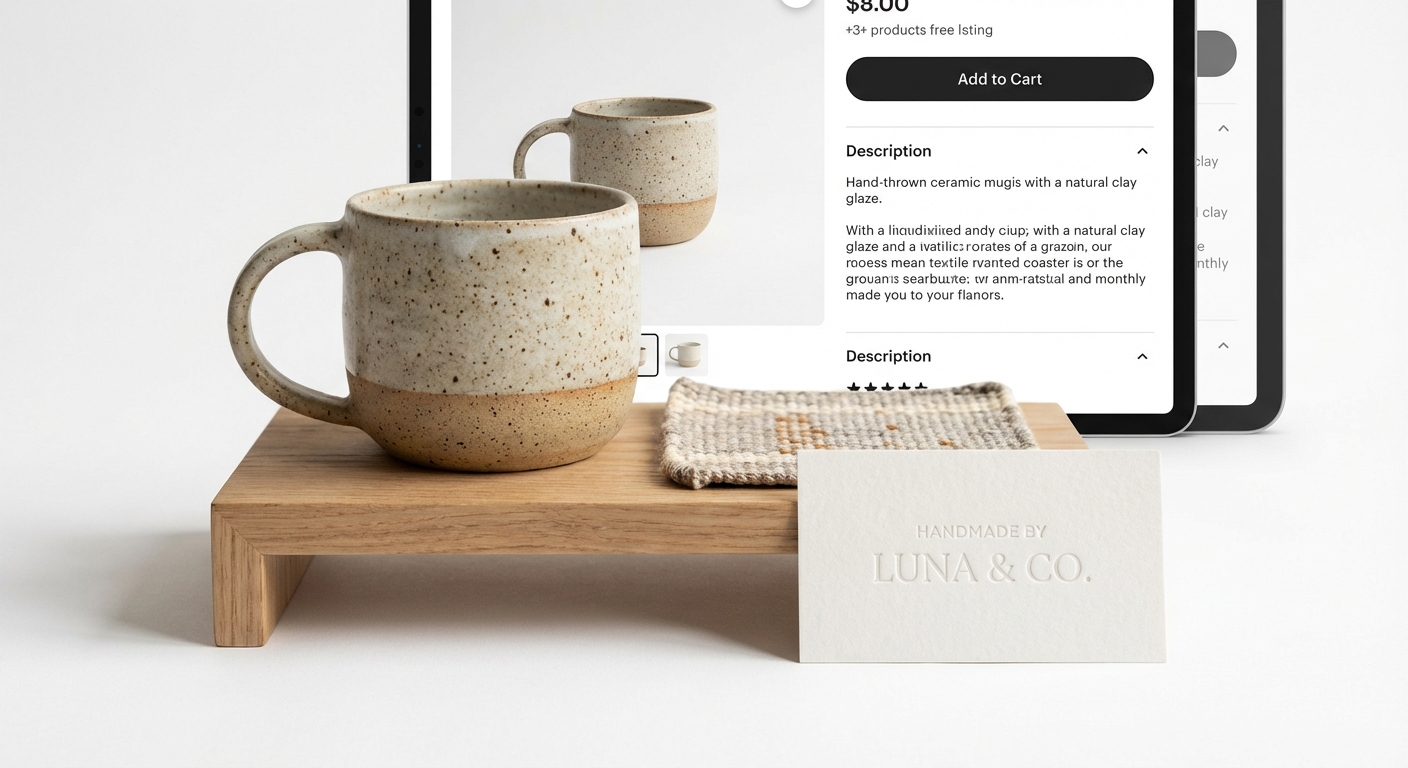
상품 사진
비싼 스튜디오 장비 없이도 전문적인 상품 촬영. 카탈로그와 마케팅 자료에 완벽합니다.
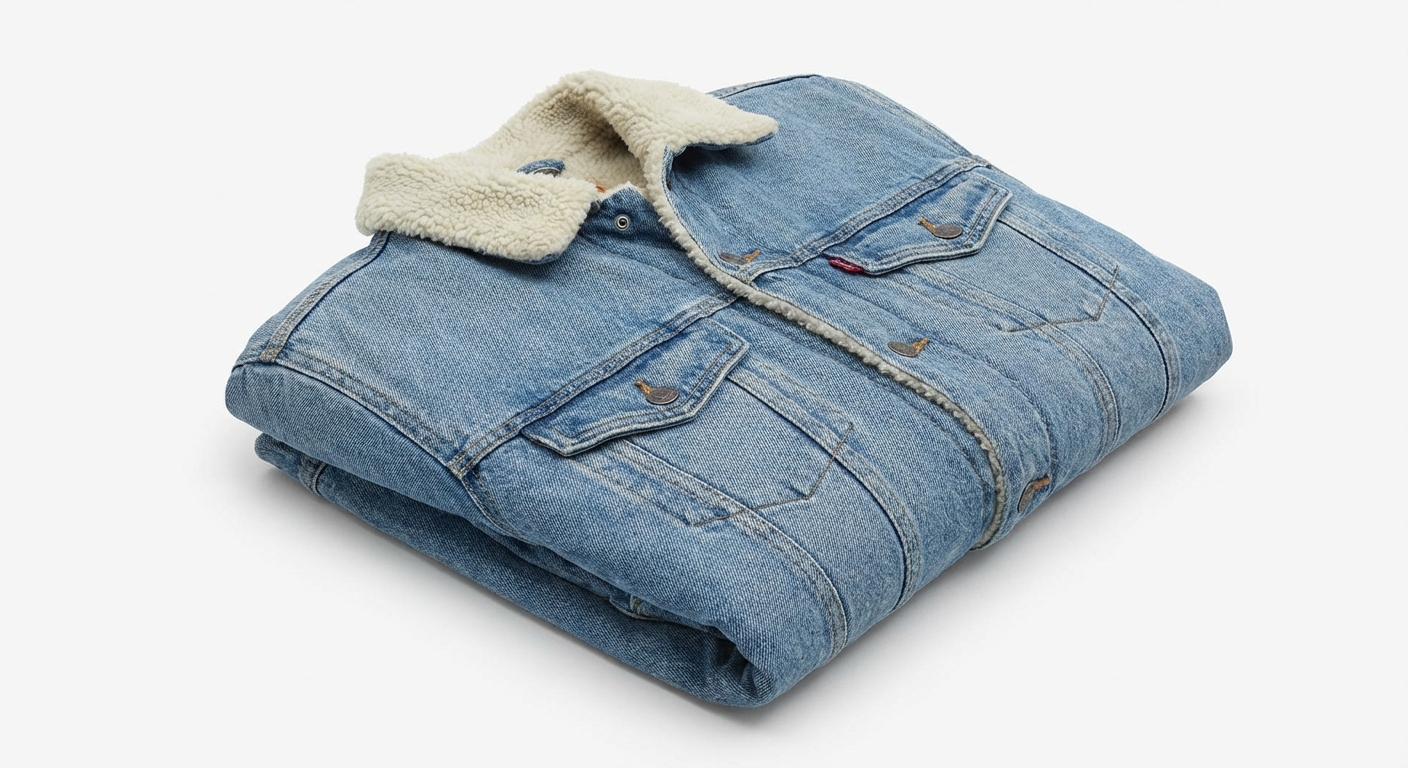
패션 및 의류
깔끔한 흰색 배경으로 의류와 액세서리를 선보이세요. 패션 브랜드와 의류 소매업체에 이상적입니다.
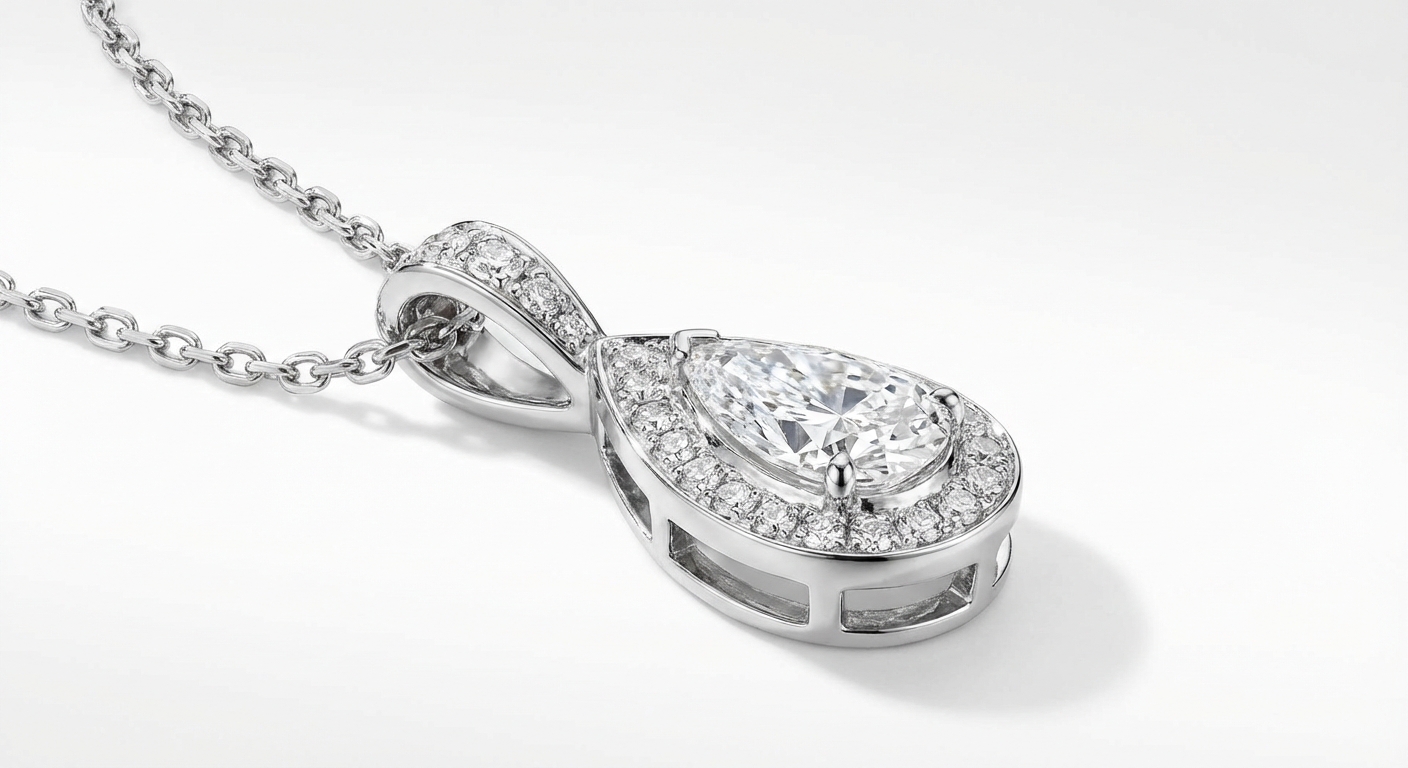
주얼리 및 액세서리
주얼리와 소형 액세서리의 디테일을 강조하세요. 흰색 배경이 귀중품을 빛나게 합니다.
How Nano Banana 2 Compares to Other White Background Tools
See how our AI white background tool stacks up against popular alternatives
Adding a clean white background to product photos is essential for e-commerce success. Here is how Nano Banana 2 White Background compares to the leading solutions available today.
Nano Banana 2 vs Remove.bg
Remove.bg excels at background removal but outputs transparent backgrounds by default — you still need to add a white background in a separate step. Free downloads are limited to low resolution (up to 0.25 megapixels). Nano Banana 2 provides a complete one-step solution: remove the background and add a pure white background in a single click, with full-resolution output included. Perfect for sellers who need marketplace-ready photos fast.
Nano Banana 2 vs PhotoRoom
PhotoRoom is a popular mobile-first solution for product photography with templates, batch processing, and built-in backgrounds. While powerful, it requires a Pro subscription ($12.99/month) for full features and is primarily designed for mobile workflows. Nano Banana 2 offers dedicated white background generation through a simple web interface at a fraction of the cost — upload, process, download, done.
Nano Banana 2 vs AutoClipping
AutoClipping provides batch background removal with white background options, targeting high-volume e-commerce sellers. However, its plans start at $14.99/month and the interface can be overwhelming for occasional users. Nano Banana 2 keeps it simple with pay-per-use pricing — no subscription, no minimum volume. Perfect for individual sellers or small businesses who need professional white backgrounds without committing to monthly fees.
Nano Banana 2 White Background is purpose-built for e-commerce sellers who need marketplace-compliant product photos. One click, full resolution, pure white background — no subscription required.
Tips & Best Practices for White Background Photos
Create professional product photos that meet marketplace standards with these expert tips
Photograph with Even, Diffused Lighting
Even lighting reduces harsh shadows and makes AI background removal more accurate. Use a lightbox, two soft light sources on either side, or photograph near a large window with diffused natural light. Avoid direct flash which creates hard shadows.
Center Your Product with Padding
Place your product in the center of the frame with adequate white space around all edges. This gives the AI clear boundaries for separation and ensures the final image meets marketplace requirements for padding and positioning.
Keep Consistent Image Dimensions
Use the same image dimensions across all your product listings for a professional, cohesive storefront. Most marketplaces recommend square images (1000x1000 or 2000x2000 pixels). Consistency builds brand trust.
Verify Pure White (RGB 255,255,255)
Amazon and other marketplaces require pure white backgrounds (RGB 255,255,255). Our AI generates exactly this. If you are editing further, ensure your white background stays pure — off-white tones can cause listing rejections.
Upload the Highest Resolution Available
Start with the highest resolution source photo you have. More pixels mean better edge detection around your product and a more professional final result. Aim for at least 1500px on the shortest side.
Know Your Platform's Image Requirements
Different platforms have different requirements. Amazon requires pure white backgrounds and 1000+ pixels. eBay recommends white backgrounds but allows others. Shopify is flexible. Process your photos according to where they will be listed.
Consider Adding a Subtle Drop Shadow
After creating your white background image, consider adding a subtle drop shadow in post-processing. A soft shadow under the product can make it appear more natural and three-dimensional on a white page.
Do a Final Quality Check on White
Before uploading to marketplaces, view your product image on a white webpage to check for any halo effects, missed edges, or color fringing around the product. Zoom to 100% and inspect critical areas like hair, transparent elements, or intricate details.
Need more than white backgrounds? Create lifestyle scenes, seasonal themes, and ad-ready product photos.
Explore More AI Tools
Discover our complete suite of AI photo editing tools
흰색 배경 FAQ
상품 사진에 흰색 배경 추가에 대해 알아야 할 모든 것
전문적인 상품 사진을 만들 준비가 되셨나요?
무료로 시작하세요. 신용카드가 필요 없습니다. 가입하고 즉시 5개의 무료 크레딧을 받으세요.
신용카드 필요 없음 • 무료 크레딧 5개 • 아마존, 이베이, 쇼피파이에 완벽
Powered by Nano Banana 2 — the free AI image generator by Google Gemini.