투명 배경 PNG 즉시 생성
배경을 제거하고 깨끗한 투명 PNG 파일을 얻으세요. 로고, 아이콘, 서명 및 그래픽 디자인에 완벽합니다. 무료로 시작.
이미지 업로드
드래그 앤 드롭 또는 클릭하여 업로드
JPG, PNG, WEBP • 최대 10MB
또는 예시 시도
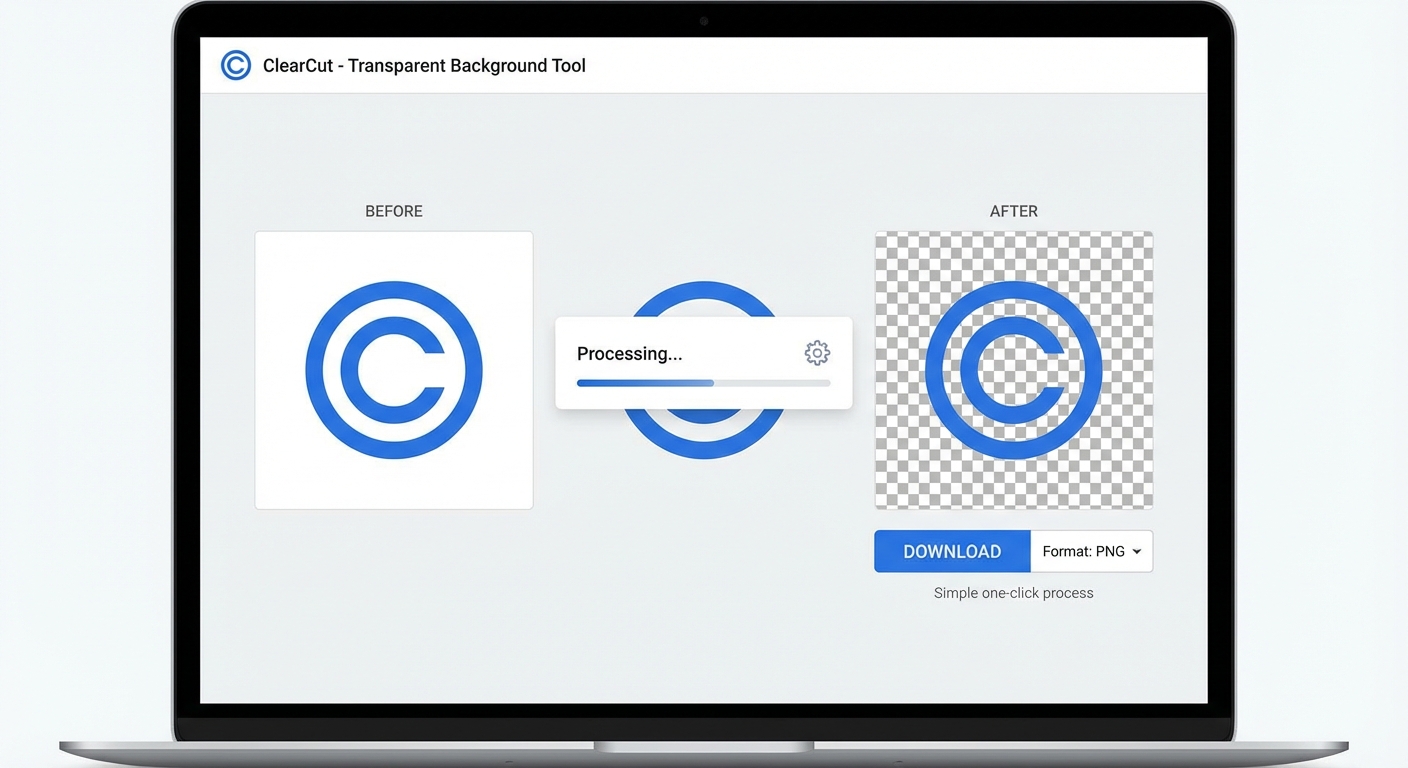
투명 PNG 만드는 방법
투명 배경 이미지를 얻기 위한 세 가지 간단한 단계
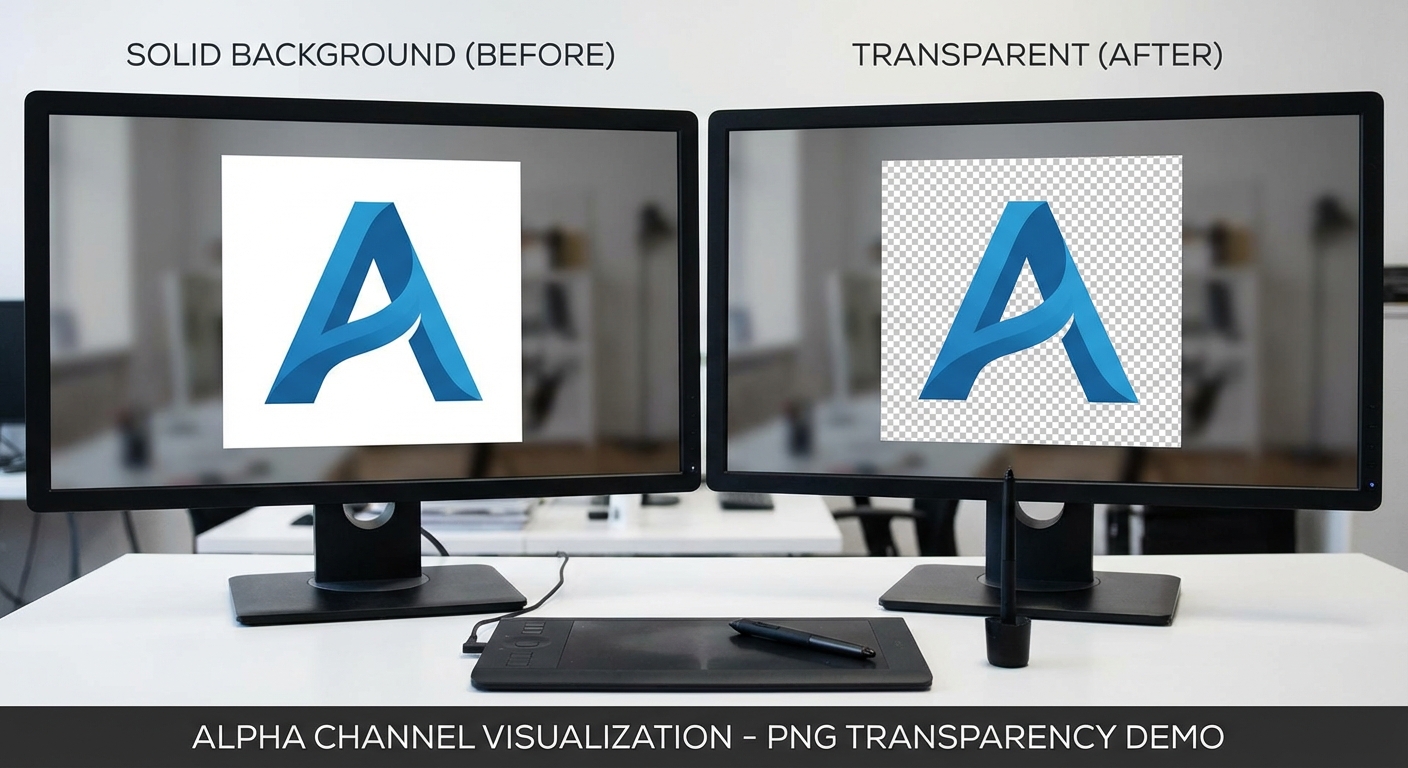
이미지 업로드
제거하려는 배경이 있는 이미지를 업로드하세요. JPG, PNG, WebP 형식, 최대 10MB를 지원합니다.
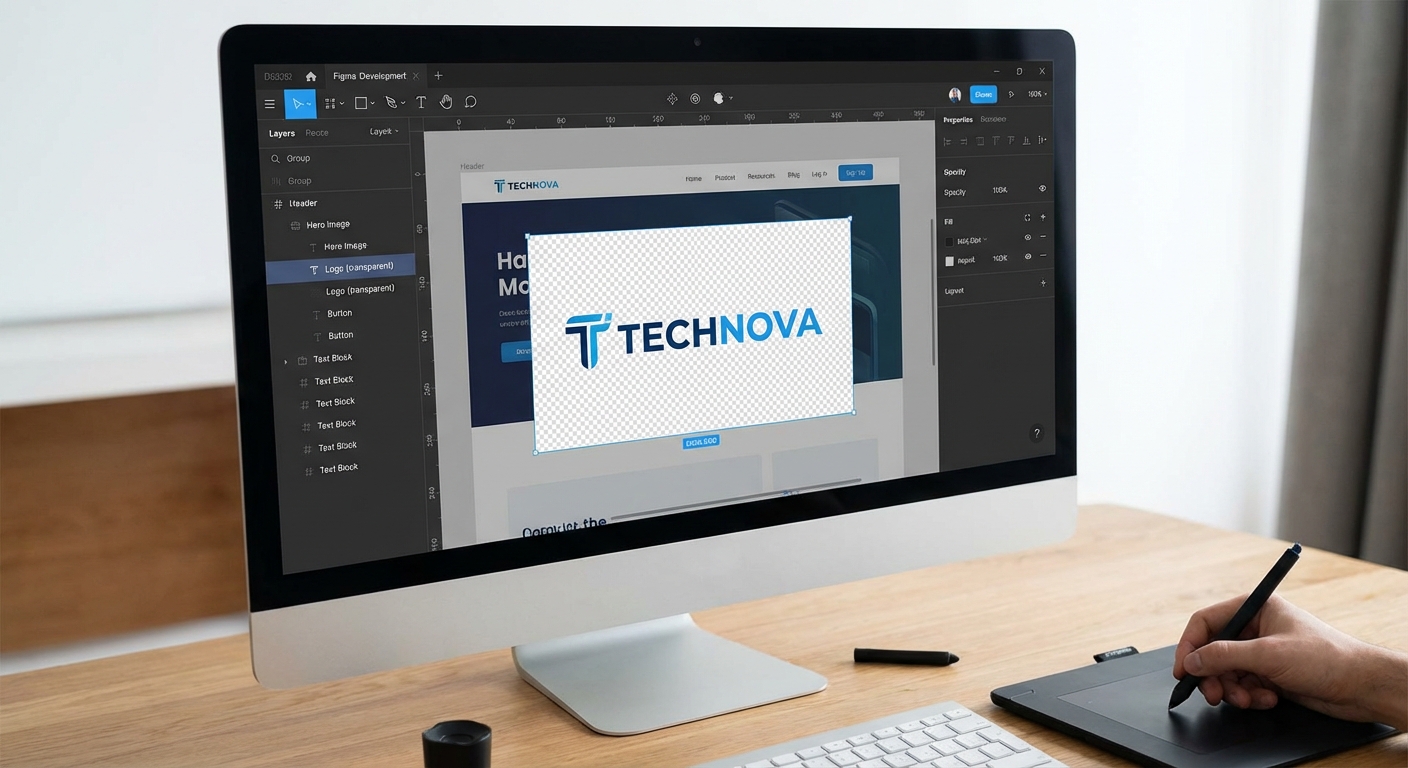
AI가 배경 제거
저희의 고급 AI가 즉시 피사체를 감지하고 배경을 제거하여 깨끗한 투명 영역을 만듭니다.
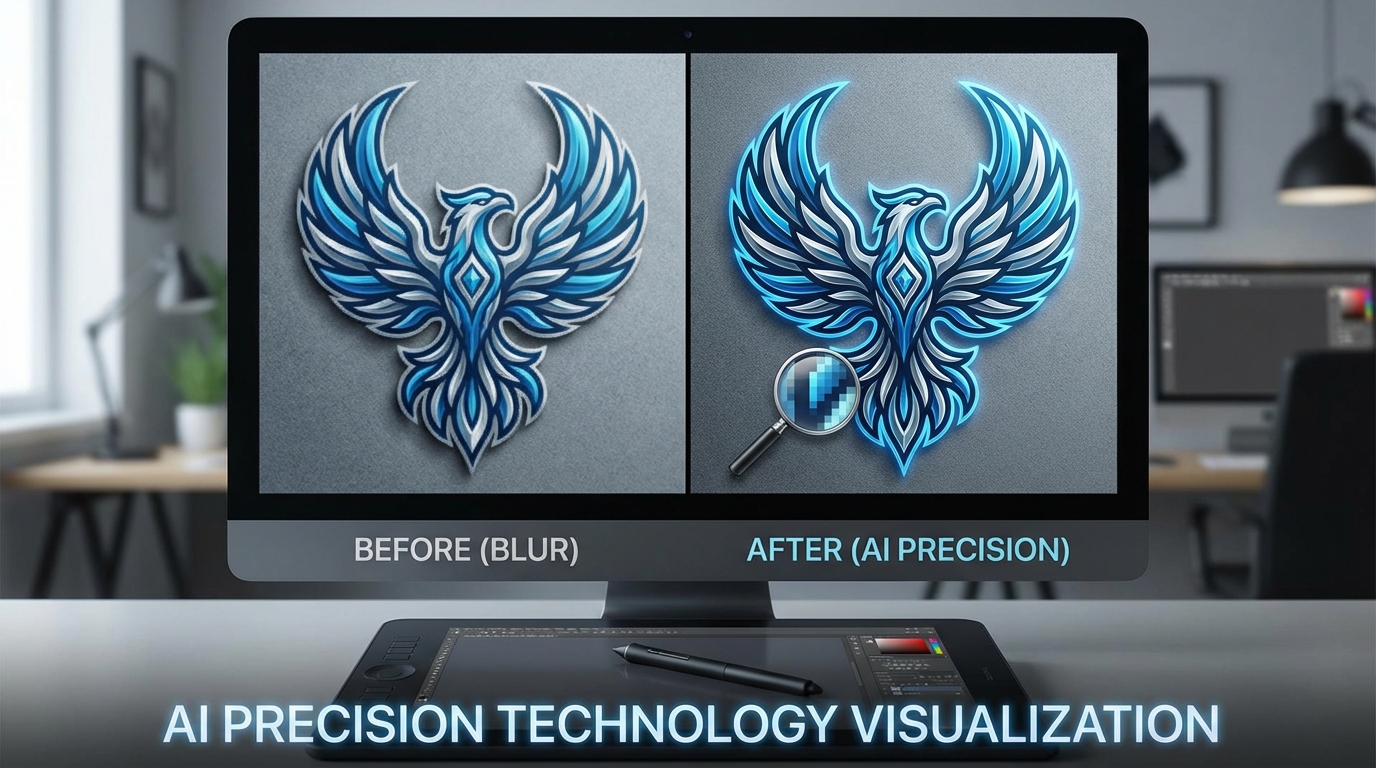
투명 PNG 다운로드
이미지를 완전한 투명도 지원이 있는 PNG 파일로 다운로드하세요. 모든 디자인 프로젝트에서 사용할 준비가 됩니다.
처리는 일반적으로 3-5초 소요됩니다
이런 용도에 완벽합니다
저희 투명 배경 도구는 디자이너, 개발자 및 크리에이터에게 이상적입니다
로고 디자인
어떤 배경색이나 이미지에도 눈에 보이는 가장자리 없이 배치할 수 있는 투명 로고 파일을 만드세요.
웹 개발
웹사이트 자산, 아이콘 및 원활하게 오버레이되는 UI 요소를 위한 투명 PNG를 생성하세요.
그래픽 디자인
Photoshop이나 Figma에서 합성, 레이어링 및 전문 디자인 만들기에 완벽합니다.
디지털 서명
손으로 쓴 서명을 전문 문서 서명을 위한 투명 PNG로 변환하세요.
이미지 오버레이
비디오 편집 및 모션 그래픽에서 완벽하게 레이어되는 투명 오버레이 및 요소를 만드세요.
스티커 & 데칼
완벽한 다이컷 인쇄를 위해 투명 배경이 있는 인쇄용 스티커를 디자인하세요.
How Nano Banana 2 Compares to Other Transparent Background Tools
See how our transparent background tool compares to popular alternatives
Creating transparent PNG files is essential for graphic design, web development, and branding. Here is how Nano Banana 2 Transparent Background compares to the most popular tools for this task.
Nano Banana 2 vs Remove.bg
Remove.bg is one of the most popular background removal tools and delivers reliable results for most photos. However, free downloads are limited to low resolution (up to 0.25 megapixels), and full-resolution output requires a subscription or credits ($1.99+ per image). Nano Banana 2 provides full-resolution transparent PNGs with every download and uses a more flexible credit system. Both tools handle people and product photos well, but Nano Banana 2 includes additional support for logos, signatures, and icons.
Nano Banana 2 vs Canva Background Remover
Canva's Background Remover is available exclusively to Canva Pro subscribers ($12.99/month). While Canva is an excellent all-in-one design platform, paying for a full Pro subscription just for transparent backgrounds is not cost-effective. Nano Banana 2 offers dedicated transparent background creation with a simple credit system — pay only for what you use. Our tool also preserves alpha channel quality better for professional design workflows.
Nano Banana 2 vs Clipping Magic
Clipping Magic offers manual fine-tuning tools for precise edge control and handles hair and fur well. Plans start at $3.99/month for 15 credits. While the manual editing tools are useful for complex images, most users do not need that level of control. Nano Banana 2 delivers clean, automated transparent backgrounds that are good enough for 95% of use cases — faster and simpler. When you need quick, reliable transparent PNGs, Nano Banana 2 gets the job done.
Nano Banana 2 Transparent Background is built for speed and quality. Get clean, full-resolution transparent PNGs in seconds — perfect for logos, icons, product images, and design assets. No subscription needed.
Tips & Best Practices for Transparent Backgrounds
Create perfect transparent PNG files with these expert tips
Always Download as PNG
PNG is the only common image format that supports transparency. Always download your result as PNG to preserve the transparent background. JPG does not support transparency and will fill transparent areas with white. If sharing on social media, note that some platforms convert PNGs to JPG.
Use High Contrast Between Subject and Background
The AI separates subjects more accurately when there is strong contrast between the subject and its background. A dark subject on a light background, or vice versa, produces the cleanest edges. Avoid photographing subjects against similarly colored backgrounds.
Start with High-Resolution Source Images
Higher resolution images provide the AI with more detail to work with, especially around fine edges like hair, fur, or intricate shapes. Upload the highest quality source image available for the best transparent cutout.
Check Edges at Full Zoom
After processing, zoom to 100% and inspect the edges of your subject. Look for any remaining background fringe, missed areas, or rough edges. Place the transparent image on a contrasting background in your viewer to spot any issues.
Photograph Against a Solid Color for Best Results
If you are taking new photos specifically for transparent backgrounds, use a solid-colored backdrop (green, blue, or white). This gives the AI the clearest possible signal for where the subject ends and the background begins.
Verify Alpha Channel in Your Design Tool
After downloading, open the PNG in your design tool (Figma, Photoshop, Canva) and verify the alpha channel is clean. A good transparent PNG should show a clean checkerboard pattern behind the subject with no white or colored fringing.
Optimize File Size for Web Use
Transparent PNGs can be large files. If using on websites, consider compressing the PNG with tools like TinyPNG or Squoosh. You can typically reduce file size by 50-70% without visible quality loss. For web, aim for under 500KB per image.
Test on Multiple Background Colors
Before using your transparent image, test it on different background colors — white, black, and a mid-tone. This reveals any edge artifacts or color fringing that might not be visible on just one background. A good cutout looks clean on any color.
Get transparent PNGs, then drop your product into any scene with our AI Product Studio.
Explore More AI Tools
Discover our complete suite of AI photo editing tools
자주 묻는 질문
투명 배경 만들기에 대해 알아야 할 모든 것
Part of the Nano Banana 2 toolkit — free AI image editing powered by Google Gemini.