Hapus Latar Belakang Gambar Gratis
Hapus latar belakang dari gambar apa pun secara instan dengan AI. Sempurna untuk foto produk, potret, dan lainnya. Dapatkan 5 kredit gratis!
Pilih Gambar
Seret dan lepas atau klik untuk mengunggah
JPG, PNG, WEBP • Maks 10MB
atau coba contoh

Hapus latar belakang dalam hitungan detik, bukan jam
Ucapkan selamat tinggal pada pengeditan manual yang membosankan. Penghapus latar belakang bertenaga AI kami secara otomatis mendeteksi subjek Anda dan menghapus latar belakang hanya dalam beberapa detik. Apa yang dulunya memakan waktu berjam-jam di Photoshop sekarang terjadi dengan satu klik. Baik Anda menyiapkan foto produk untuk toko online atau membuat konten untuk media sosial, dapatkan hasil profesional secara instan tanpa keterampilan desain.
Hapus latar belakang gratis
Tepi sempurna piksel, bahkan pada subjek kompleks
AI canggih kami menangani tepi yang paling rumit dengan presisi. Dari rambut yang mengalir hingga bulu yang halus, perhiasan yang rumit hingga detail halus—dapatkan potongan yang bersih dan alami setiap saat. Tidak ada lagi tepi kasar atau piksel latar belakang yang tersisa. AI secara cerdas mengidentifikasi batas antara subjek dan latar belakang Anda, memberikan hasil yang tampak diedit secara profesional.
Coba sekarang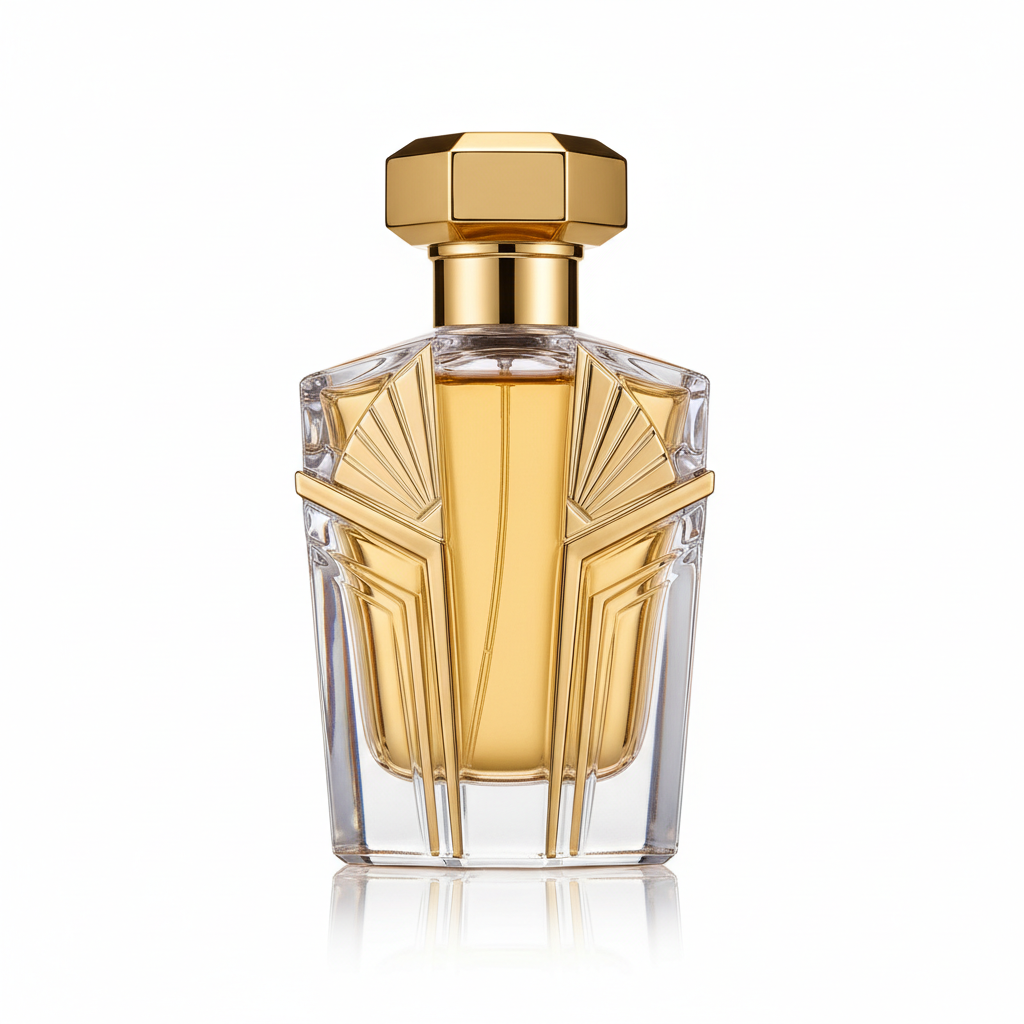
Transparan, putih, atau warna apa pun yang Anda butuhkan
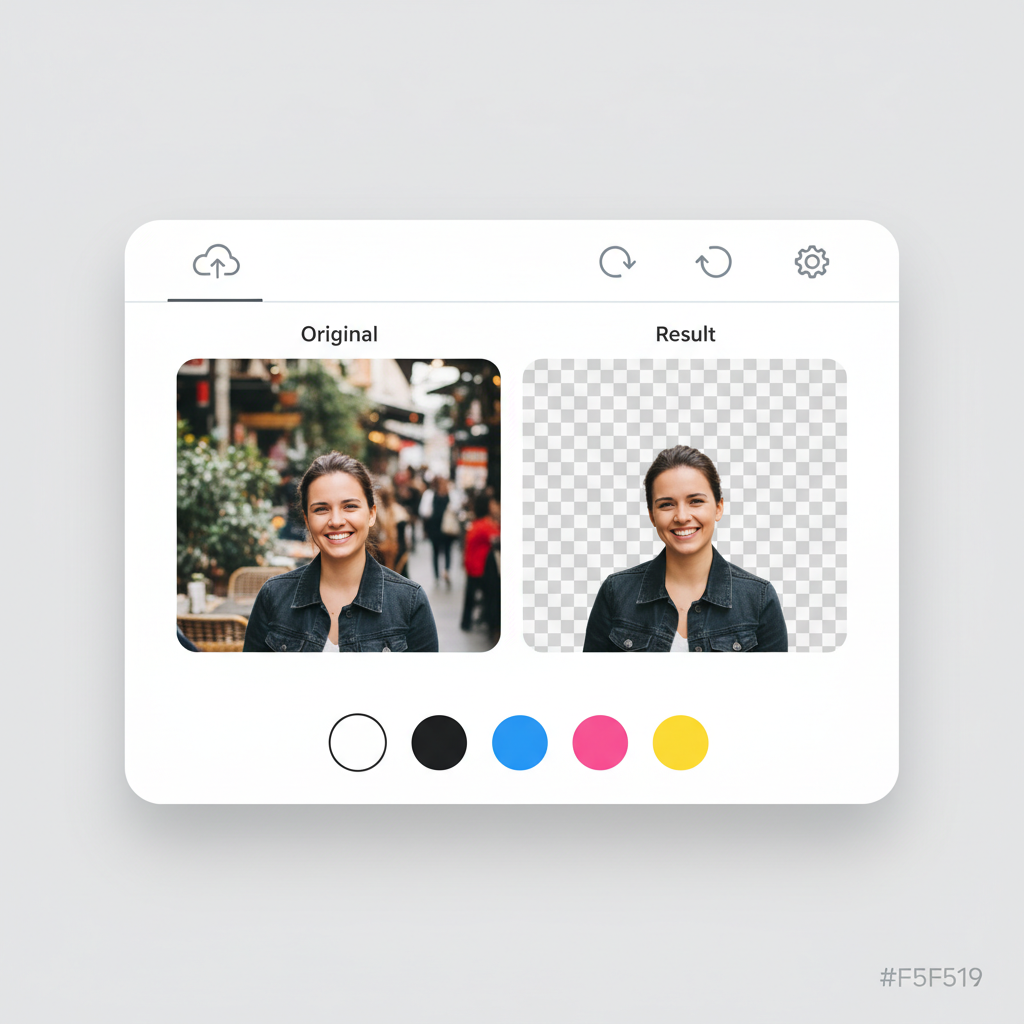
Dapatkan output yang tepat sesuai kebutuhan. Unduh dengan latar belakang transparan untuk fleksibilitas maksimum, atau pilih warna solid yang sesuai dengan merek atau persyaratan proyek Anda.
- Listing e-commerce yang memerlukan latar belakang putih
- Postingan media sosial dengan warna merek
- Proyek desain yang membutuhkan PNG transparan
- Foto profil profesional dengan latar belakang bersih
Hasil profesional, sepenuhnya gratis untuk memulai
Tidak ada langganan perangkat lunak yang mahal. Tidak ada kurva pembelajaran yang rumit. Cukup unggah gambar Anda dan biarkan AI kami melakukan pekerjaan berat. Daftar gratis dan dapatkan 5 kredit untuk merasakan keajaiban. Setiap penghapusan latar belakang hanya menggunakan 1 kredit. Ketika Anda menyukai hasilnya (dan Anda akan menyukainya), upgrade untuk lebih banyak kredit dan fitur.
Mulai gratisDipercaya oleh Ribuan Pengguna
Penghapus latar belakang kami digunakan oleh penjual e-commerce, desainer, dan pembuat konten di seluruh dunia
Deteksi subjek presisi
Kecepatan pemrosesan rata-rata
Dukungan untuk gambar besar
JPG, PNG, WEBP didukung
Bergabunglah dengan 10.000+ pengguna puas yang mempercayai penghapus latar belakang AI kami
Cara Kerjanya
Hapus latar belakang dalam 3 langkah sederhana
Unggah Gambar
Unggah foto Anda atau seret dan lepas. Mendukung JPG, PNG, dan WEBP hingga 10MB.
Pemrosesan AI
AI kami secara otomatis mendeteksi dan menghapus latar belakang dalam hitungan detik.
Unduh Hasil
Pilih warna latar belakang dan unduh dalam format PNG atau JPG.
Format yang Didukung
Ukuran file maksimum: 10MB
How Our AI Background Removal Technology Works
Our background removal tool uses a deep learning segmentation model trained on millions of images. The AI analyzes each pixel to classify it as foreground (the subject you want to keep) or background (what you want removed). Unlike simple color-based chroma key removal, our model understands object boundaries, depth, and context — which is why it handles complex scenarios like hair, glass, and shadows accurately. The entire process runs on cloud GPUs, delivering results in under 5 seconds regardless of image complexity.
Step 1: Unggah Gambar
Our system accepts JPG, PNG, and WebP images up to 10MB. When you upload, the image is sent securely to our processing servers. We automatically detect the image dimensions and color space to optimize processing. For best results, use well-lit images where the subject is clearly distinguishable from the background.
Step 2: Pemrosesan AI
The AI segmentation model runs on enterprise GPUs, analyzing every pixel in your image. It creates a precise mask that separates the foreground subject from the background. The model handles challenging edges like hair strands, semi-transparent objects, and complex outlines with pixel-level accuracy. Processing typically takes 2-5 seconds.
Step 3: Unduh Hasil
Once the background is removed, you can choose a transparent background (PNG), or apply white, black, or any custom color. Download your result in PNG format for transparency support, or JPG for smaller file sizes. The original image quality is fully preserved in the foreground subject.
Sempurna untuk Setiap Kebutuhan
Dari e-commerce hingga media sosial, penghapus latar belakang kami berfungsi untuk semua proyek Anda
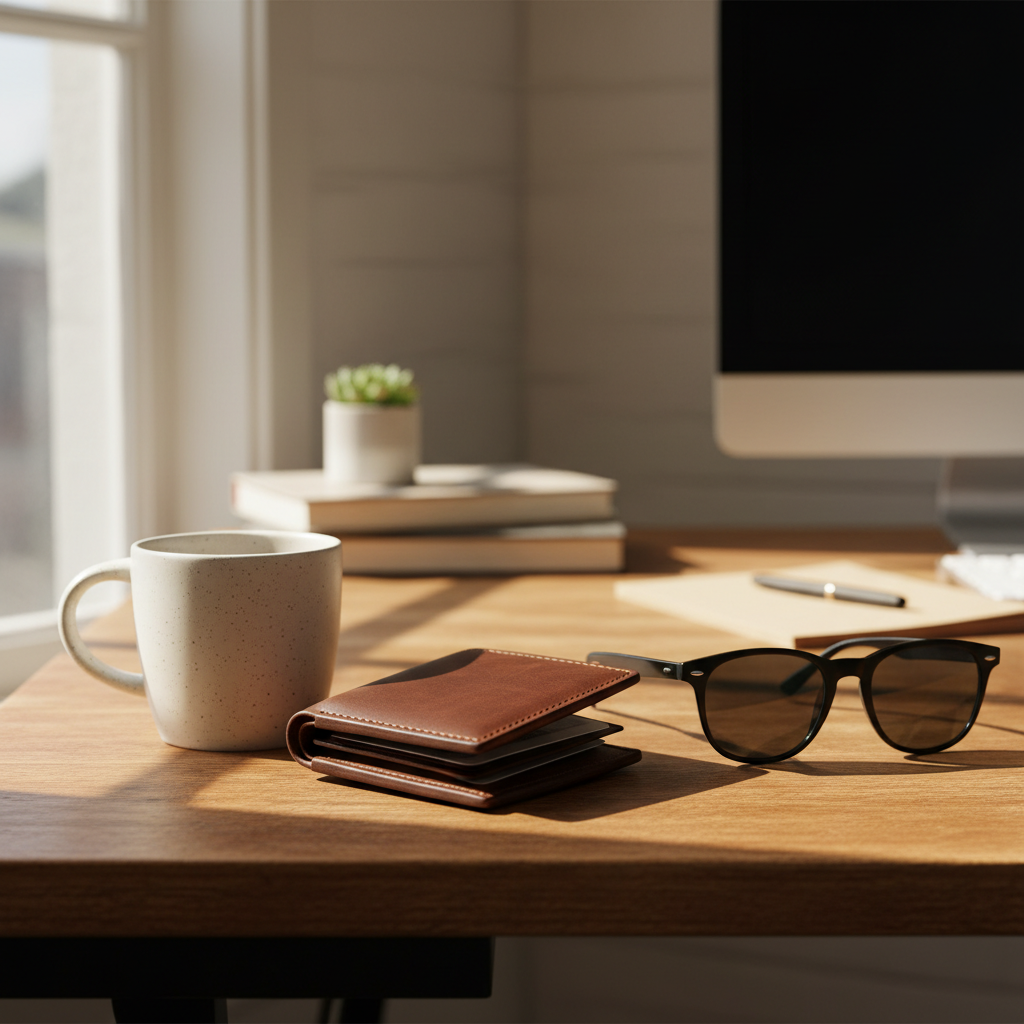
Produk E-commerce
Buat latar belakang putih bersih untuk marketplace seperti Amazon, Tokopedia, dan Shopee. Penuhi persyaratan marketplace dan tingkatkan tingkat konversi.

Potret & Foto Profil
Foto profil profesional dan foto ID dalam hitungan detik. Sempurna untuk LinkedIn, resume, dan kartu nama.
Logo & Grafis
Buat logo transparan untuk proyek apa pun. Sempurna untuk branding, materi pemasaran, dan desain web.

Konten Media Sosial
Postingan menarik dengan latar belakang kustom untuk Instagram, TikTok, Facebook, dan lainnya.

Hewan Peliharaan
Deteksi bulu dan rambut yang presisi untuk potongan sempurna. Buat potret hewan peliharaan yang menggemaskan.
Objek & Barang
Isolasi objek apa pun untuk proyek kreatif, presentasi, atau listing online.
Marketing Materials
Create professional flyers, banners, and ad creatives with clean cutouts. Place products and people on branded backgrounds for consistent marketing campaigns.
Real Estate Listings
Remove distracting backgrounds from property interior shots, furniture images, and staging photos. Create clean, professional real estate marketing materials.
Education & Presentations
Prepare clean images for slides, worksheets, and educational materials. Remove backgrounds from diagrams, photos, and illustrations for cleaner presentations.
Print-on-Demand Products
Isolate designs for t-shirts, mugs, phone cases, and other merchandise. Get transparent PNGs ready for print-on-demand platforms like Printful and Redbubble.
How Nano Banana 2 Compares to Other Background Removers
See how our AI stacks up against popular background removal tools
There are many background removal tools available, each with different strengths. Here is how Nano Banana 2 Background Remover compares to the most popular alternatives.
Nano Banana 2 vs Remove.bg
Remove.bg is one of the most well-known background removal tools and delivers good quality results. However, it limits free downloads to low resolution (up to 0.25 megapixels) and requires a subscription for full-resolution output. Nano Banana 2 provides full-resolution downloads from the start with a pay-as-you-go credit system — no subscription needed. Both tools offer comparable AI accuracy for most subjects, but Nano Banana 2 includes custom background color selection at no extra cost.
Nano Banana 2 vs Canva Background Remover
Canva offers background removal as part of its Pro subscription (2.99/month). While Canva is excellent as an all-in-one design tool, its background remover is just one feature among many. If you only need background removal, paying for a full Canva Pro subscription may not be cost-effective. Nano Banana 2 offers dedicated, high-quality background removal with a simple credit system, making it more affordable for users who specifically need this capability.
Nano Banana 2 vs PhotoRoom
PhotoRoom specializes in product photography and includes background removal, templates, and batch processing. It is a strong choice for e-commerce sellers who need a complete product photo editing suite. Nano Banana 2 focuses specifically on delivering the best possible background removal results with maximum flexibility — transparent, white, or custom color backgrounds with full-resolution output. For users who want a simple, fast, and affordable background removal tool without a monthly subscription, Nano Banana 2 is the better choice.
Nano Banana 2 Background Remover is designed for users who want professional-quality background removal without the commitment of a monthly subscription. Our credit-based pricing means you only pay for what you use, and every download is full resolution.
Tips & Best Practices for Background Removal
Get the best results from our AI background remover with these expert tips
Use Good Lighting
Well-lit images produce the cleanest results. Natural daylight or studio lighting helps the AI distinguish between the subject and background more accurately. Avoid heavy shadows that blend the subject with the background.
Ensure Subject-Background Contrast
The AI works best when there is clear visual contrast between your subject and the background. A dark subject on a dark background will be harder to separate than a dark subject on a light background.
Upload High-Resolution Images
Higher resolution images give the AI more pixel data to work with, especially around fine details like hair and edges. Start with the highest quality image available for the best output.
Simpler Backgrounds Work Best
While our AI handles complex backgrounds well, simpler, less cluttered backgrounds produce the cleanest results. If possible, photograph subjects against a plain or relatively uniform background.
Choose PNG for Transparency
Always download as PNG if you need a transparent background. JPG does not support transparency, so the transparent areas will appear white in JPG downloads. Use PNG when you plan to place the subject on a different background later.
Center Your Product in the Frame
For e-commerce product photos, center the product in the image and leave some padding around the edges. This gives the AI clear boundaries and makes the final image look more professional on marketplace listings.
Set Up an Efficient Workflow
For multiple images, keep the tool tab open and process images one after another. Each removal takes under 5 seconds, so you can process dozens of images in minutes. Download each result immediately for the fastest workflow.
Zoom In to Check Edges
After removal, zoom into the edges of your subject to verify the AI captured fine details correctly. Pay special attention to areas like hair, transparent objects, and areas where the subject color is similar to the background.
Remove backgrounds, then reimagine them. Place your product in trending lifestyle scenes with AI.
Explore More AI Tools
Discover our complete suite of AI photo editing tools
Pertanyaan yang Sering Diajukan
Semua yang perlu Anda ketahui tentang penghapus latar belakang kami
Siap menghapus latar belakang?
Mulai gratis. Tidak perlu kartu kredit. Daftar dan dapatkan 5 kredit gratis secara instan.
Tidak perlu kartu kredit • 5 kredit gratis • Upgrade kapan saja
Part of the Nano Banana 2 suite — free AI image tools powered by Google Gemini.