
Tingkatkan Kualitas Foto Secara Instan dengan AI
Ubah foto buram dan beresolusi rendah menjadi gambar tajam dan jernih dalam hitungan detik. Gratis untuk memulai, tidak perlu keahlian desain.
Pilih Gambar
Seret dan lepas atau klik untuk mengunggah
JPG, PNG, WEBP • Maks 10MB
atau coba contoh
Opsi Peningkatan
Didukung oleh GFPGAN untuk fitur wajah yang lebih tajam
Mengapa Memilih Photo Enhancer Kami?
Peningkatan gambar bertenaga AI profesional dengan teknologi terkini
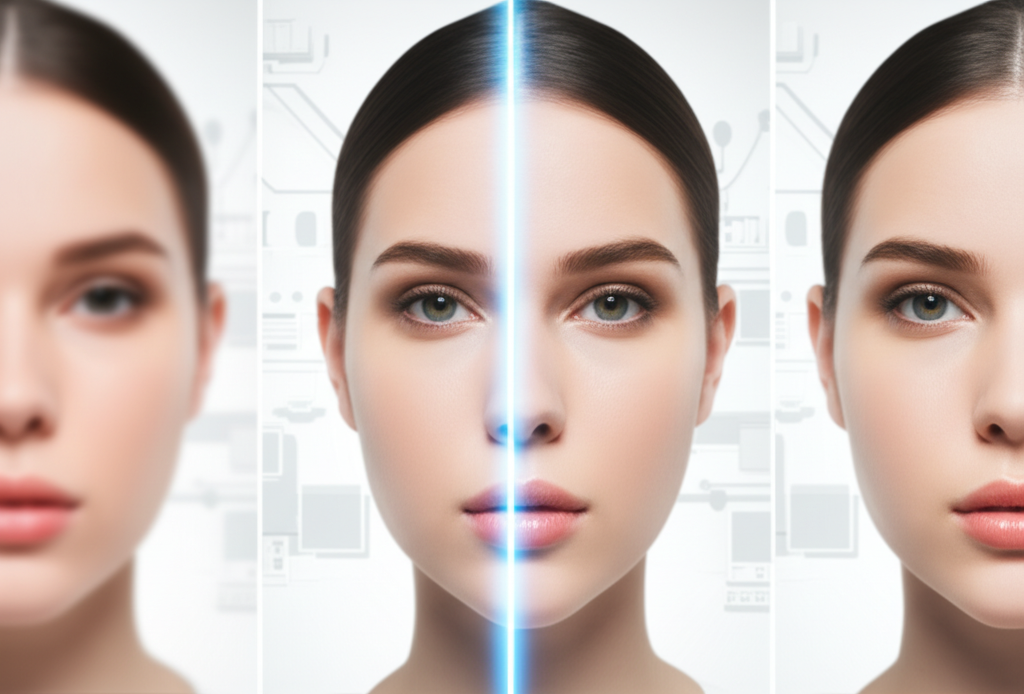
Peningkatan bertenaga AI yang benar-benar berfungsi
AI canggih kami tidak hanya mempertajam gambar—ia secara cerdas merekonstruksi detail, mengurangi noise, dan meningkatkan kejernihan. Menggunakan teknologi Real-ESRGAN terkini yang dilatih dengan jutaan gambar, kami memulihkan yang hilang dan memunculkan detail yang tidak Anda ketahui ada. Baik itu foto keluarga lama atau tangkapan layar dari ponsel, saksikan berubah menjadi mahakarya yang jernih.
Tingkatkan foto gratis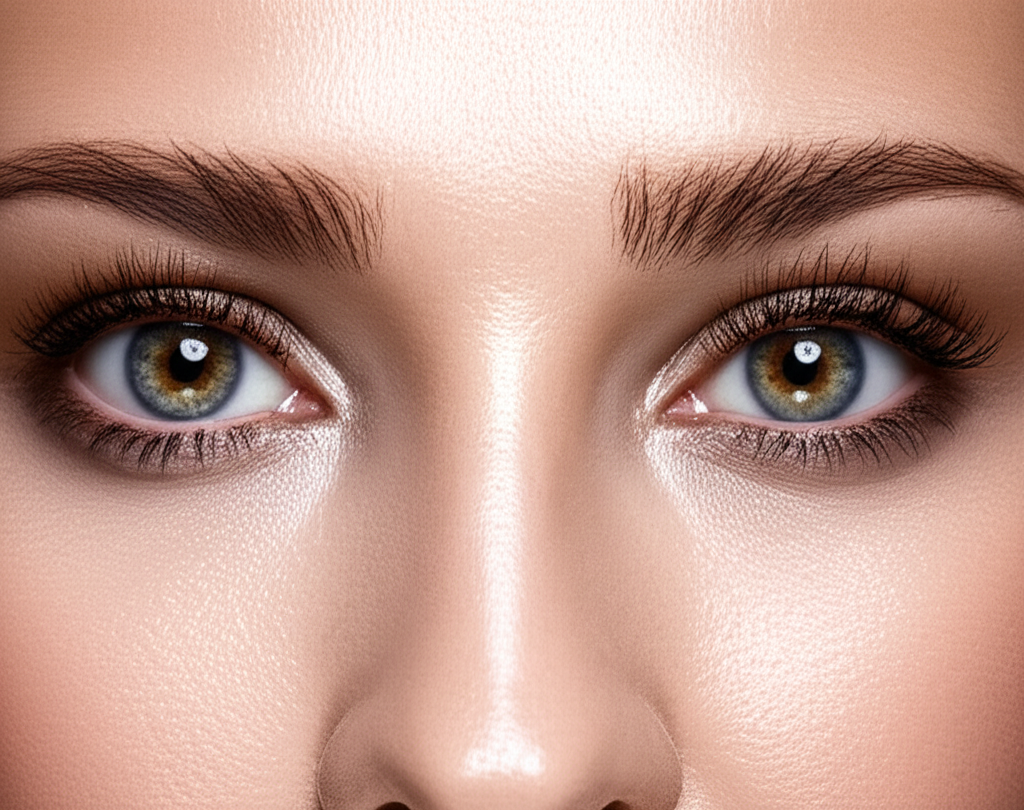
Peningkatan wajah yang menjaga kecantikan alami
Didukung oleh teknologi GFPGAN, penambah wajah kami secara khusus menargetkan fitur wajah untuk hasil yang memukau. Mata menjadi lebih tajam, tekstur kulit membaik secara alami, dan ekspresi tetap autentik. Sempurna untuk potret, selfie, foto grup, dan foto keluarga lama yang membutuhkan perhatian ekstra pada wajah. AI tahu perbedaan antara meningkatkan dan memproses berlebihan—foto Anda tetap nyata, hanya lebih baik.
Coba peningkatan wajah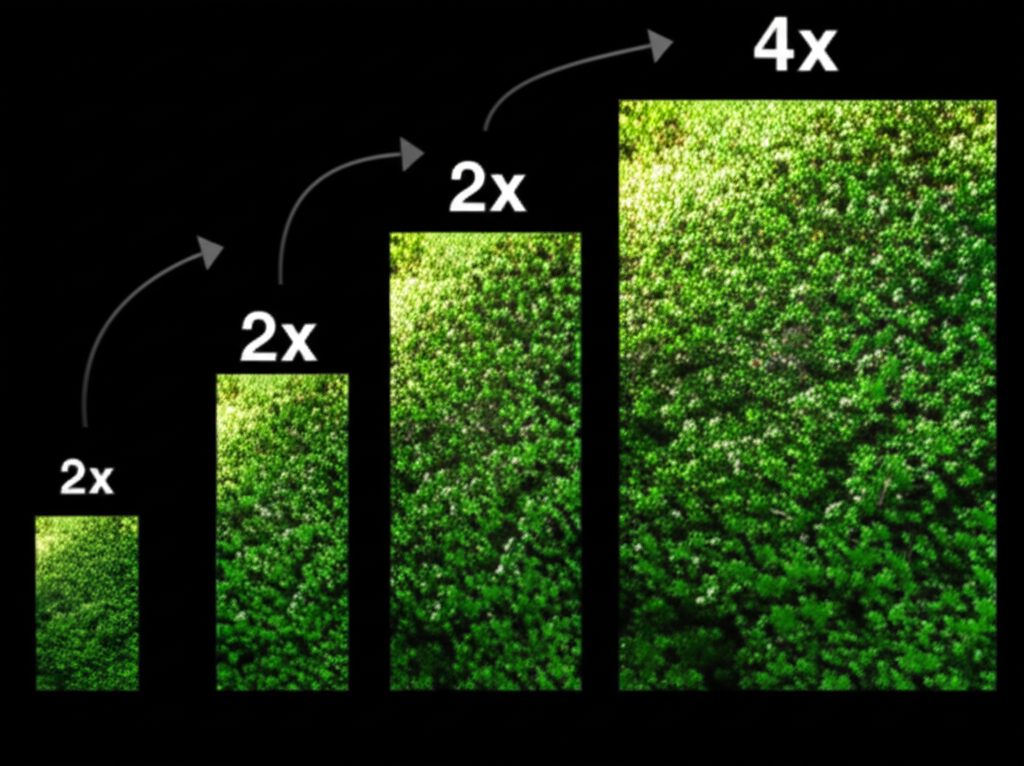
Perbesaran 2x atau 4x—Anda yang pilih
Butuh peningkatan cepat? Peningkatan 2x menggandakan resolusi sambil menjaga pemrosesan tetap cepat. Ingin detail maksimum? Perbesaran 4x melipatgandakan ukuran gambar, sempurna untuk cetak atau tampilan besar.
- 2x: Pemrosesan cepat (~12d), ideal untuk media sosial
- 4x: Detail maksimum (~25d), sempurna untuk cetak
- Tanpa kehilangan kualitas—AI mengisi detail yang hilang
- Berfungsi untuk gambar ukuran apa pun hingga 10MB
Bayar hanya untuk yang Anda gunakan—tanpa langganan
Bosan dengan langganan bulanan yang jarang digunakan? Kami mengerti. Itulah mengapa Nano Banana 2 menggunakan sistem kredit sederhana. Daftar gratis dan dapatkan 5 kredit untuk memulai. Setiap peningkatan hanya menggunakan 2-3 kredit. Saat Anda butuh lebih, beli sesuai kebutuhan—tanpa biaya berulang, tanpa komitmen. Peningkatan foto yang menghargai dompet Anda.
Mulai gratisPeningkatan Foto Terpercaya
Photo enhancer kami menggunakan AI terkini untuk hasil profesional
Peningkatan cepat
Skala fleksibel
Presisi bertenaga AI
5 kredit termasuk
Cara Meningkatkan Kualitas Foto dalam 3 Langkah
Ubah foto apa pun menjadi gambar tajam beresolusi tinggi
Unggah Foto Anda
Unggah gambar JPG, PNG, atau WebP apa pun hingga 10MB. Seret dan lepas atau klik untuk menjelajah.
Pilih Pengaturan Anda
Pilih perbesaran 2x atau 4x, dan aktifkan atau nonaktifkan peningkatan wajah berdasarkan foto Anda.
Unduh Foto yang Ditingkatkan
Dapatkan gambar jernih Anda dalam hitungan detik. Unduh dalam format PNG atau JPG.
Format yang Didukung
Ukuran file maksimum: 10MB. Tersedia unduhan dalam format PNG atau JPG.
The Science Behind AI Photo Enhancement
Our photo enhancer uses Real-ESRGAN (Real-Enhanced Super-Resolution Generative Adversarial Network), one of the most advanced AI super-resolution models available. The model was trained on millions of real-world photo pairs at different resolutions, allowing it to learn natural textures, edges, and photographic patterns. When you enhance a photo, the AI does not simply enlarge pixels — it intelligently reconstructs missing detail by predicting what should be there based on the surrounding context. For portraits, optional GFPGAN (Generative Facial Prior GAN) technology specifically restores facial features with remarkable fidelity, producing sharper eyes, smoother skin textures, and more natural-looking expressions.
Step 1: Unggah Foto Anda
Upload any photo in JPG, PNG, or WebP format up to 10MB. The system detects image properties including dimensions, color space, and whether faces are present. Higher resolution source photos produce better enhanced results, but the AI handles low-resolution inputs remarkably well too.
Step 2: Pilih Pengaturan Anda
Choose 2x enhancement to double your resolution (ideal for web and social media) or 4x to quadruple it (ideal for printing and large displays). If your photo contains people, enable face enhancement to activate GFPGAN — this specifically targets and improves facial features without over-processing the rest of the image.
Step 3: Unduh Foto yang Ditingkatkan
Compare the original and enhanced versions side by side before downloading. Save as PNG for maximum quality and lossless output, or JPG for smaller file sizes. All downloads are full resolution with no watermarks or quality restrictions.
Kasus Penggunaan Photo Enhancer
Dari kenangan lama hingga foto profesional, tingkatkan gambar apa pun dengan AI
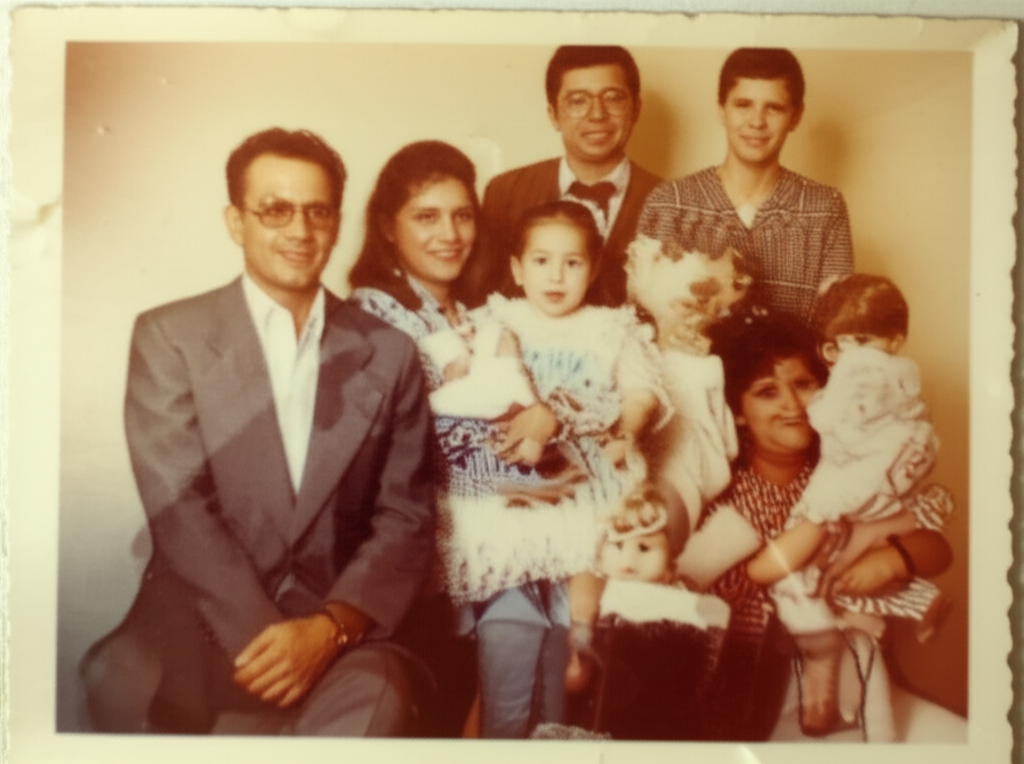
Restorasi Foto Lama
Kembalikan kejernihan pada kenangan berharga dan foto vintage. Pulihkan detail yang pudar dan pertajam gambar buram.
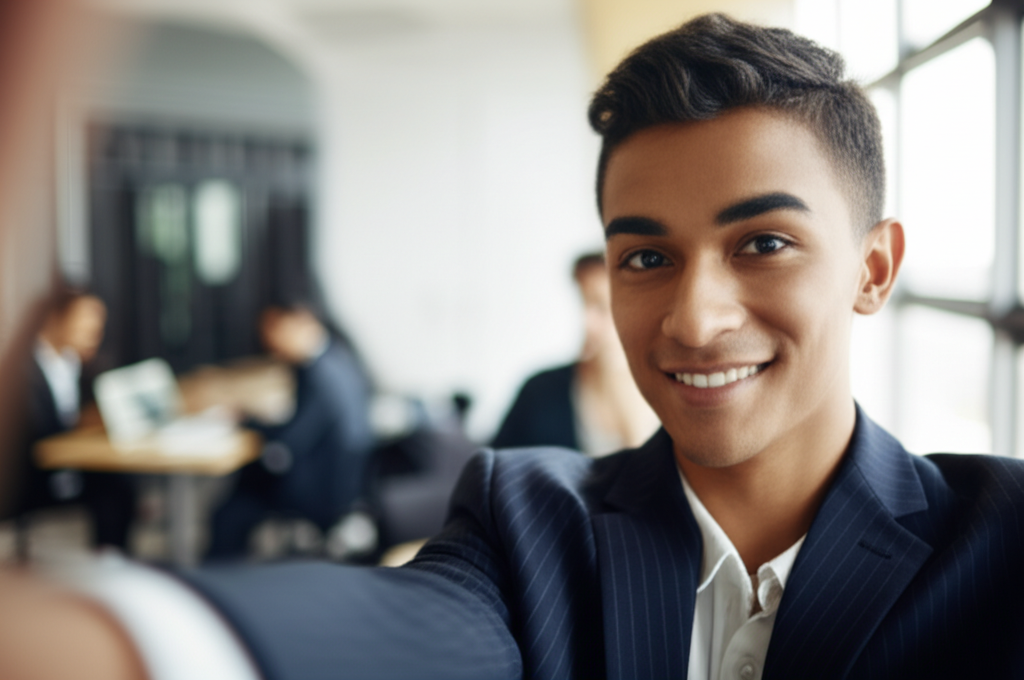
Peningkatan Potret
Pertajam selfie dan foto kepala profesional dengan AI. Dapatkan potret berkualitas studio dari foto apa pun.
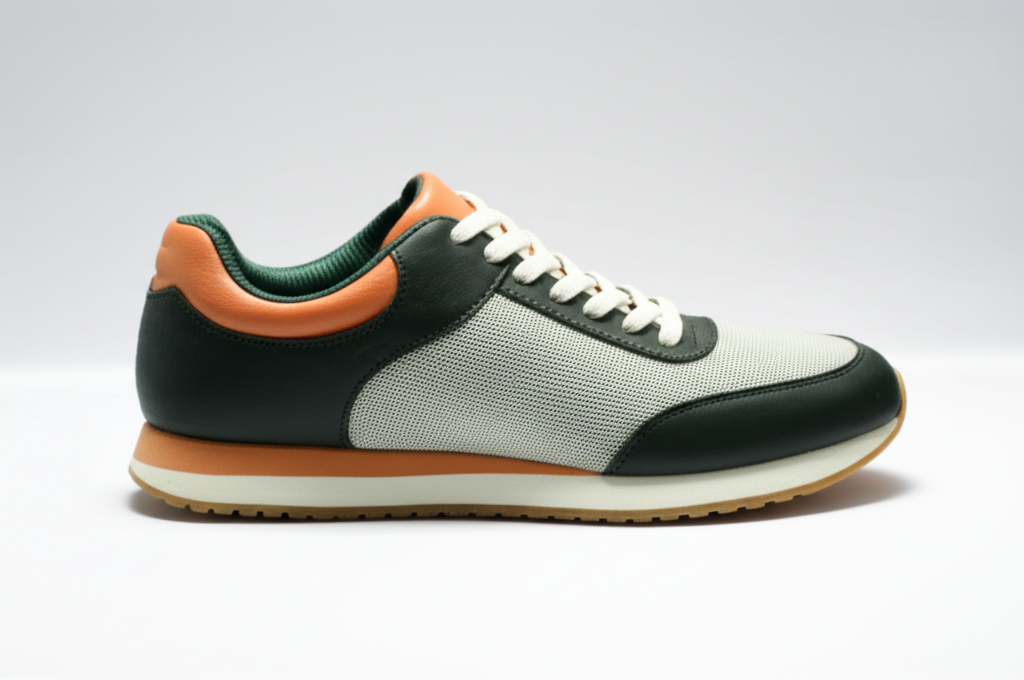
Fotografi Produk
Gambar produk yang tajam dan detail yang menjual. Sempurna untuk e-commerce dan toko online.
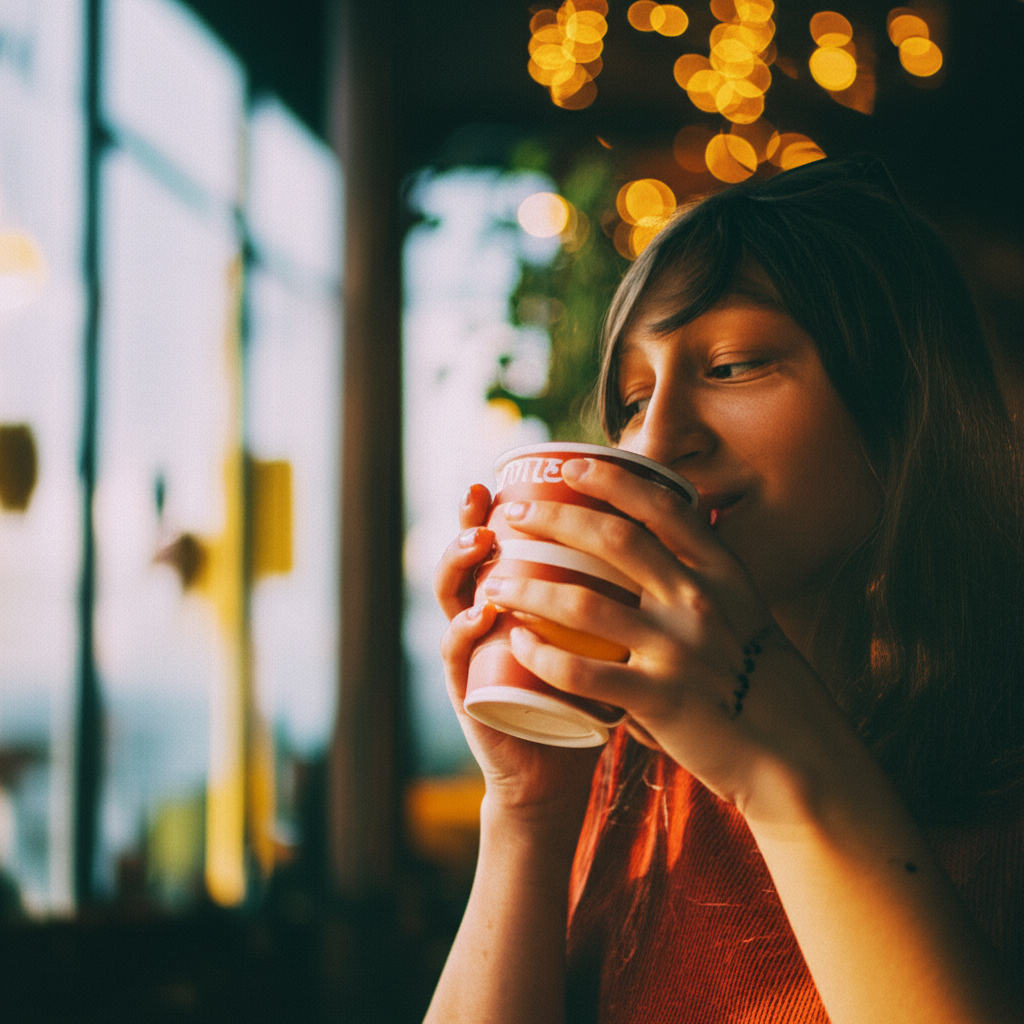
Konten Media Sosial
Postingan berkualitas HD yang menonjol di feed. Buat konten Anda terlihat profesional.

Peningkatan Screenshot
Ubah screenshot berpiksel menjadi gambar jernih. Sempurna untuk tutorial dan presentasi.
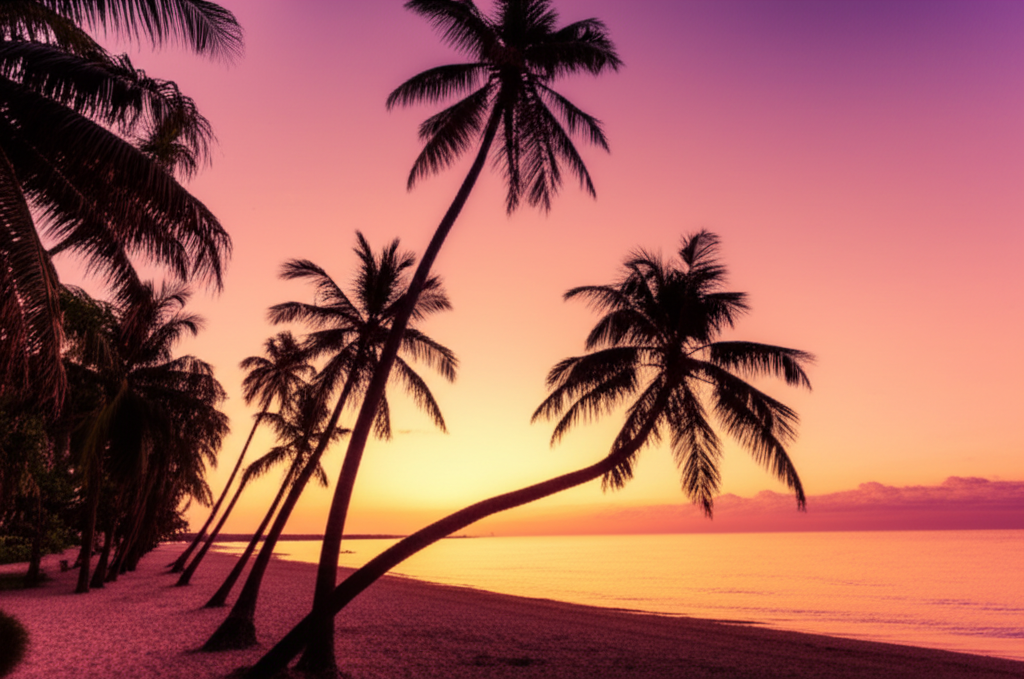
Foto Lanskap
Ungkap detail tersembunyi dalam fotografi alam. Buat foto perjalanan Anda memukau.
Wedding & Event Photos
Enhance group shots, candid moments, and ceremony photos. Sharpen faces in crowd photos and bring out details in dimly lit reception images.
Real Estate Listings
Sharpen property photos for listings and virtual tours. Make interior shots look crisp and professional to attract more buyers.
Food Photography
Enhance food photos for menus, delivery apps, and social media. Bring out textures, colors, and details that make dishes look irresistible.
Document & ID Photos
Improve clarity of scanned IDs, certificates, and documents. Sharpen text and photo elements on identification cards and official documents.
How Nano Banana 2 Compares to Other Photo Enhancers
See how our AI photo enhancement compares to popular alternatives
AI photo enhancement has become widely accessible, but the tools differ significantly in quality, pricing, and ease of use. Here is an honest comparison of Nano Banana 2 Photo Enhancer against the most popular alternatives.
Nano Banana 2 vs Remini
Remini is a popular mobile app primarily focused on face enhancement and old photo restoration. It delivers impressive results for facial features, particularly on severely degraded old photos. However, Remini requires a subscription ($9.99/week or $39.99/year) for unlimited use and processes images through a mobile app only. Nano Banana 2 uses the same caliber of AI technology (Real-ESRGAN + GFPGAN) accessible through any web browser — desktop or mobile — with a more affordable pay-as-you-go pricing model.
Nano Banana 2 vs Fotor
Fotor is an all-in-one photo editor that includes an AI enhancer among many other editing tools. Its enhancement feature is decent but not its primary focus, meaning it may not match the output quality of dedicated enhancement tools. Fotor Pro costs $8.99/month for full access. Nano Banana 2 is purpose-built for photo enhancement, delivering higher quality results with Real-ESRGAN technology. Our credit-based pricing means you only pay for enhancements you actually use.
Nano Banana 2 vs Adobe Enhance
Adobe offers AI enhancement through Photoshop (Super Resolution) and Lightroom (Enhance Details). These are powerful tools backed by Adobe Sensei AI, but they require an Adobe Creative Cloud subscription ($20.99/month for Photoshop or $9.99/month for Lightroom). For users who only need photo enhancement without a full editing suite, Nano Banana 2 provides comparable AI upscaling quality through a simple browser interface at a fraction of the cost.
Nano Banana 2 Photo Enhancer delivers professional-grade AI enhancement using Real-ESRGAN and GFPGAN through an accessible web interface. With pay-as-you-go pricing and no subscription required, it is the smart choice for anyone who needs high-quality photo enhancement without the overhead of expensive software suites.
Tips & Best Practices for Photo Enhancement
Get the most out of AI photo enhancement with these practical tips
Use the Best Available Source
Start with the highest quality version of your photo. If you have the original file from your camera or phone, use it instead of a version that has been shared via social media or messaging apps, which often compress images significantly.
Toggle Face Enhancement Wisely
Enable face enhancement only when your photo actually contains faces. For landscapes, products, and non-portrait images, leaving it off produces cleaner results and avoids the AI looking for facial patterns where none exist.
Restoring Old Photos
For old or vintage photos, use 4x enhancement with face enhancement enabled. The AI excels at recovering detail from faded, yellowed, and slightly damaged photographs. For severely damaged photos with tears or stains, consider cleaning those up in an editor before enhancing.
Match Enhancement to Your Needs
Use 2x for photos destined for social media, web galleries, or screen viewing. Use 4x for photos you plan to print, frame, or display on large screens. Over-enhancing a photo that will only be viewed at small sizes wastes credits without visible benefit.
Choose the Right Download Format
Download as PNG when quality is the priority — for printing, archiving, or further editing. Download as JPG when you need smaller files for web uploads, email, or social media. PNG files are larger but preserve every detail the AI generated.
Enhancing Product Photography
For e-commerce product images, 2x enhancement is usually sufficient to produce sharp, detailed listings. Make sure your original photo is well-lit and in focus — the AI enhances detail but cannot fix fundamentally out-of-focus images.
Getting the Best Portrait Results
For portraits and selfies, always enable face enhancement. The GFPGAN model specifically improves eye clarity, skin texture, and facial expressions. Results look most natural when the original photo has the face clearly visible and reasonably well-lit.
Always Preview Before Downloading
Use the before-and-after comparison to inspect your enhanced photo at full zoom before downloading. Check facial details, text readability, and edge sharpness to make sure the result meets your needs.
Enhance your photos, then transform them into scroll-stopping e-commerce visuals.
Explore More AI Tools
Discover our complete suite of AI photo editing tools
FAQ Photo Enhancer
Semua yang perlu Anda ketahui tentang meningkatkan foto dengan AI
Siap meningkatkan foto Anda?
Mulai gratis. Tidak perlu kartu kredit. Daftar dan dapatkan 5 kredit gratis secara instan.
Tidak perlu kartu kredit • 5 kredit gratis • Upgrade kapan saja
Powered by Nano Banana 2 — enhance any photo with Google Gemini AI.