Tambahkan Background Putih ke Foto Produk
Buat foto produk profesional dengan background putih bersih. Sempurna untuk Amazon, eBay, Shopify, dan semua platform e-commerce.
Unggah Gambar Produk
Seret dan lepas atau klik untuk mengunggah
JPG, PNG, WEBP • Maks 10MB
atau coba contoh
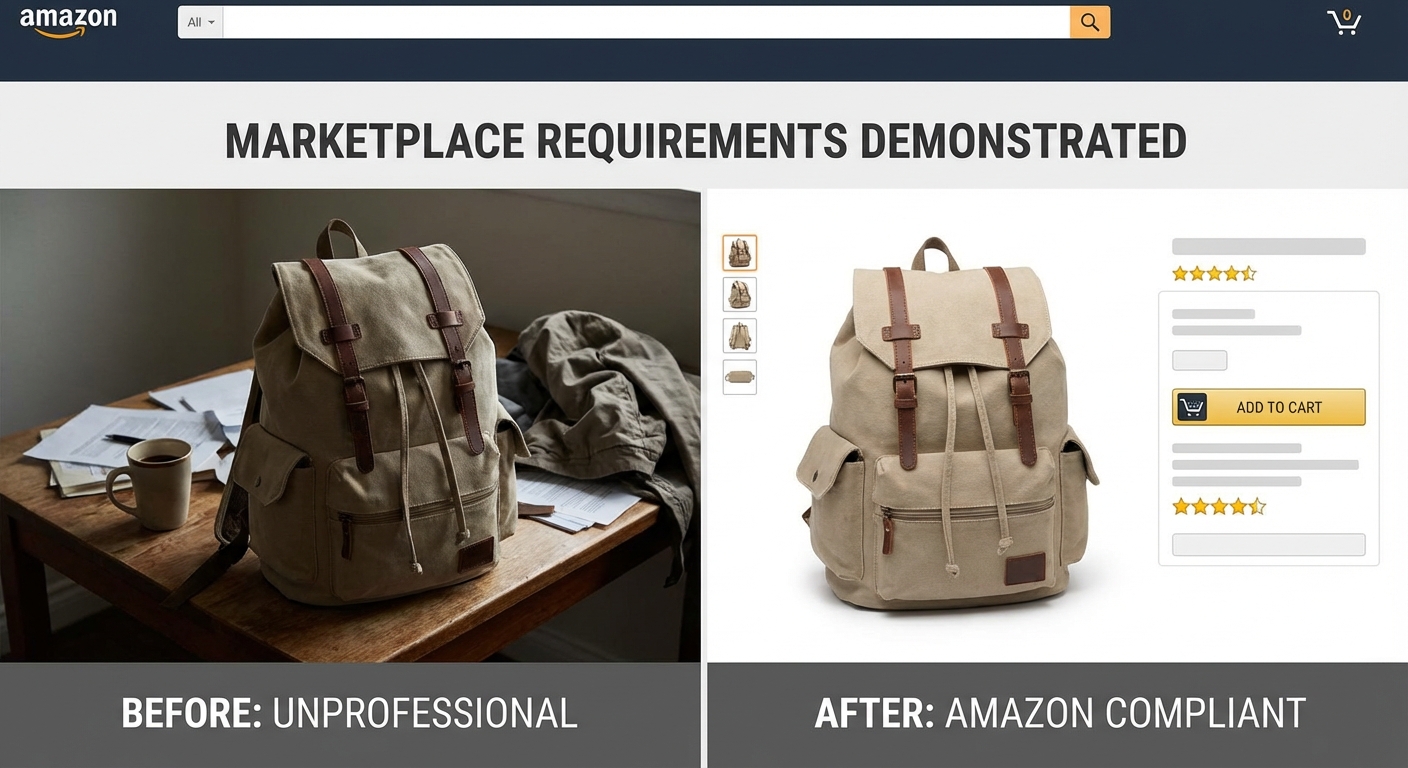
Memenuhi persyaratan platform e-commerce secara instan
Amazon, eBay, Shopify, Tokopedia—semua marketplace utama memerlukan background putih bersih untuk listing produk. AI kami secara otomatis mendeteksi produk Anda dan mengganti background apa pun dengan putih murni (#FFFFFF), memenuhi semua persyaratan platform.
Tambah background putih gratis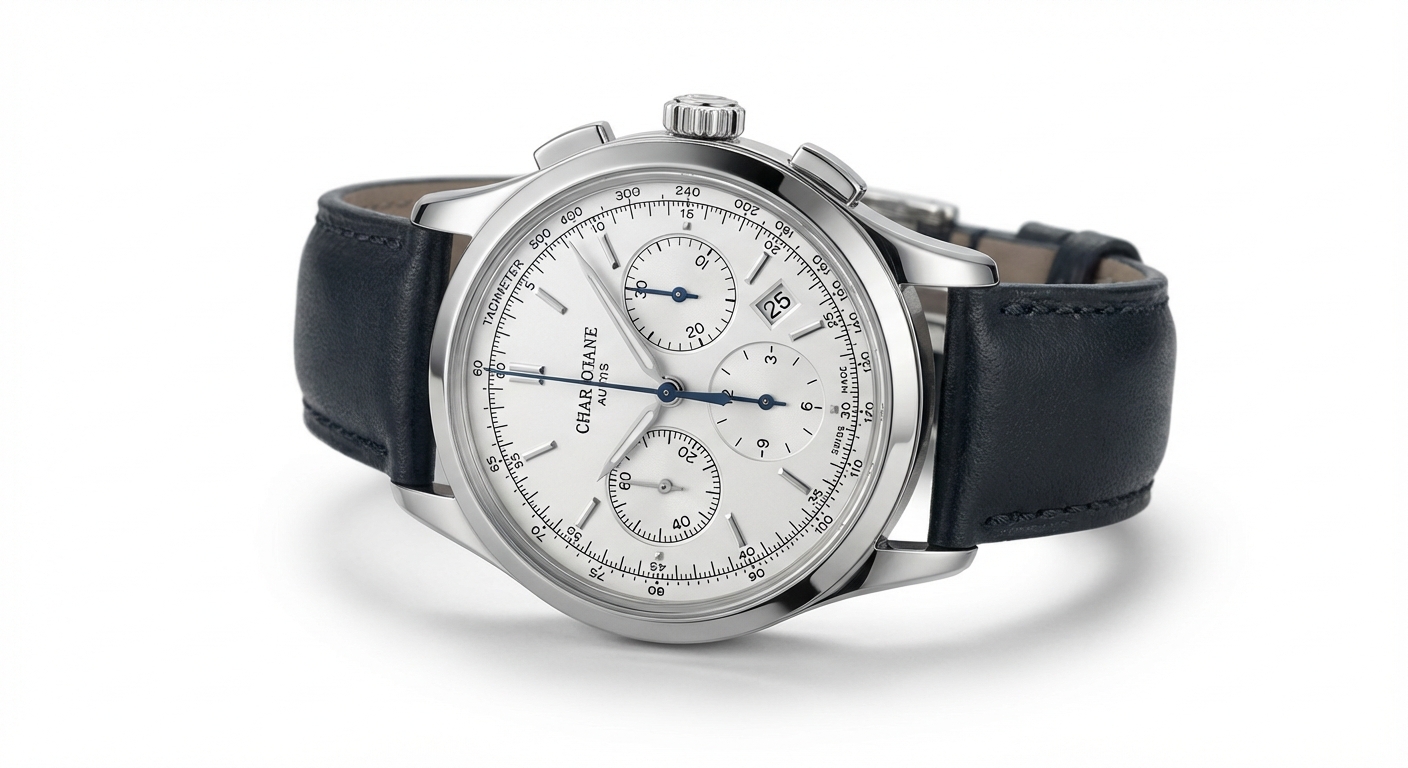
Fotografi produk profesional, tanpa studio
Dapatkan foto produk berkualitas studio tanpa peralatan mahal atau fotografer profesional. AI kami membuat tepi yang sempurna di sekitar produk Anda, menangani semuanya dari permukaan halus hingga tekstur kompleks.
Coba sekarang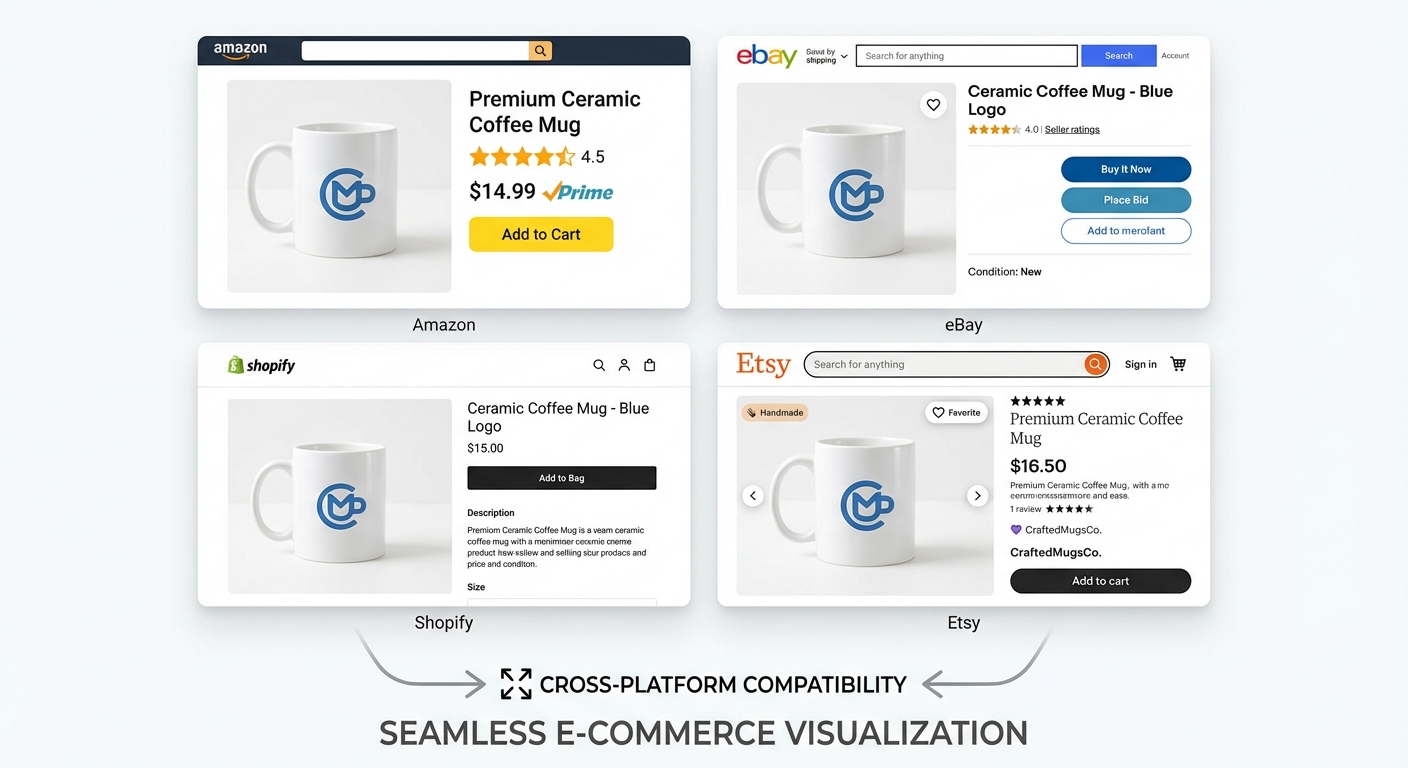
Sempurna untuk setiap marketplace
Buat gambar produk yang dioptimalkan untuk semua platform e-commerce utama dengan satu klik. Output background putih kami memenuhi persyaratan:
- Amazon (background putih murni diperlukan)
- eBay (presentasi produk bersih)
- Shopify (storefront profesional)
- Tokopedia (gambar siap marketplace)
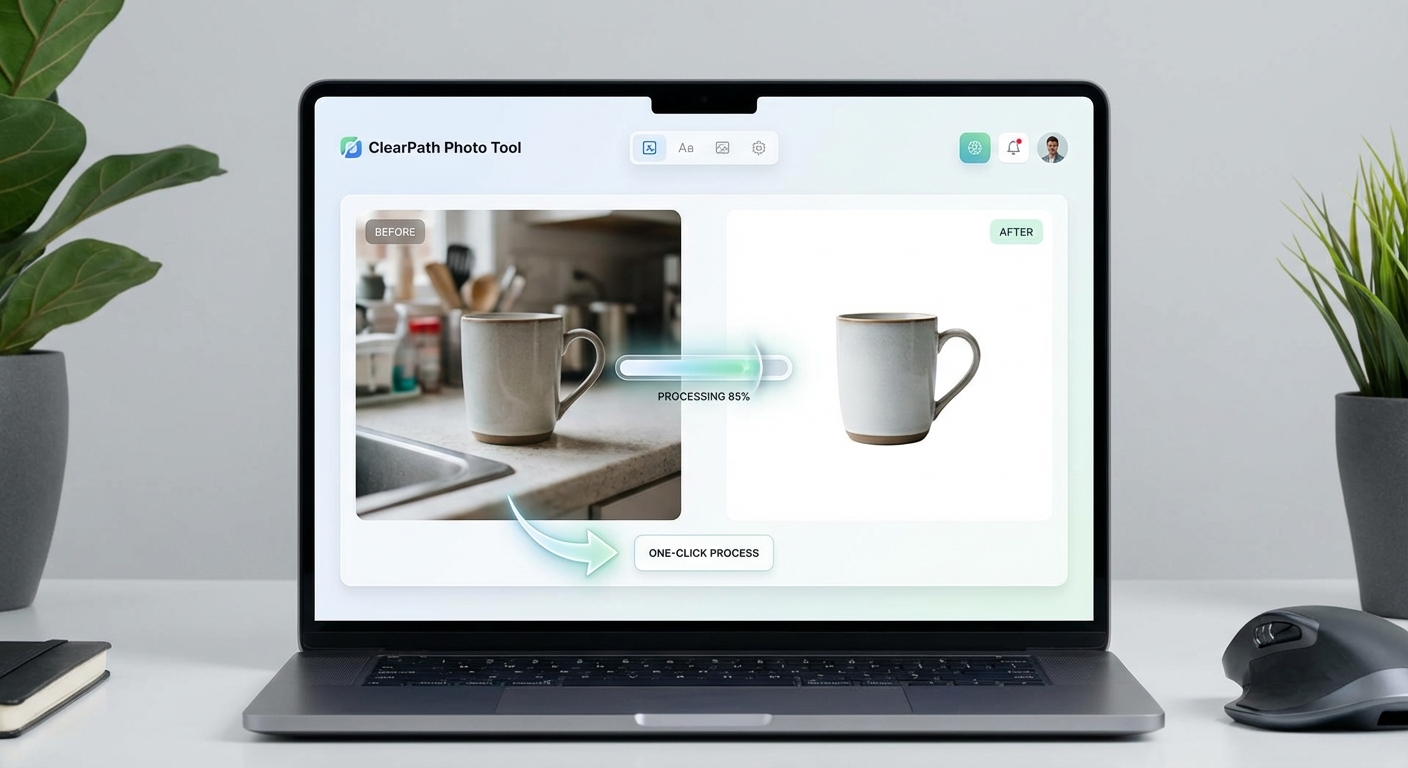
Hasil profesional dengan biaya terjangkau
Mengapa membayar mahal untuk layanan editing foto atau menyewa fotografer? AI kami memberikan hasil background putih profesional dalam hitungan detik. Daftar gratis dan dapatkan 5 kredit untuk mencoba. Setiap gambar hanya menggunakan 1 kredit.
Mulai gratisDipercaya oleh Penjual Online
Alat background putih kami digunakan oleh penjual e-commerce dan fotografer produk di seluruh dunia
Deteksi produk presisi
Penggantian background cepat
Memenuhi semua persyaratan marketplace
Output #FFFFFF tepat
Bergabunglah dengan ribuan penjual yang mempercayai AI kami untuk foto produk profesional
Cara Menambah Background Putih dalam 3 Langkah
Ubah foto produk apa pun menjadi gambar e-commerce profesional
Unggah Foto Produk
Unggah gambar produk Anda atau seret dan lepas. Mendukung JPG, PNG, dan WEBP hingga 10MB.
Pemrosesan AI
AI kami menghapus background dan menambahkan background putih bersih murni (#FFFFFF).
Unduh & Jual
Unduh gambar produk profesional Anda, siap untuk platform e-commerce mana pun.
Format yang Didukung
Ukuran file maksimum: 10MB
Kasus Penggunaan Background Putih
Dari Amazon ke Shopify, buat foto produk profesional untuk platform apa pun
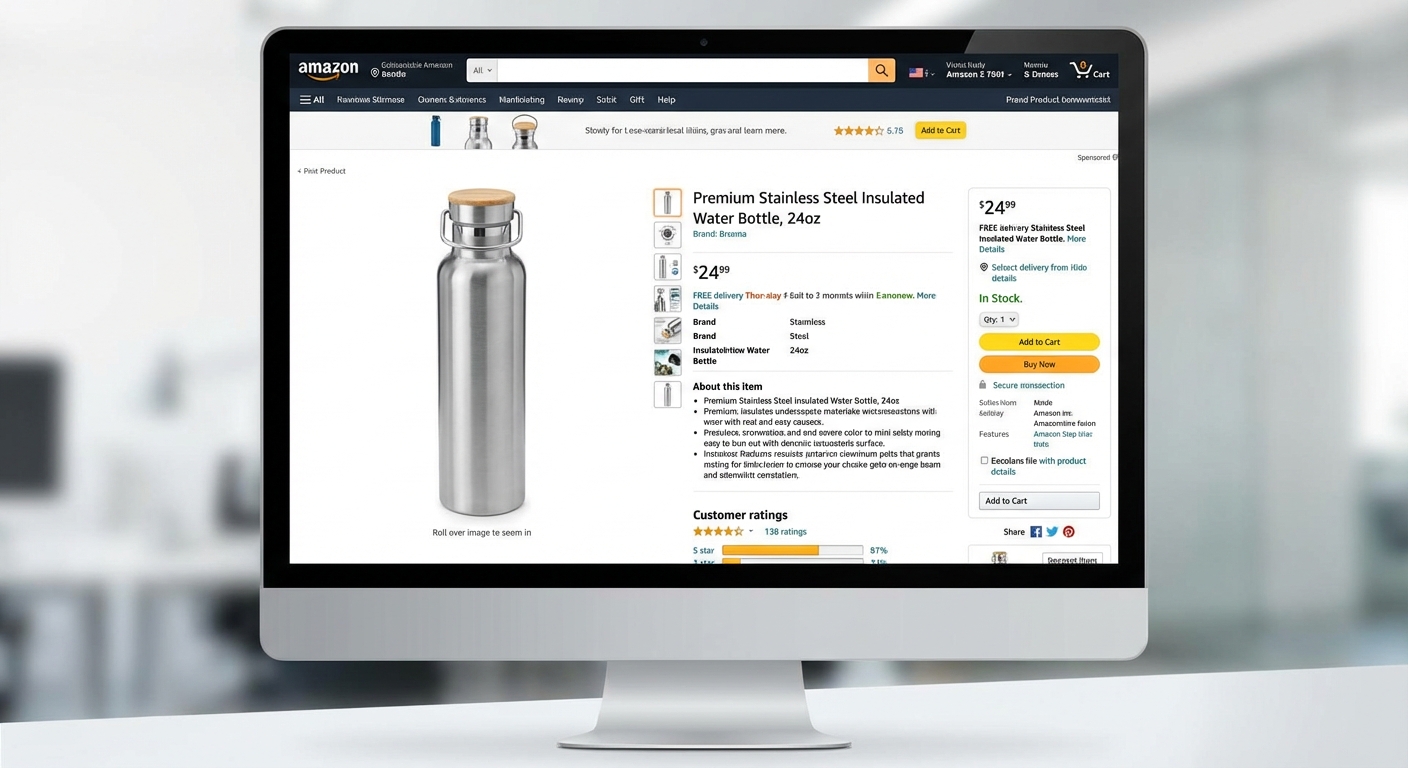
Listing Amazon
Memenuhi persyaratan background putih murni Amazon. Buat gambar utama yang mematuhi pedoman ketat mereka.
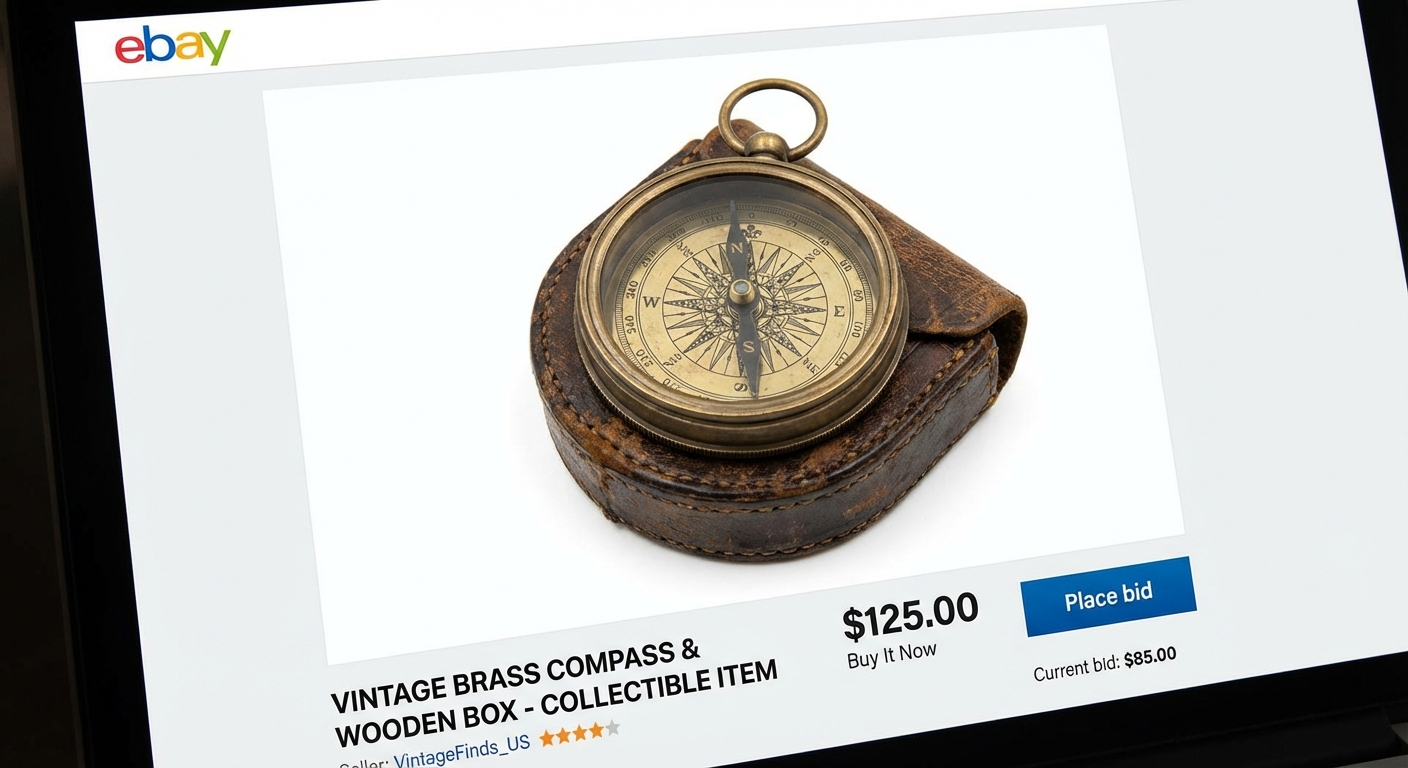
Lelang eBay
Foto produk bersih dan profesional yang membantu listing Anda menonjol. Background putih meningkatkan kepercayaan pembeli.
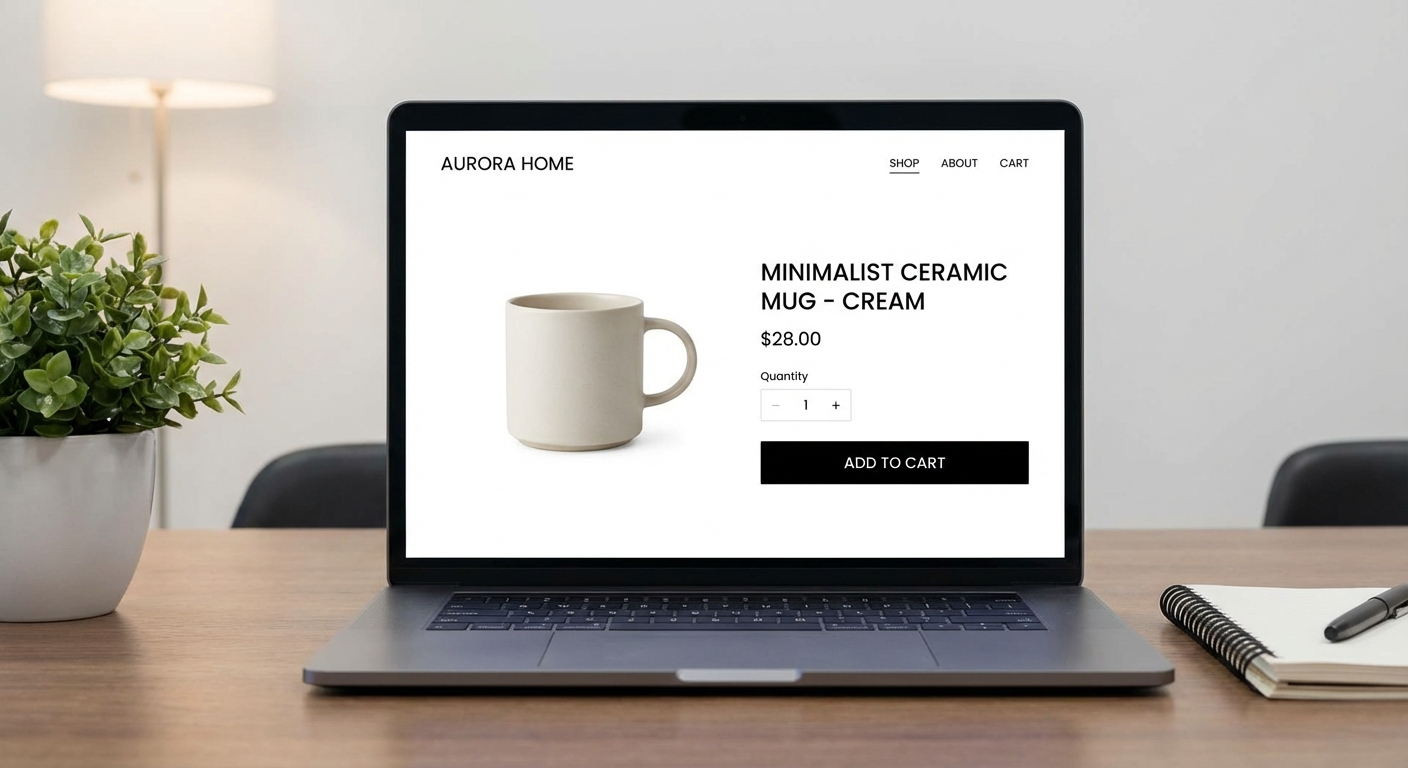
Toko Shopify
Buat storefront profesional dan kohesif dengan gambar produk background putih yang konsisten.
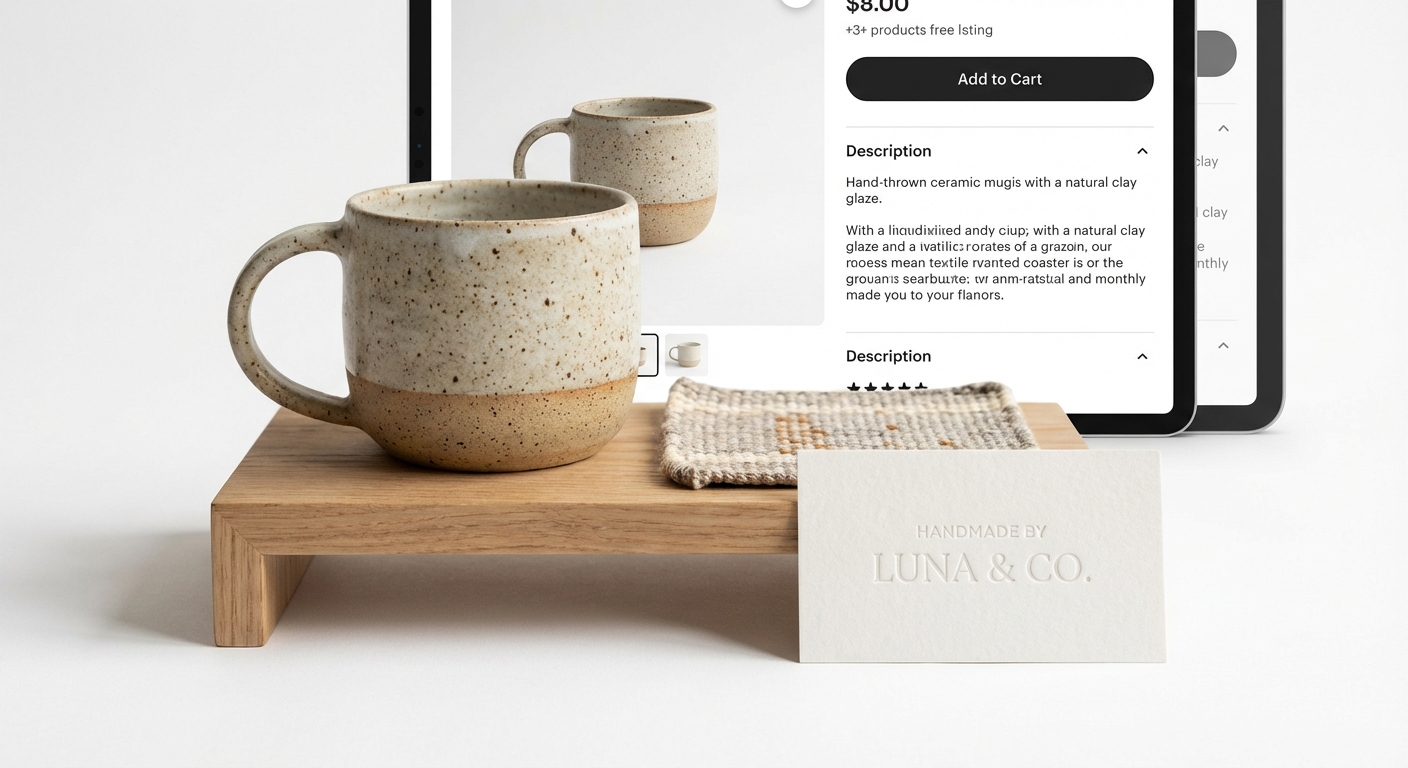
Fotografi Produk
Bidikan produk profesional tanpa peralatan studio mahal. Sempurna untuk katalog dan materi pemasaran.
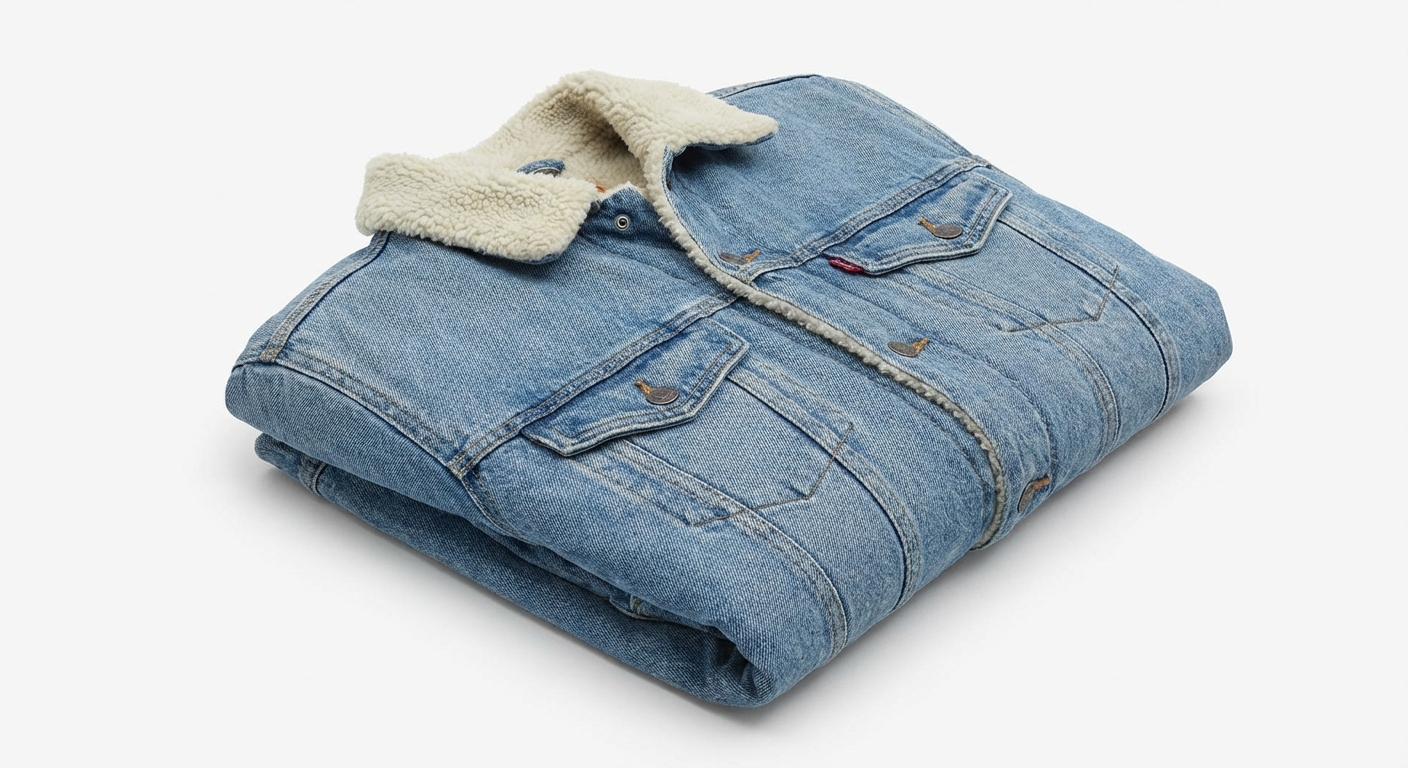
Fashion & Pakaian
Tampilkan pakaian dan aksesoris dengan background putih bersih. Ideal untuk brand fashion dan pengecer pakaian.
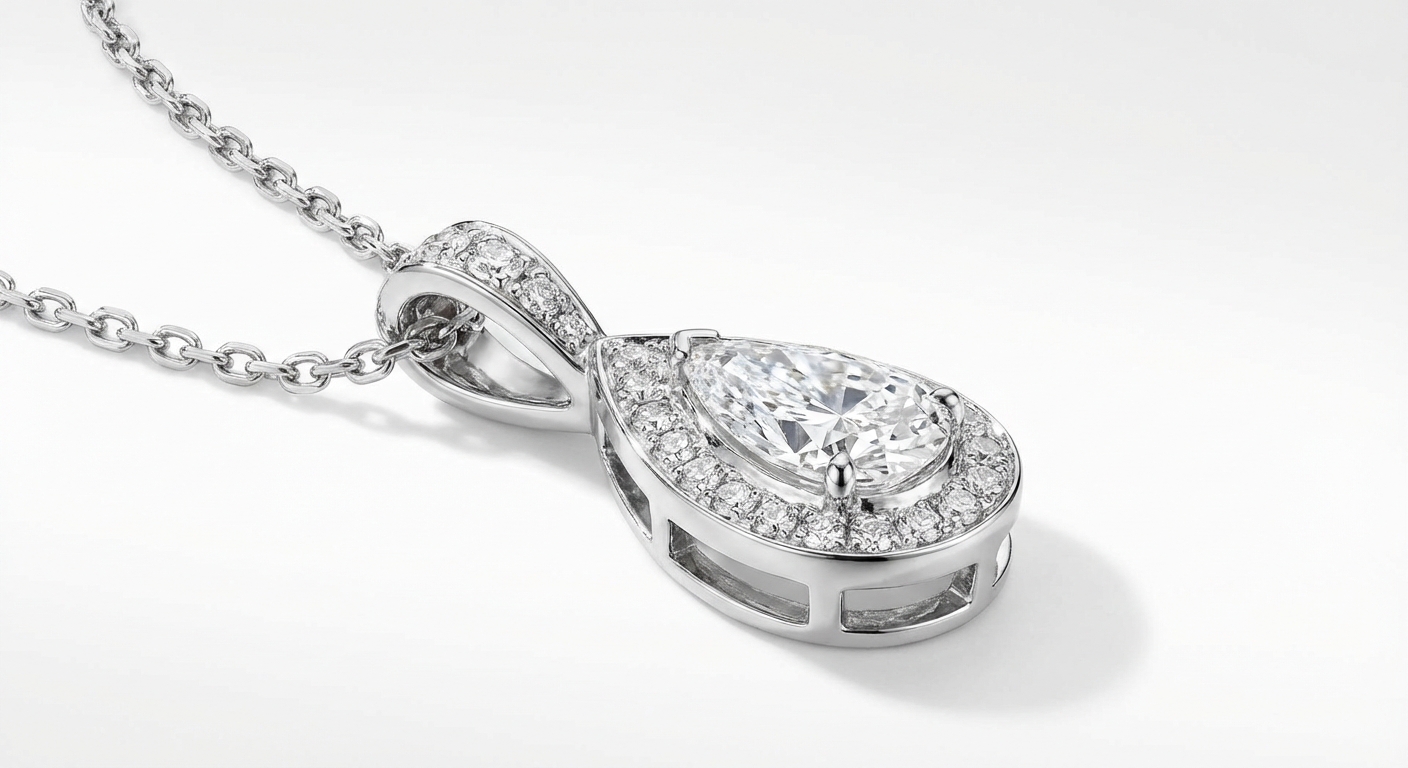
Perhiasan & Aksesoris
Soroti detail perhiasan dan aksesoris kecil. Background putih membuat barang berharga bersinar.
How Nano Banana 2 Compares to Other White Background Tools
See how our AI white background tool stacks up against popular alternatives
Adding a clean white background to product photos is essential for e-commerce success. Here is how Nano Banana 2 White Background compares to the leading solutions available today.
Nano Banana 2 vs Remove.bg
Remove.bg excels at background removal but outputs transparent backgrounds by default — you still need to add a white background in a separate step. Free downloads are limited to low resolution (up to 0.25 megapixels). Nano Banana 2 provides a complete one-step solution: remove the background and add a pure white background in a single click, with full-resolution output included. Perfect for sellers who need marketplace-ready photos fast.
Nano Banana 2 vs PhotoRoom
PhotoRoom is a popular mobile-first solution for product photography with templates, batch processing, and built-in backgrounds. While powerful, it requires a Pro subscription ($12.99/month) for full features and is primarily designed for mobile workflows. Nano Banana 2 offers dedicated white background generation through a simple web interface at a fraction of the cost — upload, process, download, done.
Nano Banana 2 vs AutoClipping
AutoClipping provides batch background removal with white background options, targeting high-volume e-commerce sellers. However, its plans start at $14.99/month and the interface can be overwhelming for occasional users. Nano Banana 2 keeps it simple with pay-per-use pricing — no subscription, no minimum volume. Perfect for individual sellers or small businesses who need professional white backgrounds without committing to monthly fees.
Nano Banana 2 White Background is purpose-built for e-commerce sellers who need marketplace-compliant product photos. One click, full resolution, pure white background — no subscription required.
Tips & Best Practices for White Background Photos
Create professional product photos that meet marketplace standards with these expert tips
Photograph with Even, Diffused Lighting
Even lighting reduces harsh shadows and makes AI background removal more accurate. Use a lightbox, two soft light sources on either side, or photograph near a large window with diffused natural light. Avoid direct flash which creates hard shadows.
Center Your Product with Padding
Place your product in the center of the frame with adequate white space around all edges. This gives the AI clear boundaries for separation and ensures the final image meets marketplace requirements for padding and positioning.
Keep Consistent Image Dimensions
Use the same image dimensions across all your product listings for a professional, cohesive storefront. Most marketplaces recommend square images (1000x1000 or 2000x2000 pixels). Consistency builds brand trust.
Verify Pure White (RGB 255,255,255)
Amazon and other marketplaces require pure white backgrounds (RGB 255,255,255). Our AI generates exactly this. If you are editing further, ensure your white background stays pure — off-white tones can cause listing rejections.
Upload the Highest Resolution Available
Start with the highest resolution source photo you have. More pixels mean better edge detection around your product and a more professional final result. Aim for at least 1500px on the shortest side.
Know Your Platform's Image Requirements
Different platforms have different requirements. Amazon requires pure white backgrounds and 1000+ pixels. eBay recommends white backgrounds but allows others. Shopify is flexible. Process your photos according to where they will be listed.
Consider Adding a Subtle Drop Shadow
After creating your white background image, consider adding a subtle drop shadow in post-processing. A soft shadow under the product can make it appear more natural and three-dimensional on a white page.
Do a Final Quality Check on White
Before uploading to marketplaces, view your product image on a white webpage to check for any halo effects, missed edges, or color fringing around the product. Zoom to 100% and inspect critical areas like hair, transparent elements, or intricate details.
Need more than white backgrounds? Create lifestyle scenes, seasonal themes, and ad-ready product photos.
Explore More AI Tools
Discover our complete suite of AI photo editing tools
FAQ Background Putih
Semua yang perlu Anda ketahui tentang menambahkan background putih ke foto produk
Siap membuat foto produk profesional?
Mulai gratis. Tidak perlu kartu kredit. Daftar dan dapatkan 5 kredit gratis secara instan.
Tidak perlu kartu kredit • 5 kredit gratis • Sempurna untuk Amazon, eBay, Shopify
Powered by Nano Banana 2 — the free AI image generator by Google Gemini.