
Улучшите качество фото мгновенно с помощью ИИ
Преобразуйте размытые фотографии с низким разрешением в чёткие и кристально чистые изображения за секунды. Бесплатный старт, навыки дизайна не требуются.
Выбрать изображение
Перетащите или нажмите для загрузки
JPG, PNG, WEBP • Макс. 10МБ
или попробуйте пример
Параметры улучшения
На основе GFPGAN для более чётких черт лица
Почему стоит выбрать наш Photo Enhancer?
Профессиональное улучшение изображений на базе ИИ с использованием передовых технологий
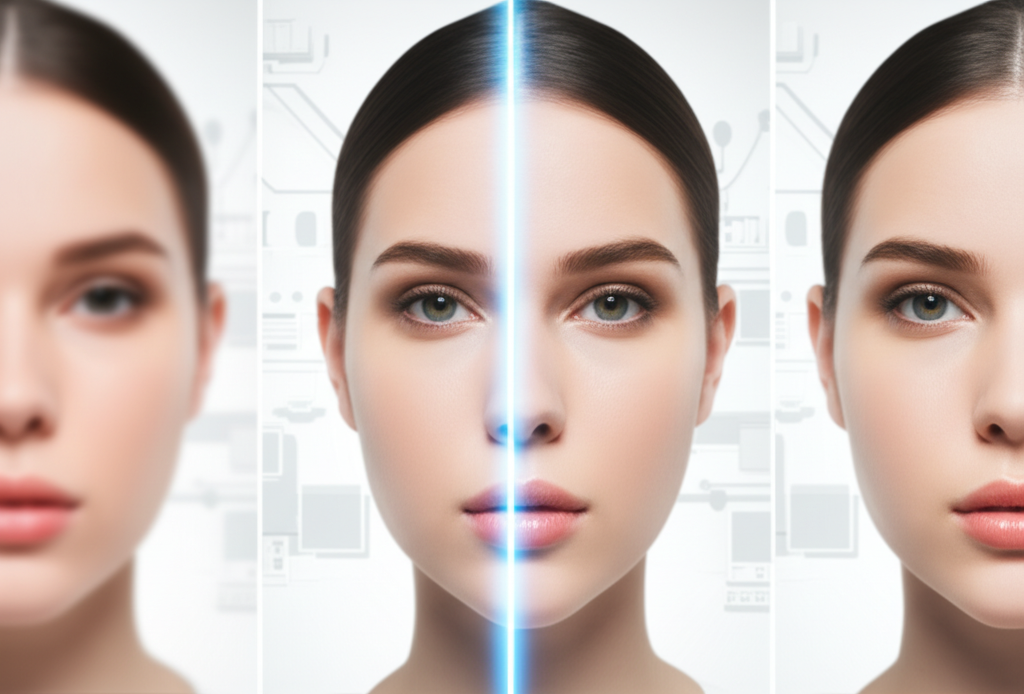
Улучшение на базе ИИ, которое действительно работает
Наш продвинутый ИИ не просто делает изображения резче — он интеллектуально реконструирует детали, снижает шум и повышает чёткость. Используя передовую технологию Real-ESRGAN, обученную на миллионах изображений, мы восстанавливаем утраченное и выявляем детали, о которых вы не знали. Будь то старое семейное фото или скриншот с телефона — наблюдайте, как оно превращается в кристально чистый шедевр.
Улучшить фото бесплатно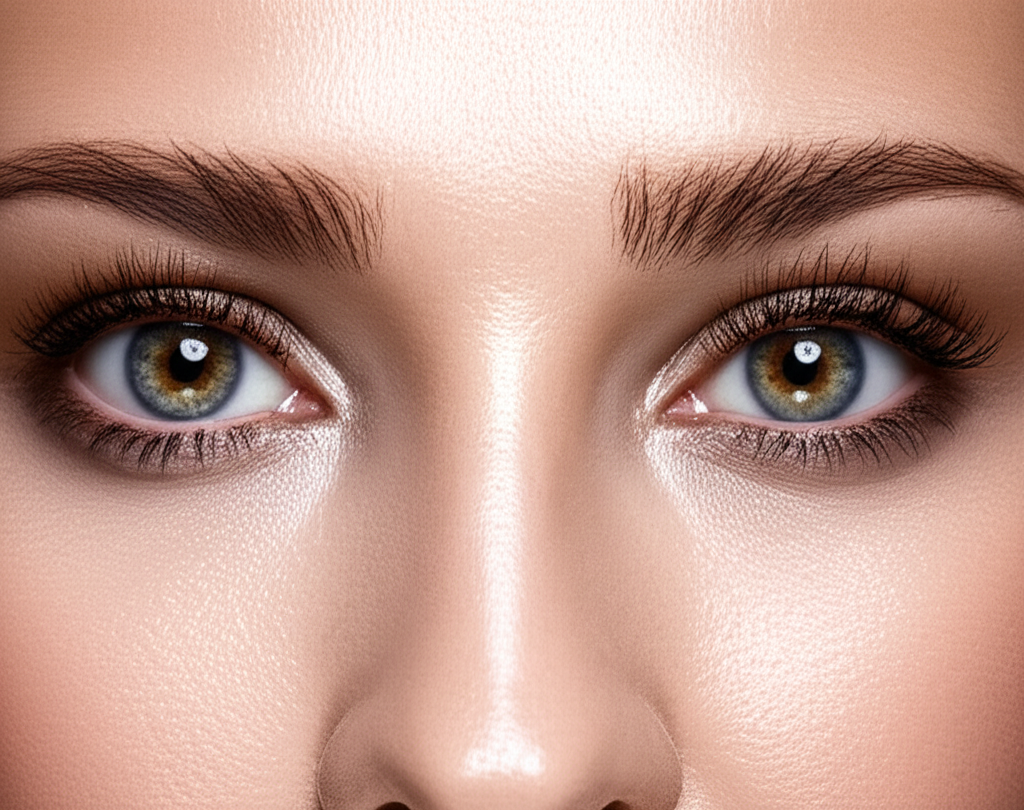
Улучшение лица с сохранением естественной красоты
На основе технологии GFPGAN наш инструмент улучшения лица специально нацелен на черты лица для потрясающих результатов. Глаза становятся чётче, текстура кожи улучшается естественно, а выражения остаются подлинными. Идеально для портретов, селфи, групповых фото и старых семейных снимков, где лица требуют особого внимания. ИИ знает разницу между улучшением и чрезмерной обработкой — ваши фото остаются настоящими, только лучше.
Попробовать улучшение лица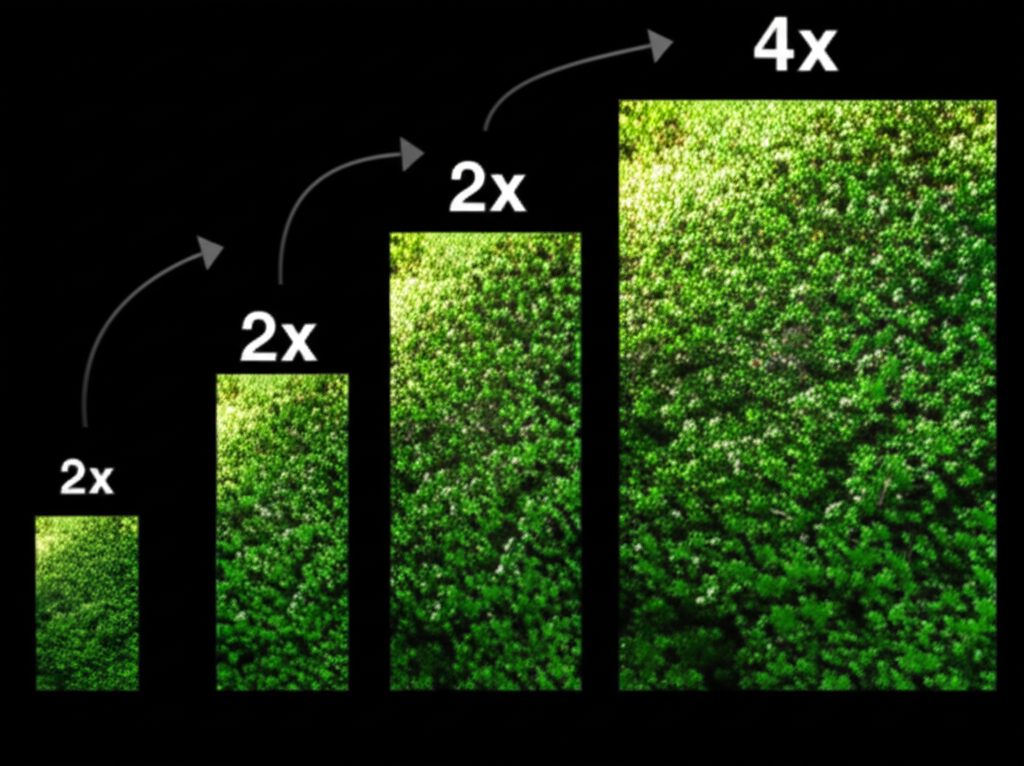
Увеличение 2x или 4x — выбор за вами
Нужно быстрое улучшение? Увеличение 2x удваивает разрешение, сохраняя быструю обработку. Хотите максимум деталей? Увеличение 4x увеличивает размер изображения в 4 раза, идеально для печати или больших дисплеев.
- 2x: Быстрая обработка (~12с), идеально для соцсетей
- 4x: Максимум деталей (~25с), идеально для печати
- Без потери качества — ИИ восполняет недостающие детали
- Работает с любым размером изображения до 10МБ
Платите только за использование — без подписок
Устали от ежемесячных подписок, которые едва используете? Мы понимаем. Поэтому Nano Banana 2 использует простую систему кредитов. Зарегистрируйтесь бесплатно и получите 5 кредитов для старта. Каждое улучшение использует всего 2-3 кредита. Когда нужно больше — покупайте именно то, что нужно — без регулярных платежей, без обязательств. Улучшение фото, которое уважает ваш кошелёк.
Начать бесплатноНадёжное улучшение фото
Наш photo enhancer использует передовой ИИ для профессиональных результатов
Быстрое улучшение
Гибкое масштабирование
Точность на базе ИИ
5 кредитов включено
Как улучшить качество фото за 3 шага
Преобразуйте любое фото в чёткое изображение высокого разрешения
Загрузите фото
Загрузите любое изображение JPG, PNG или WebP до 10МБ. Перетащите или нажмите для выбора.
Выберите настройки
Выберите масштаб 2x или 4x и включите или выключите улучшение лица в зависимости от фото.
Скачайте улучшенное фото
Получите кристально чёткое изображение за секунды. Скачайте в формате PNG или JPG.
Поддерживаемые форматы
Максимальный размер файла: 10МБ. Доступна загрузка в формате PNG или JPG.
The Science Behind AI Photo Enhancement
Our photo enhancer uses Real-ESRGAN (Real-Enhanced Super-Resolution Generative Adversarial Network), one of the most advanced AI super-resolution models available. The model was trained on millions of real-world photo pairs at different resolutions, allowing it to learn natural textures, edges, and photographic patterns. When you enhance a photo, the AI does not simply enlarge pixels — it intelligently reconstructs missing detail by predicting what should be there based on the surrounding context. For portraits, optional GFPGAN (Generative Facial Prior GAN) technology specifically restores facial features with remarkable fidelity, producing sharper eyes, smoother skin textures, and more natural-looking expressions.
Step 1: Загрузите фото
Upload any photo in JPG, PNG, or WebP format up to 10MB. The system detects image properties including dimensions, color space, and whether faces are present. Higher resolution source photos produce better enhanced results, but the AI handles low-resolution inputs remarkably well too.
Step 2: Выберите настройки
Choose 2x enhancement to double your resolution (ideal for web and social media) or 4x to quadruple it (ideal for printing and large displays). If your photo contains people, enable face enhancement to activate GFPGAN — this specifically targets and improves facial features without over-processing the rest of the image.
Step 3: Скачайте улучшенное фото
Compare the original and enhanced versions side by side before downloading. Save as PNG for maximum quality and lossless output, or JPG for smaller file sizes. All downloads are full resolution with no watermarks or quality restrictions.
Сценарии использования Photo Enhancer
От старых воспоминаний до профессиональных фото — улучшайте любое изображение с помощью ИИ
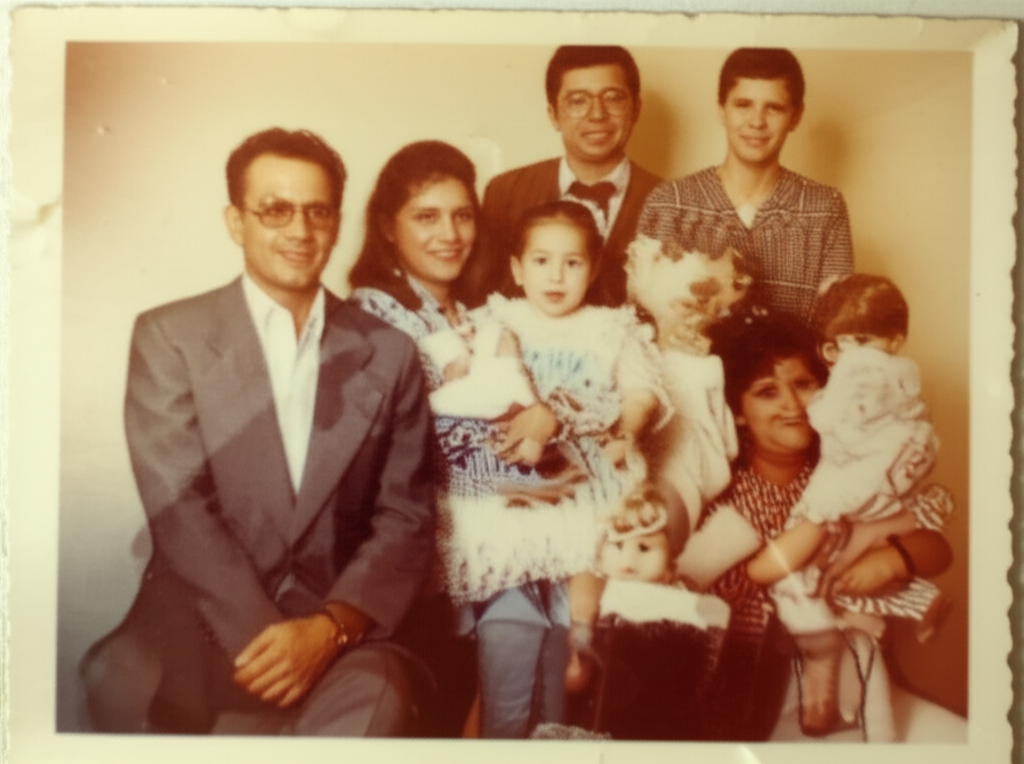
Восстановление старых фото
Верните чёткость драгоценным воспоминаниям и винтажным фото. Восстановите выцветшие детали и сделайте размытые изображения резкими.
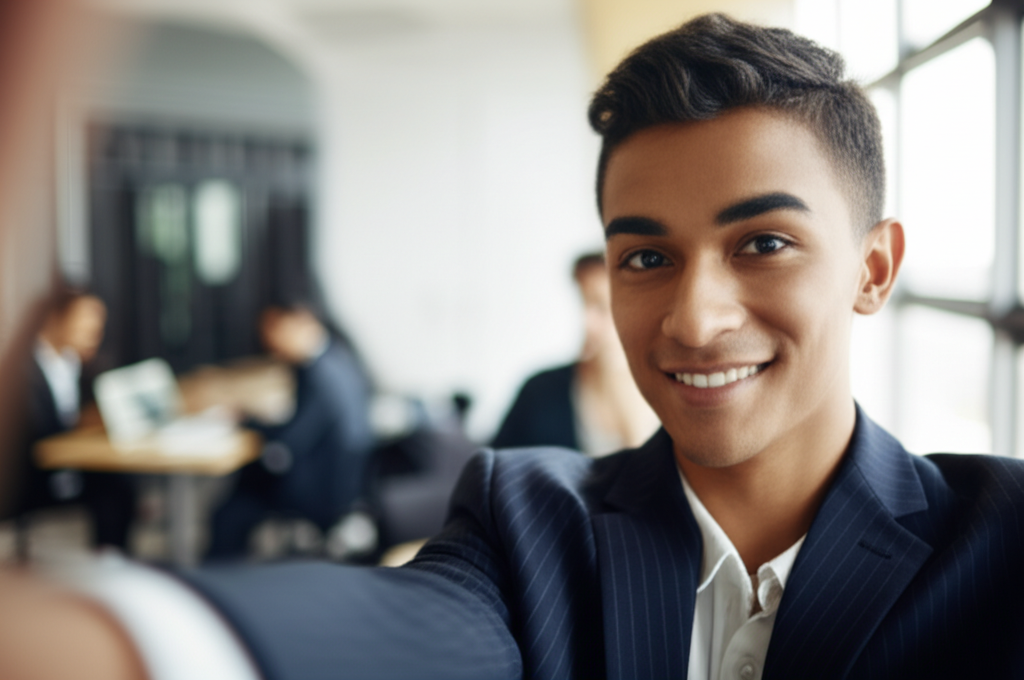
Улучшение портретов
Сделайте селфи и профессиональные снимки чёткими с помощью ИИ. Получите портреты студийного качества из любого фото.
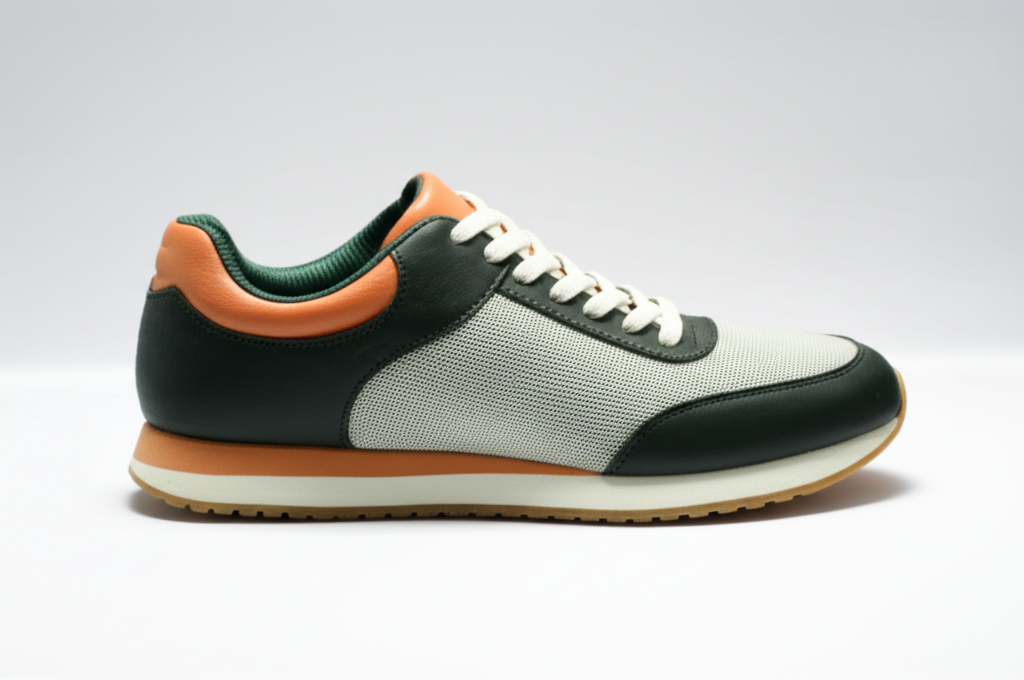
Фотография продуктов
Чёткие, детализированные изображения продуктов, которые продают. Идеально для электронной коммерции и онлайн-магазинов.
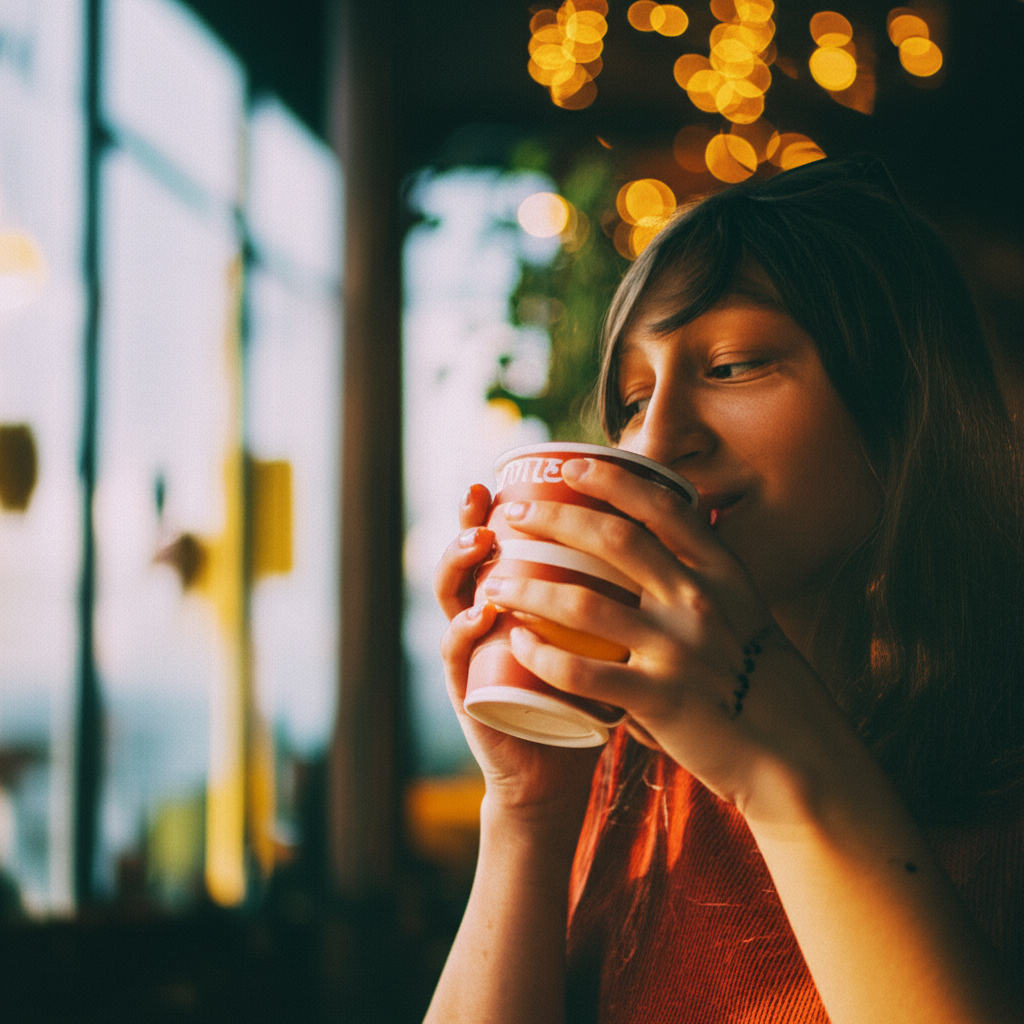
Контент для соцсетей
Посты HD-качества, которые выделяются в ленте. Сделайте ваш контент профессиональным.
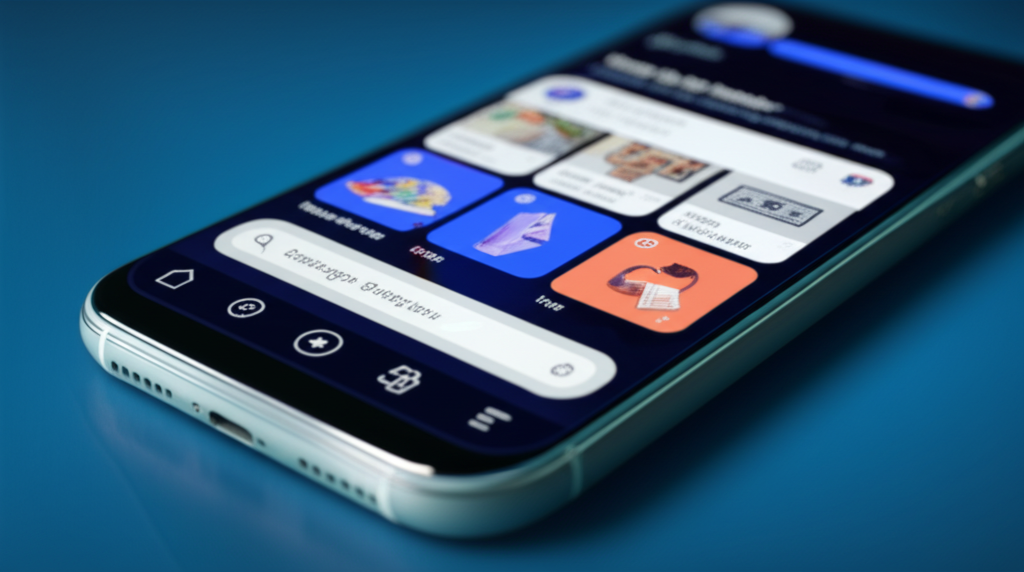
Улучшение скриншотов
Превратите пиксельные скриншоты в чёткие изображения. Идеально для туториалов и презентаций.
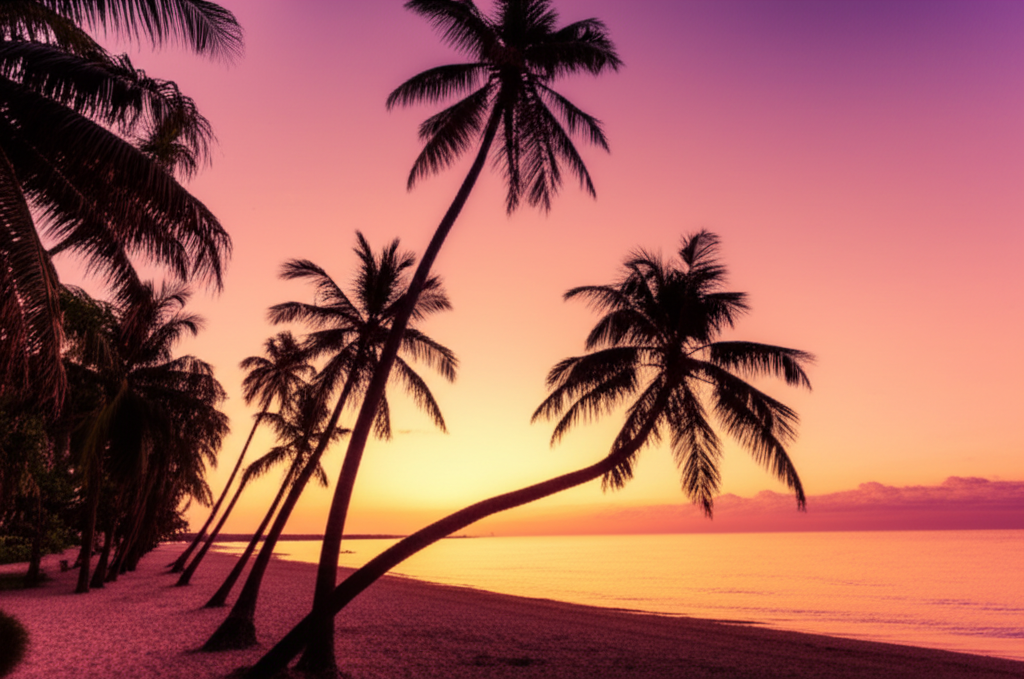
Пейзажные фото
Раскройте скрытые детали в природной фотографии. Сделайте ваши travel-фото потрясающими.
Wedding & Event Photos
Enhance group shots, candid moments, and ceremony photos. Sharpen faces in crowd photos and bring out details in dimly lit reception images.
Real Estate Listings
Sharpen property photos for listings and virtual tours. Make interior shots look crisp and professional to attract more buyers.
Food Photography
Enhance food photos for menus, delivery apps, and social media. Bring out textures, colors, and details that make dishes look irresistible.
Document & ID Photos
Improve clarity of scanned IDs, certificates, and documents. Sharpen text and photo elements on identification cards and official documents.
How Nano Banana 2 Compares to Other Photo Enhancers
See how our AI photo enhancement compares to popular alternatives
AI photo enhancement has become widely accessible, but the tools differ significantly in quality, pricing, and ease of use. Here is an honest comparison of Nano Banana 2 Photo Enhancer against the most popular alternatives.
Nano Banana 2 vs Remini
Remini is a popular mobile app primarily focused on face enhancement and old photo restoration. It delivers impressive results for facial features, particularly on severely degraded old photos. However, Remini requires a subscription ($9.99/week or $39.99/year) for unlimited use and processes images through a mobile app only. Nano Banana 2 uses the same caliber of AI technology (Real-ESRGAN + GFPGAN) accessible through any web browser — desktop or mobile — with a more affordable pay-as-you-go pricing model.
Nano Banana 2 vs Fotor
Fotor is an all-in-one photo editor that includes an AI enhancer among many other editing tools. Its enhancement feature is decent but not its primary focus, meaning it may not match the output quality of dedicated enhancement tools. Fotor Pro costs $8.99/month for full access. Nano Banana 2 is purpose-built for photo enhancement, delivering higher quality results with Real-ESRGAN technology. Our credit-based pricing means you only pay for enhancements you actually use.
Nano Banana 2 vs Adobe Enhance
Adobe offers AI enhancement through Photoshop (Super Resolution) and Lightroom (Enhance Details). These are powerful tools backed by Adobe Sensei AI, but they require an Adobe Creative Cloud subscription ($20.99/month for Photoshop or $9.99/month for Lightroom). For users who only need photo enhancement without a full editing suite, Nano Banana 2 provides comparable AI upscaling quality through a simple browser interface at a fraction of the cost.
Nano Banana 2 Photo Enhancer delivers professional-grade AI enhancement using Real-ESRGAN and GFPGAN through an accessible web interface. With pay-as-you-go pricing and no subscription required, it is the smart choice for anyone who needs high-quality photo enhancement without the overhead of expensive software suites.
Tips & Best Practices for Photo Enhancement
Get the most out of AI photo enhancement with these practical tips
Use the Best Available Source
Start with the highest quality version of your photo. If you have the original file from your camera or phone, use it instead of a version that has been shared via social media or messaging apps, which often compress images significantly.
Toggle Face Enhancement Wisely
Enable face enhancement only when your photo actually contains faces. For landscapes, products, and non-portrait images, leaving it off produces cleaner results and avoids the AI looking for facial patterns where none exist.
Restoring Old Photos
For old or vintage photos, use 4x enhancement with face enhancement enabled. The AI excels at recovering detail from faded, yellowed, and slightly damaged photographs. For severely damaged photos with tears or stains, consider cleaning those up in an editor before enhancing.
Match Enhancement to Your Needs
Use 2x for photos destined for social media, web galleries, or screen viewing. Use 4x for photos you plan to print, frame, or display on large screens. Over-enhancing a photo that will only be viewed at small sizes wastes credits without visible benefit.
Choose the Right Download Format
Download as PNG when quality is the priority — for printing, archiving, or further editing. Download as JPG when you need smaller files for web uploads, email, or social media. PNG files are larger but preserve every detail the AI generated.
Enhancing Product Photography
For e-commerce product images, 2x enhancement is usually sufficient to produce sharp, detailed listings. Make sure your original photo is well-lit and in focus — the AI enhances detail but cannot fix fundamentally out-of-focus images.
Getting the Best Portrait Results
For portraits and selfies, always enable face enhancement. The GFPGAN model specifically improves eye clarity, skin texture, and facial expressions. Results look most natural when the original photo has the face clearly visible and reasonably well-lit.
Always Preview Before Downloading
Use the before-and-after comparison to inspect your enhanced photo at full zoom before downloading. Check facial details, text readability, and edge sharpness to make sure the result meets your needs.
Enhance your photos, then transform them into scroll-stopping e-commerce visuals.
Explore More AI Tools
Discover our complete suite of AI photo editing tools
FAQ Photo Enhancer
Всё, что нужно знать об улучшении фото с помощью ИИ
Готовы улучшить ваши фото?
Начните бесплатно. Кредитная карта не требуется. Зарегистрируйтесь и получите 5 бесплатных кредитов мгновенно.
Кредитная карта не требуется • 5 бесплатных кредитов • Обновите в любое время
Powered by Nano Banana 2 — enhance any photo with Google Gemini AI.