Создайте прозрачный фон PNG мгновенно
Удалите фон и получите чистые прозрачные PNG файлы. Идеально для логотипов, иконок, подписей и графического дизайна. Бесплатный старт.
Загрузить изображение
Перетащите или нажмите для загрузки
JPG, PNG, WEBP • Макс. 10МБ
или попробуйте пример
Почему стоит выбрать наш инструмент прозрачного фона?
Профессиональное удаление фона на базе ИИ с идеальной прозрачностью
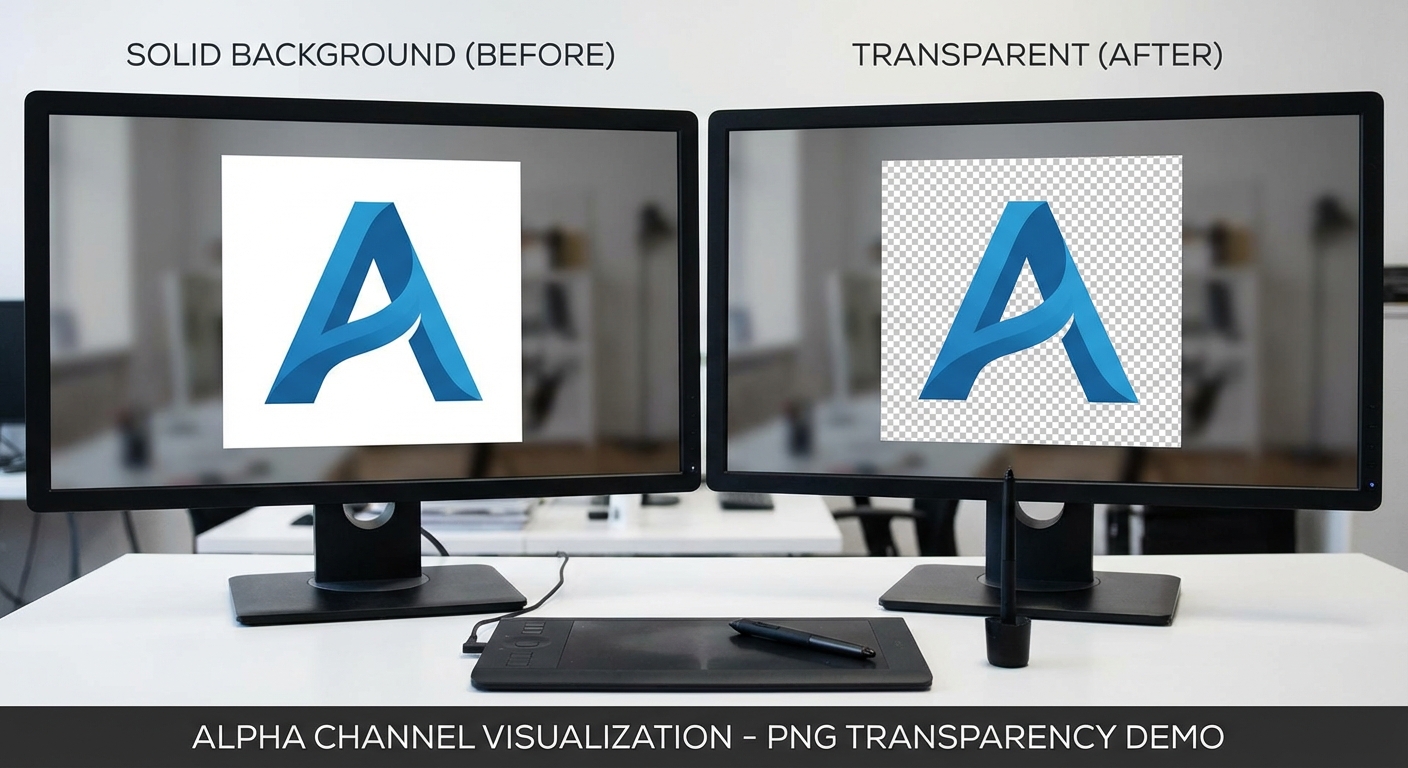
Настоящая прозрачность альфа-канала
Наш ИИ создаёт настоящие прозрачные PNG файлы с правильной поддержкой альфа-канала. Прозрачность чистая и точная — без белых ореолов, артефактов или полупрозрачных краёв.
Попробовать сейчас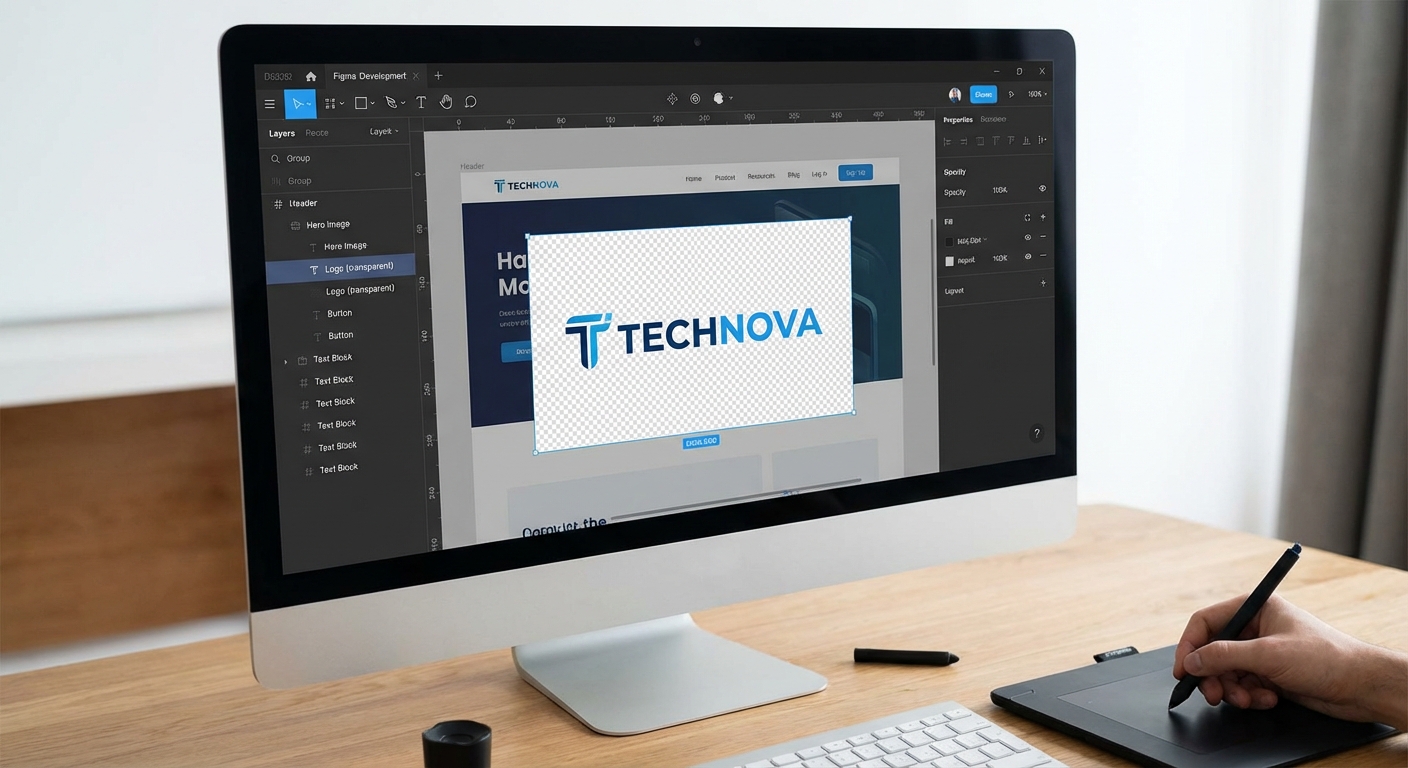
Готово для дизайн-программ
Выходные файлы идеально работают в Photoshop, Illustrator, Figma, Canva и любом дизайн-софте. Прозрачные области чистые и профессиональные.
Попробовать сейчас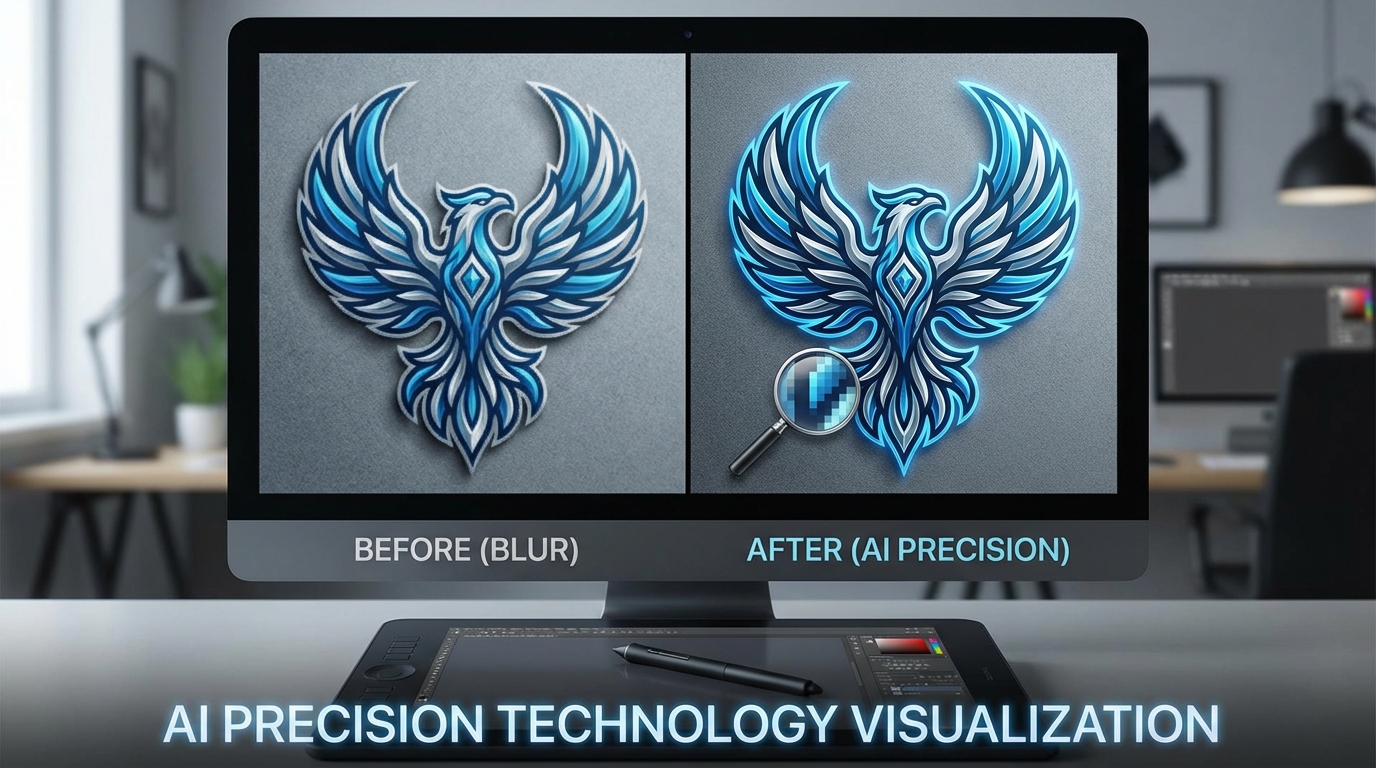
Точность на базе ИИ
Продвинутое машинное обучение определяет края с пиксельной точностью. Будь то простой логотип или сложная графика, наш ИИ сохраняет каждую деталь.
Попробовать сейчас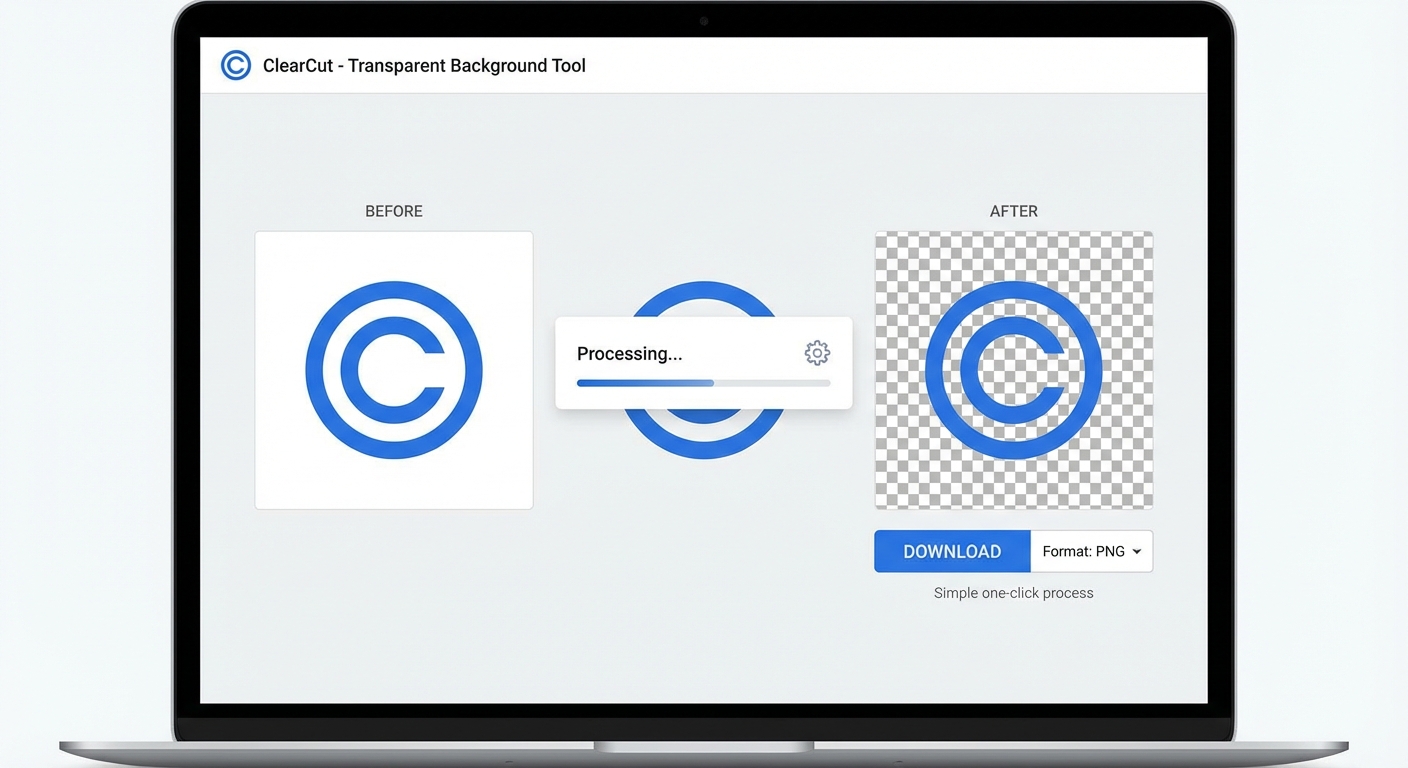
Мгновенный PNG вывод
Получите прозрачный PNG за секунды, а не минуты. Загрузите изображение и скачайте результат сразу же.
Попробовать сейчасКак создать прозрачный PNG
Три простых шага для получения изображения с прозрачным фоном
Загрузите изображение
Загрузите любое изображение с фоном, который хотите удалить. Поддерживаются форматы JPG, PNG и WebP до 10МБ.
ИИ удаляет фон
Наш продвинутый ИИ мгновенно определяет объект и удаляет фон, создавая чистые прозрачные области.
Скачайте прозрачный PNG
Скачайте изображение как PNG файл с полной поддержкой прозрачности. Готово к использованию в любом дизайн-проекте.
Обработка обычно занимает 3-5 секунд
Идеально для этих задач
Наш инструмент прозрачного фона идеален для дизайнеров, разработчиков и создателей контента
Дизайн логотипов
Создавайте прозрачные файлы логотипов, которые можно размещать на любом фоне без видимых краёв.
Веб-разработка
Создавайте прозрачные PNG для ресурсов сайта, иконок и элементов UI, которые накладываются бесшовно.
Графический дизайн
Идеально для композитинга, слоёв и создания профессиональных дизайнов в Photoshop или Figma.
Цифровые подписи
Преобразуйте рукописные подписи в прозрачные PNG для профессионального подписания документов.
Наложения изображений
Создавайте прозрачные наложения и элементы, которые идеально накладываются в видеоредактировании и моушн-графике.
Стикеры и наклейки
Дизайн готовых к печати стикеров с прозрачным фоном для идеальной высечки.
How Nano Banana 2 Compares to Other Transparent Background Tools
See how our transparent background tool compares to popular alternatives
Creating transparent PNG files is essential for graphic design, web development, and branding. Here is how Nano Banana 2 Transparent Background compares to the most popular tools for this task.
Nano Banana 2 vs Remove.bg
Remove.bg is one of the most popular background removal tools and delivers reliable results for most photos. However, free downloads are limited to low resolution (up to 0.25 megapixels), and full-resolution output requires a subscription or credits ($1.99+ per image). Nano Banana 2 provides full-resolution transparent PNGs with every download and uses a more flexible credit system. Both tools handle people and product photos well, but Nano Banana 2 includes additional support for logos, signatures, and icons.
Nano Banana 2 vs Canva Background Remover
Canva's Background Remover is available exclusively to Canva Pro subscribers ($12.99/month). While Canva is an excellent all-in-one design platform, paying for a full Pro subscription just for transparent backgrounds is not cost-effective. Nano Banana 2 offers dedicated transparent background creation with a simple credit system — pay only for what you use. Our tool also preserves alpha channel quality better for professional design workflows.
Nano Banana 2 vs Clipping Magic
Clipping Magic offers manual fine-tuning tools for precise edge control and handles hair and fur well. Plans start at $3.99/month for 15 credits. While the manual editing tools are useful for complex images, most users do not need that level of control. Nano Banana 2 delivers clean, automated transparent backgrounds that are good enough for 95% of use cases — faster and simpler. When you need quick, reliable transparent PNGs, Nano Banana 2 gets the job done.
Nano Banana 2 Transparent Background is built for speed and quality. Get clean, full-resolution transparent PNGs in seconds — perfect for logos, icons, product images, and design assets. No subscription needed.
Tips & Best Practices for Transparent Backgrounds
Create perfect transparent PNG files with these expert tips
Always Download as PNG
PNG is the only common image format that supports transparency. Always download your result as PNG to preserve the transparent background. JPG does not support transparency and will fill transparent areas with white. If sharing on social media, note that some platforms convert PNGs to JPG.
Use High Contrast Between Subject and Background
The AI separates subjects more accurately when there is strong contrast between the subject and its background. A dark subject on a light background, or vice versa, produces the cleanest edges. Avoid photographing subjects against similarly colored backgrounds.
Start with High-Resolution Source Images
Higher resolution images provide the AI with more detail to work with, especially around fine edges like hair, fur, or intricate shapes. Upload the highest quality source image available for the best transparent cutout.
Check Edges at Full Zoom
After processing, zoom to 100% and inspect the edges of your subject. Look for any remaining background fringe, missed areas, or rough edges. Place the transparent image on a contrasting background in your viewer to spot any issues.
Photograph Against a Solid Color for Best Results
If you are taking new photos specifically for transparent backgrounds, use a solid-colored backdrop (green, blue, or white). This gives the AI the clearest possible signal for where the subject ends and the background begins.
Verify Alpha Channel in Your Design Tool
After downloading, open the PNG in your design tool (Figma, Photoshop, Canva) and verify the alpha channel is clean. A good transparent PNG should show a clean checkerboard pattern behind the subject with no white or colored fringing.
Optimize File Size for Web Use
Transparent PNGs can be large files. If using on websites, consider compressing the PNG with tools like TinyPNG or Squoosh. You can typically reduce file size by 50-70% without visible quality loss. For web, aim for under 500KB per image.
Test on Multiple Background Colors
Before using your transparent image, test it on different background colors — white, black, and a mid-tone. This reveals any edge artifacts or color fringing that might not be visible on just one background. A good cutout looks clean on any color.
Get transparent PNGs, then drop your product into any scene with our AI Product Studio.
Explore More AI Tools
Discover our complete suite of AI photo editing tools
Часто задаваемые вопросы
Всё, что нужно знать о создании прозрачного фона
Готовы создать прозрачные PNG?
Начните бесплатно. Кредитная карта не требуется. Зарегистрируйтесь и получите 5 бесплатных кредитов мгновенно.
Кредитная карта не требуется • 5 бесплатных кредитов • Идеально для логотипов, иконок, подписей
Part of the Nano Banana 2 toolkit — free AI image editing powered by Google Gemini.