免费AI抠图工具
使用AI瞬间移除图片背景。适用于产品图、人像等。注册送5积分!
选择图片
拖放或点击上传
JPG、PNG、WEBP • 最大 10MB
或试试示例

几秒内移除背景,而不是几小时
告别繁琐的手动编辑。我们的AI背景移除工具能在几秒内自动检测主体并移除背景。以前在Photoshop中需要几小时的工作,现在只需一键即可完成。无论是为在线商店准备产品照片,还是为社交媒体创建内容,都能立即获得专业效果,无需任何设计技能。
免费移除背景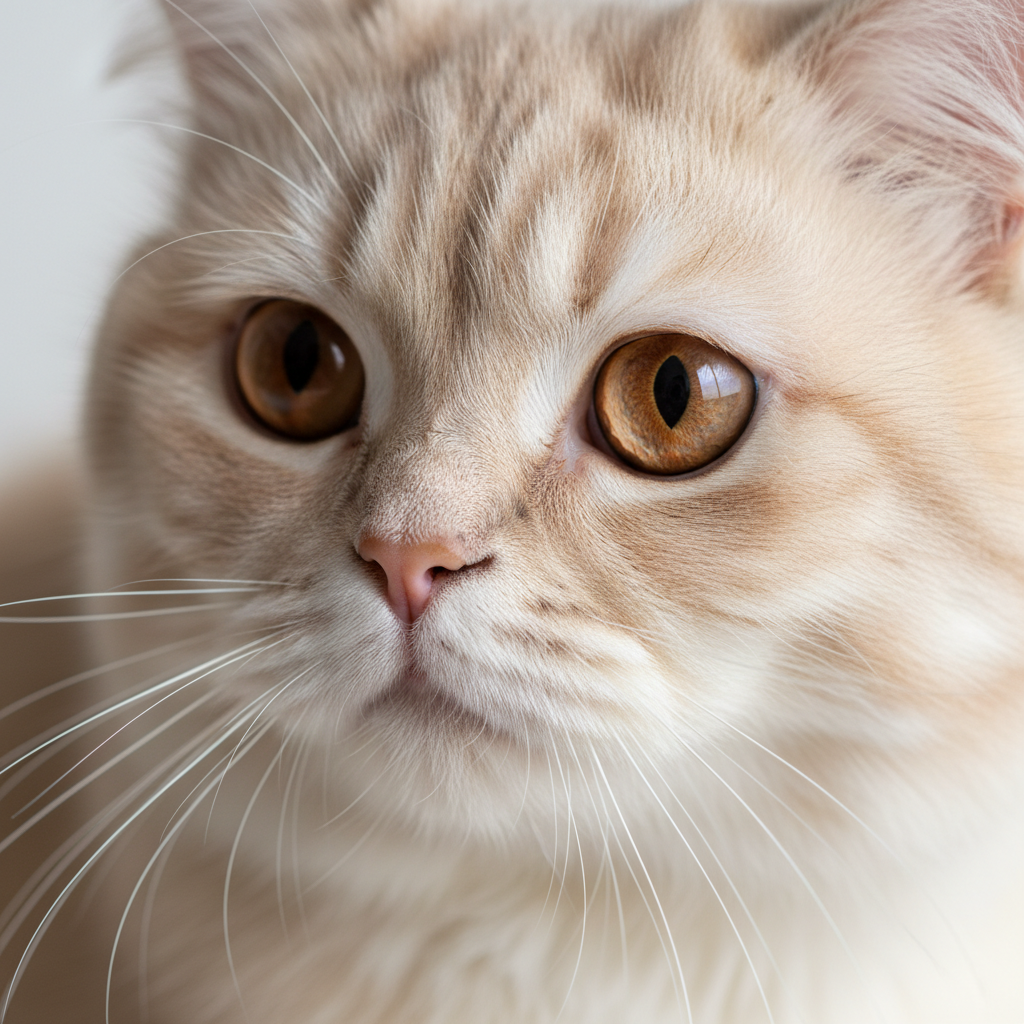
像素级完美边缘,即使是复杂主体
我们的先进AI能精确处理最棘手的边缘。从飘逸的头发到细腻的毛发,从精致的珠宝到精细的细节——每次都能获得干净、自然的抠图效果。不再有粗糙的边缘或残留的背景像素。AI智能识别主体和背景之间的边界,提供专业级的编辑效果。
立即试用
透明、白色或任何你需要的颜色
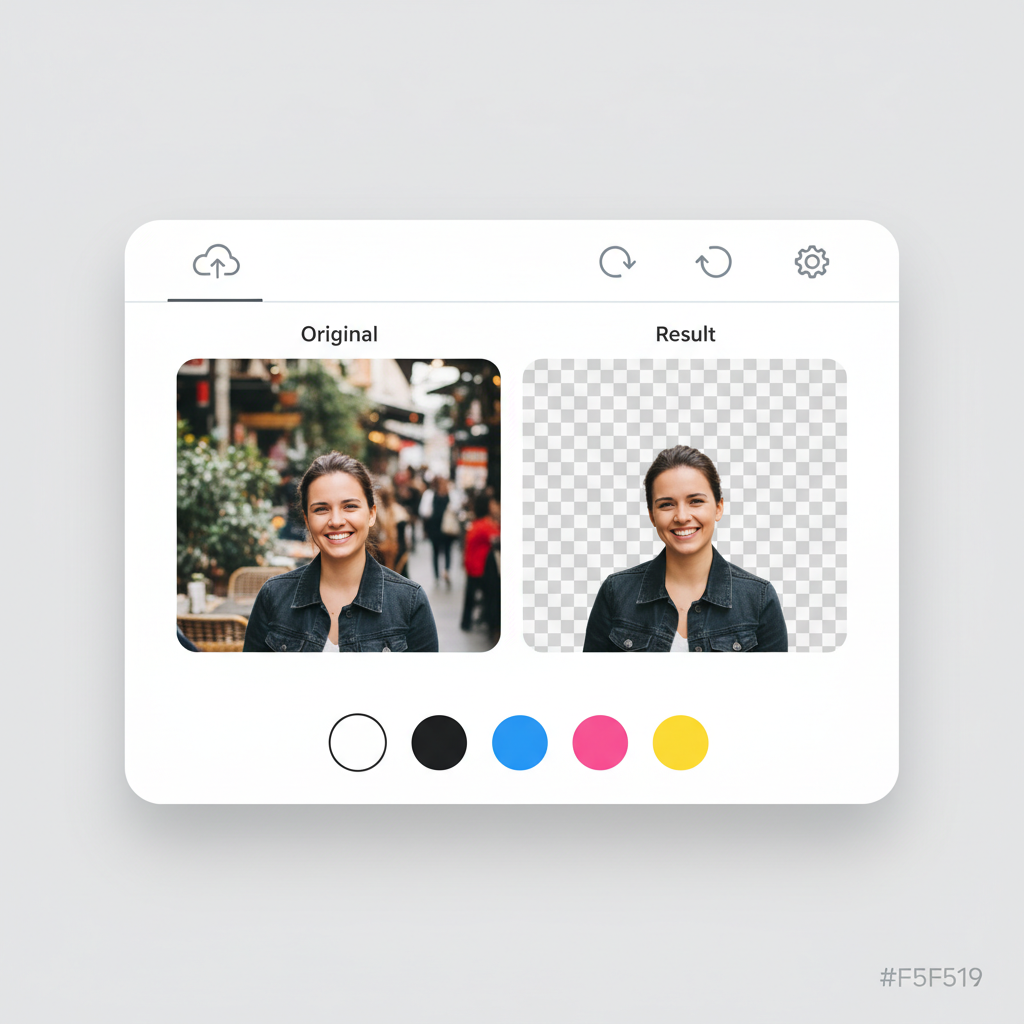
获得你需要的输出。下载带透明背景的图片以获得最大灵活性,或选择与你品牌或项目需求匹配的纯色背景。
- 电商平台需要的白色背景
- 带有品牌色的社交媒体帖子
- 需要透明PNG的设计项目
- 干净背景的专业头像
专业效果,完全免费开始
无需昂贵的软件订阅。无需复杂的学习曲线。只需上传图片,让AI完成繁重的工作。免费注册并获得5积分体验。每次背景移除只需1积分。当你喜欢这个效果时(你会的),升级获取更多积分和功能。
免费开始如何移除背景:3个简单步骤
几秒内移除任何图片的背景
上传图片
上传照片或拖放,支持最大10MB的 JPG、PNG 和 WEBP。
AI处理
我们的AI会在几秒内自动检测并移除背景。
下载结果
选择背景颜色并下载 PNG 或 JPG 格式。
支持的格式
最大文件大小:10MB
How Our AI Background Removal Technology Works
Our background removal tool uses a deep learning segmentation model trained on millions of images. The AI analyzes each pixel to classify it as foreground (the subject you want to keep) or background (what you want removed). Unlike simple color-based chroma key removal, our model understands object boundaries, depth, and context — which is why it handles complex scenarios like hair, glass, and shadows accurately. The entire process runs on cloud GPUs, delivering results in under 5 seconds regardless of image complexity.
Step 1: 上传图片
Our system accepts JPG, PNG, and WebP images up to 10MB. When you upload, the image is sent securely to our processing servers. We automatically detect the image dimensions and color space to optimize processing. For best results, use well-lit images where the subject is clearly distinguishable from the background.
Step 2: AI处理
The AI segmentation model runs on enterprise GPUs, analyzing every pixel in your image. It creates a precise mask that separates the foreground subject from the background. The model handles challenging edges like hair strands, semi-transparent objects, and complex outlines with pixel-level accuracy. Processing typically takes 2-5 seconds.
Step 3: 下载结果
Once the background is removed, you can choose a transparent background (PNG), or apply white, black, or any custom color. Download your result in PNG format for transparency support, or JPG for smaller file sizes. The original image quality is fully preserved in the foreground subject.
背景移除使用场景
从电商到社交媒体,我们的AI抠图工具适用于您的所有项目
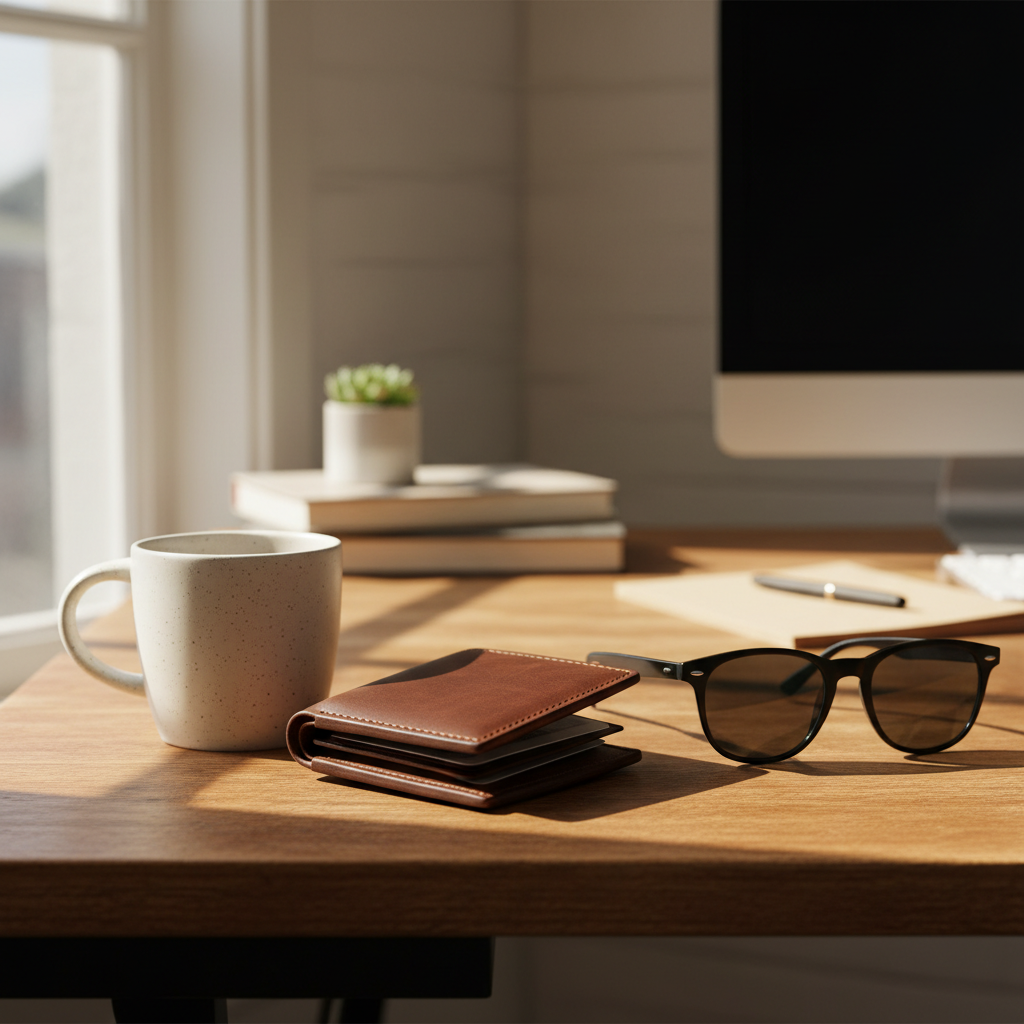
电商产品
为亚马逊、eBay和Shopify等平台创建干净的白色背景。满足平台要求并提高转化率。
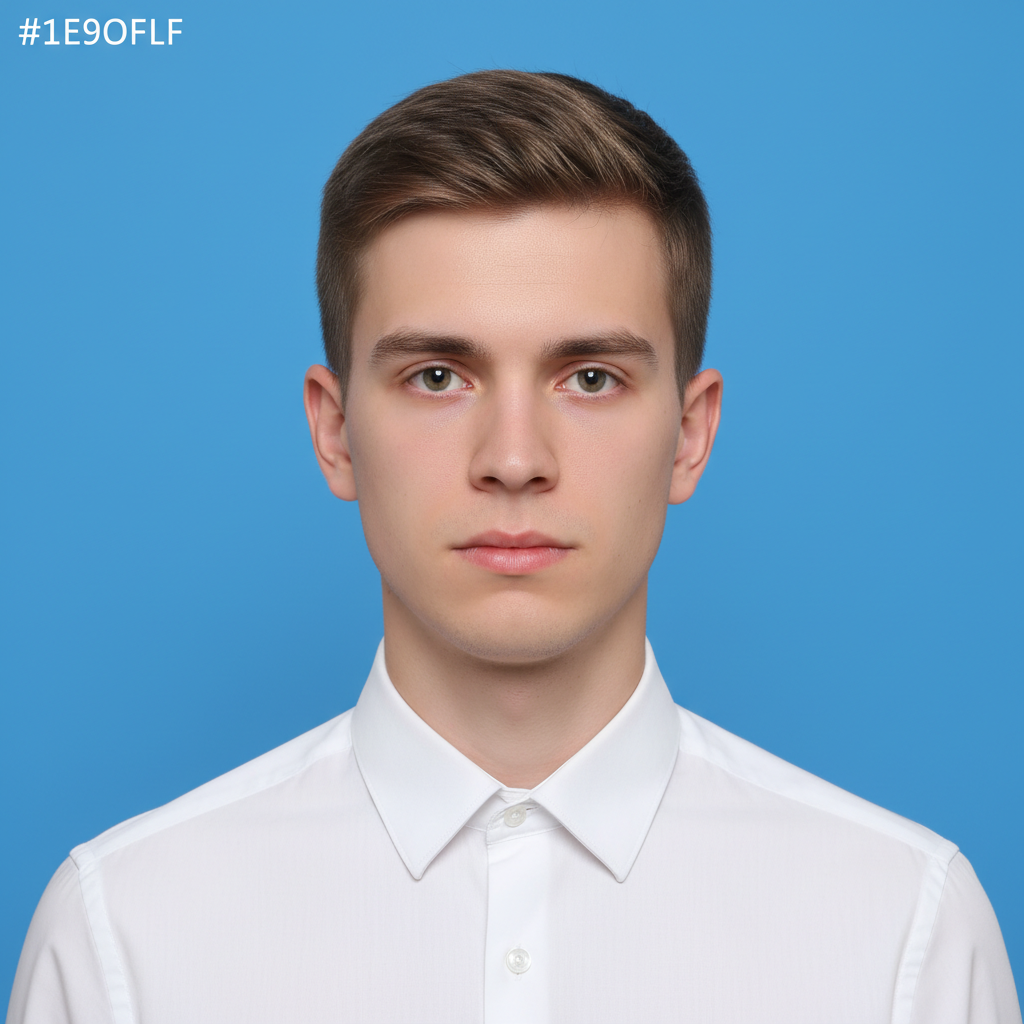
人像和头像
几秒内获得专业的个人照片和证件照。适用于LinkedIn、简历和名片。
Logo和图形
为任何项目创建透明Logo。非常适合品牌推广、营销材料和网页设计。

社交媒体内容
为Instagram、TikTok、Facebook等平台创建带自定义背景的吸睛帖子。

宠物和动物
精准的毛发检测,完美抠图。创建可爱的宠物肖像和回忆。
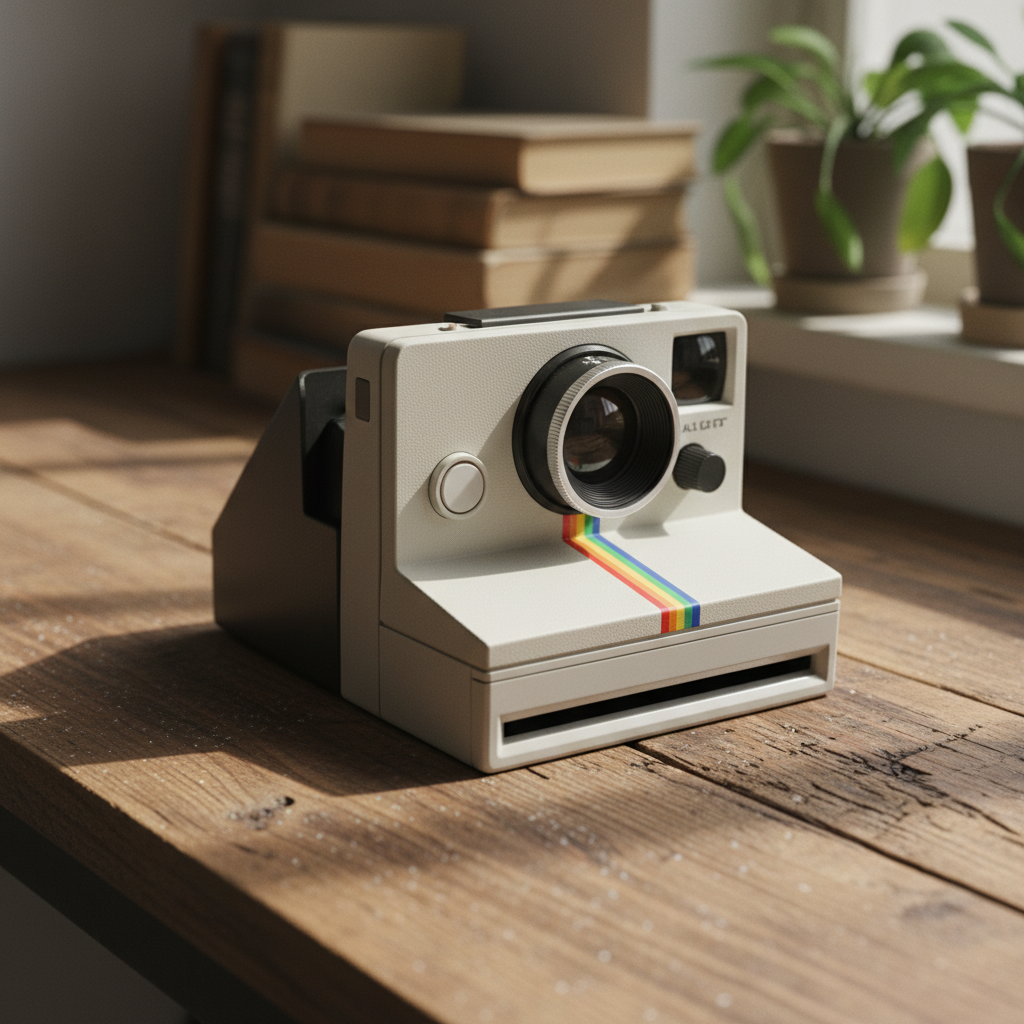
物品和商品
为创意项目、演示文稿或在线列表隔离任何物体。
Marketing Materials
Create professional flyers, banners, and ad creatives with clean cutouts. Place products and people on branded backgrounds for consistent marketing campaigns.
Real Estate Listings
Remove distracting backgrounds from property interior shots, furniture images, and staging photos. Create clean, professional real estate marketing materials.
Education & Presentations
Prepare clean images for slides, worksheets, and educational materials. Remove backgrounds from diagrams, photos, and illustrations for cleaner presentations.
Print-on-Demand Products
Isolate designs for t-shirts, mugs, phone cases, and other merchandise. Get transparent PNGs ready for print-on-demand platforms like Printful and Redbubble.
How Nano Banana 2 Compares to Other Background Removers
See how our AI stacks up against popular background removal tools
There are many background removal tools available, each with different strengths. Here is how Nano Banana 2 Background Remover compares to the most popular alternatives.
Nano Banana 2 vs Remove.bg
Remove.bg is one of the most well-known background removal tools and delivers good quality results. However, it limits free downloads to low resolution (up to 0.25 megapixels) and requires a subscription for full-resolution output. Nano Banana 2 provides full-resolution downloads from the start with a pay-as-you-go credit system — no subscription needed. Both tools offer comparable AI accuracy for most subjects, but Nano Banana 2 includes custom background color selection at no extra cost.
Nano Banana 2 vs Canva Background Remover
Canva offers background removal as part of its Pro subscription (2.99/month). While Canva is excellent as an all-in-one design tool, its background remover is just one feature among many. If you only need background removal, paying for a full Canva Pro subscription may not be cost-effective. Nano Banana 2 offers dedicated, high-quality background removal with a simple credit system, making it more affordable for users who specifically need this capability.
Nano Banana 2 vs PhotoRoom
PhotoRoom specializes in product photography and includes background removal, templates, and batch processing. It is a strong choice for e-commerce sellers who need a complete product photo editing suite. Nano Banana 2 focuses specifically on delivering the best possible background removal results with maximum flexibility — transparent, white, or custom color backgrounds with full-resolution output. For users who want a simple, fast, and affordable background removal tool without a monthly subscription, Nano Banana 2 is the better choice.
Nano Banana 2 Background Remover is designed for users who want professional-quality background removal without the commitment of a monthly subscription. Our credit-based pricing means you only pay for what you use, and every download is full resolution.
Tips & Best Practices for Background Removal
Get the best results from our AI background remover with these expert tips
Use Good Lighting
Well-lit images produce the cleanest results. Natural daylight or studio lighting helps the AI distinguish between the subject and background more accurately. Avoid heavy shadows that blend the subject with the background.
Ensure Subject-Background Contrast
The AI works best when there is clear visual contrast between your subject and the background. A dark subject on a dark background will be harder to separate than a dark subject on a light background.
Upload High-Resolution Images
Higher resolution images give the AI more pixel data to work with, especially around fine details like hair and edges. Start with the highest quality image available for the best output.
Simpler Backgrounds Work Best
While our AI handles complex backgrounds well, simpler, less cluttered backgrounds produce the cleanest results. If possible, photograph subjects against a plain or relatively uniform background.
Choose PNG for Transparency
Always download as PNG if you need a transparent background. JPG does not support transparency, so the transparent areas will appear white in JPG downloads. Use PNG when you plan to place the subject on a different background later.
Center Your Product in the Frame
For e-commerce product photos, center the product in the image and leave some padding around the edges. This gives the AI clear boundaries and makes the final image look more professional on marketplace listings.
Set Up an Efficient Workflow
For multiple images, keep the tool tab open and process images one after another. Each removal takes under 5 seconds, so you can process dozens of images in minutes. Download each result immediately for the fastest workflow.
Zoom In to Check Edges
After removal, zoom into the edges of your subject to verify the AI captured fine details correctly. Pay special attention to areas like hair, transparent objects, and areas where the subject color is similar to the background.
Remove backgrounds, then reimagine them. Place your product in trending lifestyle scenes with AI.
探索更多 AI 工具
发现我们完整的 AI 图片编辑工具套件
背景移除常见问题
关于AI抠图工具,您需要知道的一切
Part of the Nano Banana 2 suite — free AI image tools powered by Google Gemini.