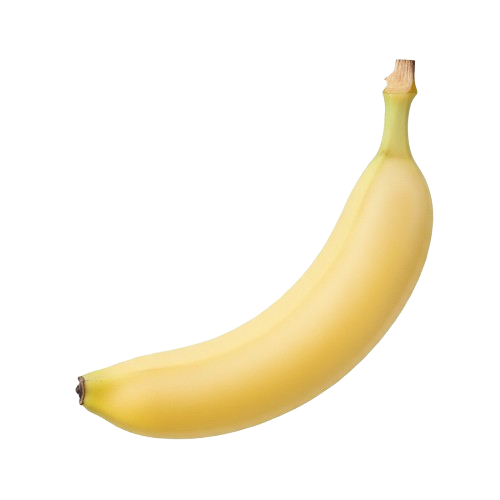
一键生成产品白底图
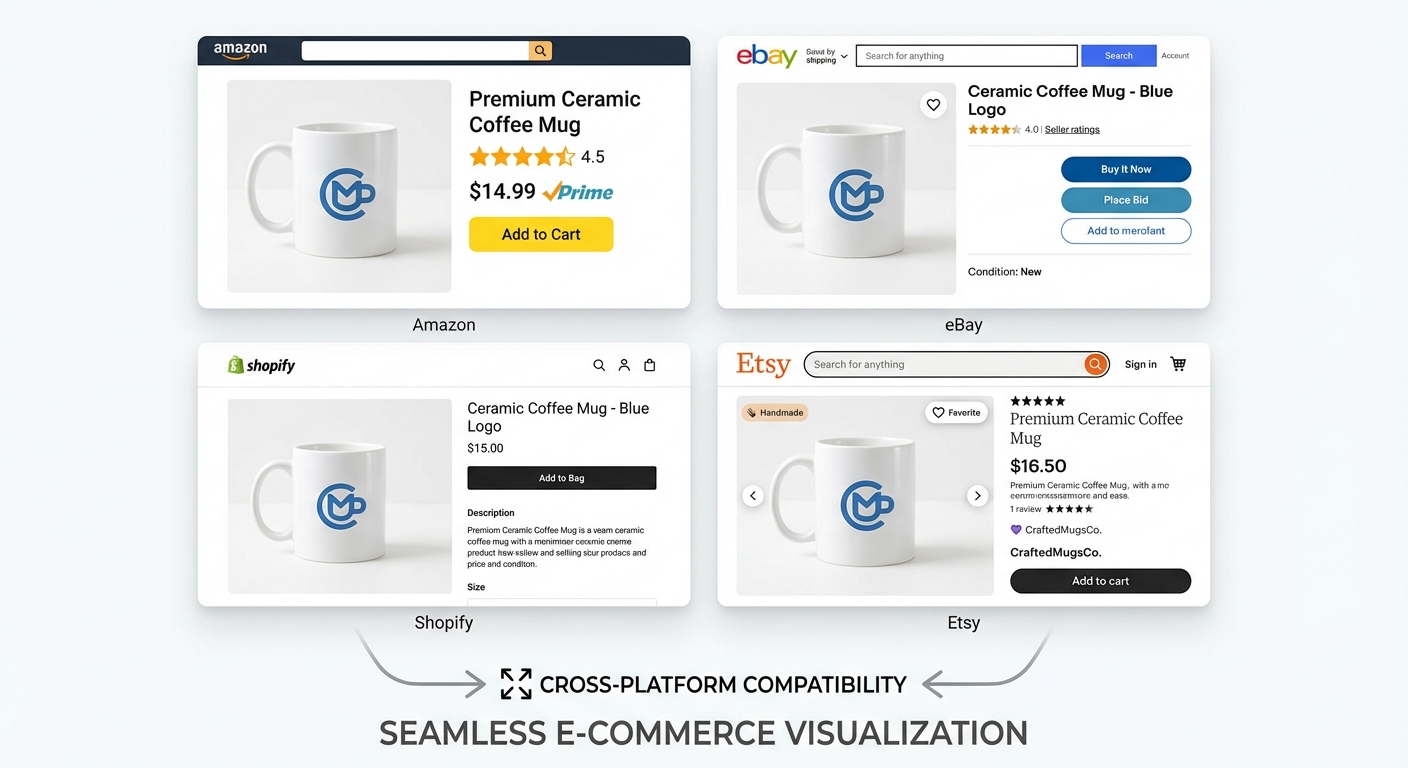
为产品图片添加纯白背景。适用于淘宝、京东、亚马逊、eBay、Shopify等所有电商平台。
上传产品图片
拖拽或点击上传
JPG、PNG、WEBP • 最大10MB
或试用示例图片
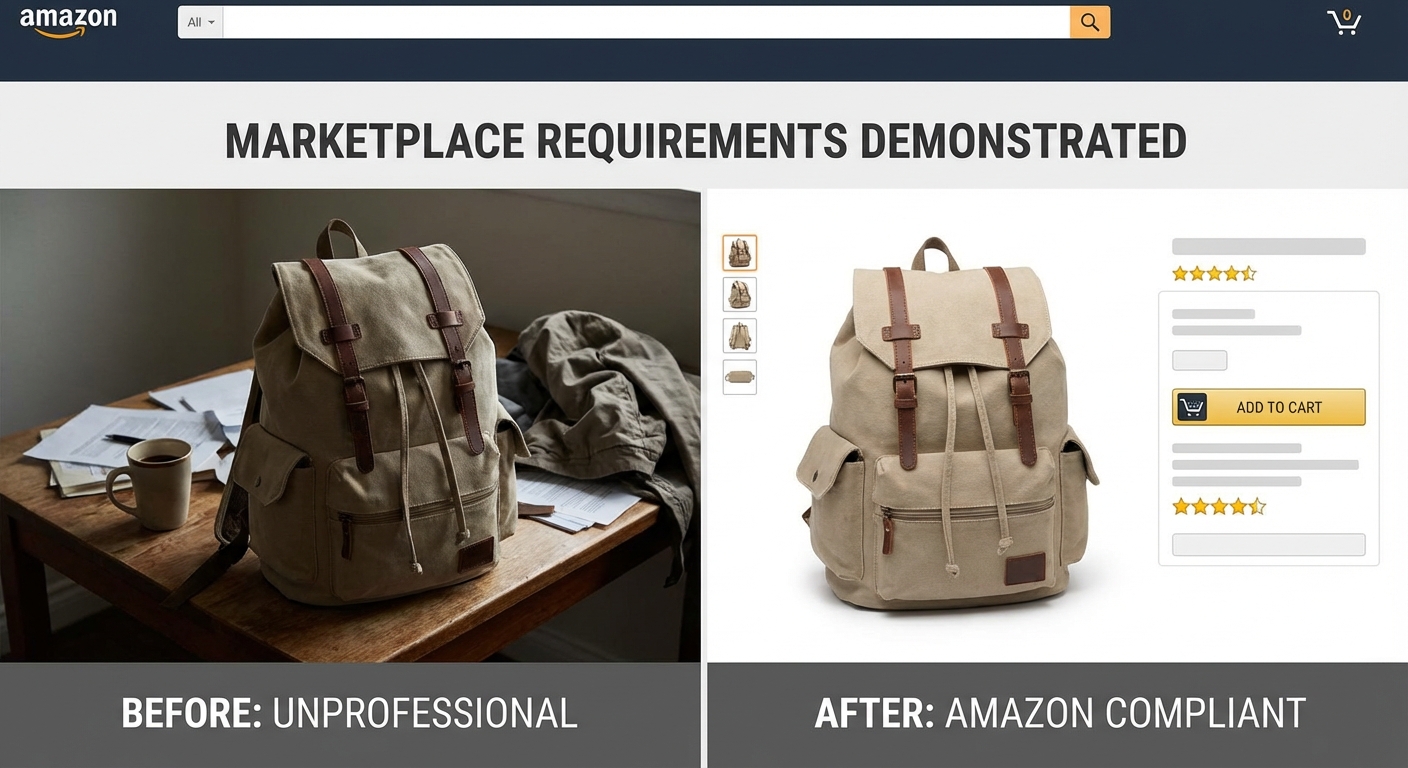
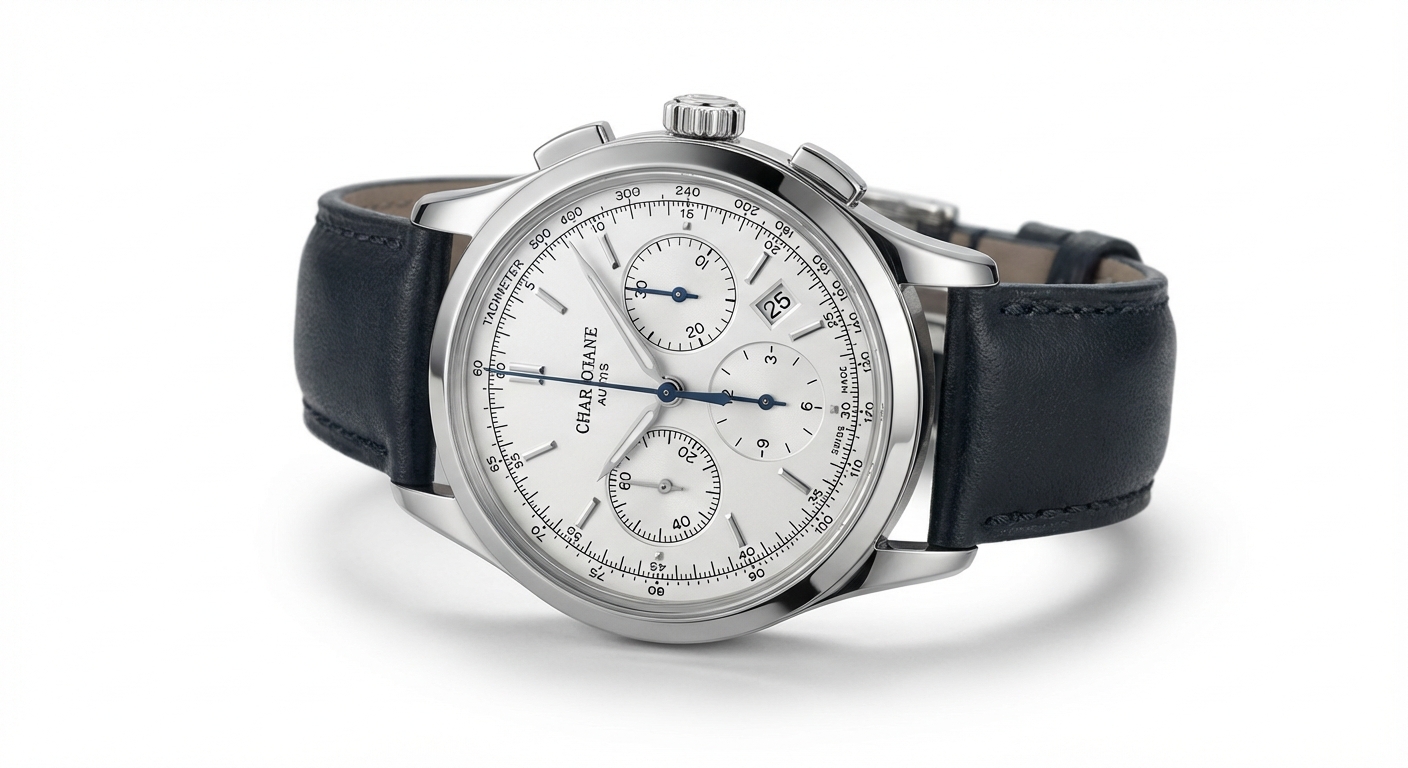
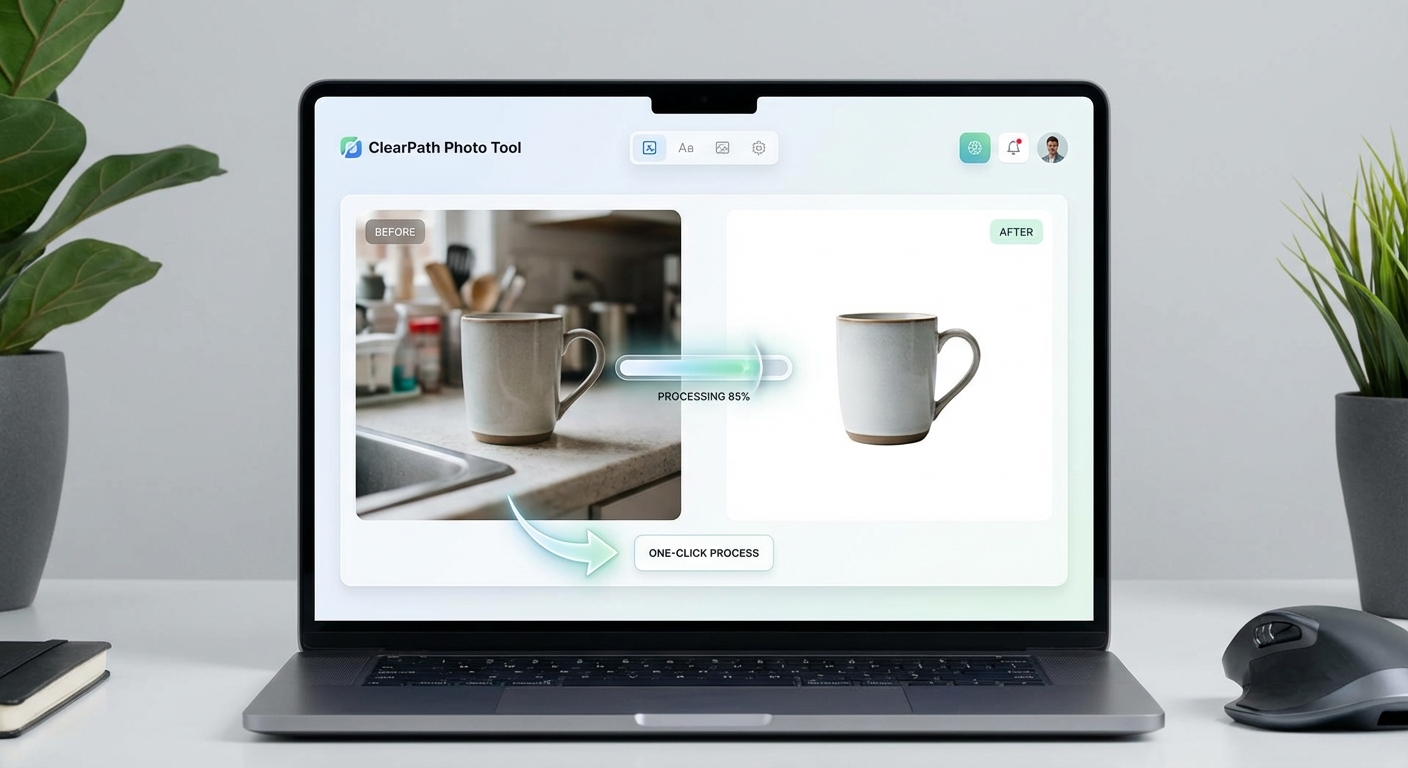
3步添加白色背景
将任意产品图片转换为专业电商图片
上传产品图片
上传您的产品图片或拖放。支持JPG、PNG和WEBP,最大10MB。
AI处理
我们的AI移除背景并添加干净的纯白(#FFFFFF)背景。
下载开卖
下载专业产品图,可直接上传任何电商平台。
支持的格式
最大文件大小:10MB
白底图使用场景
从亚马逊到淘宝,为任何平台创建专业产品图
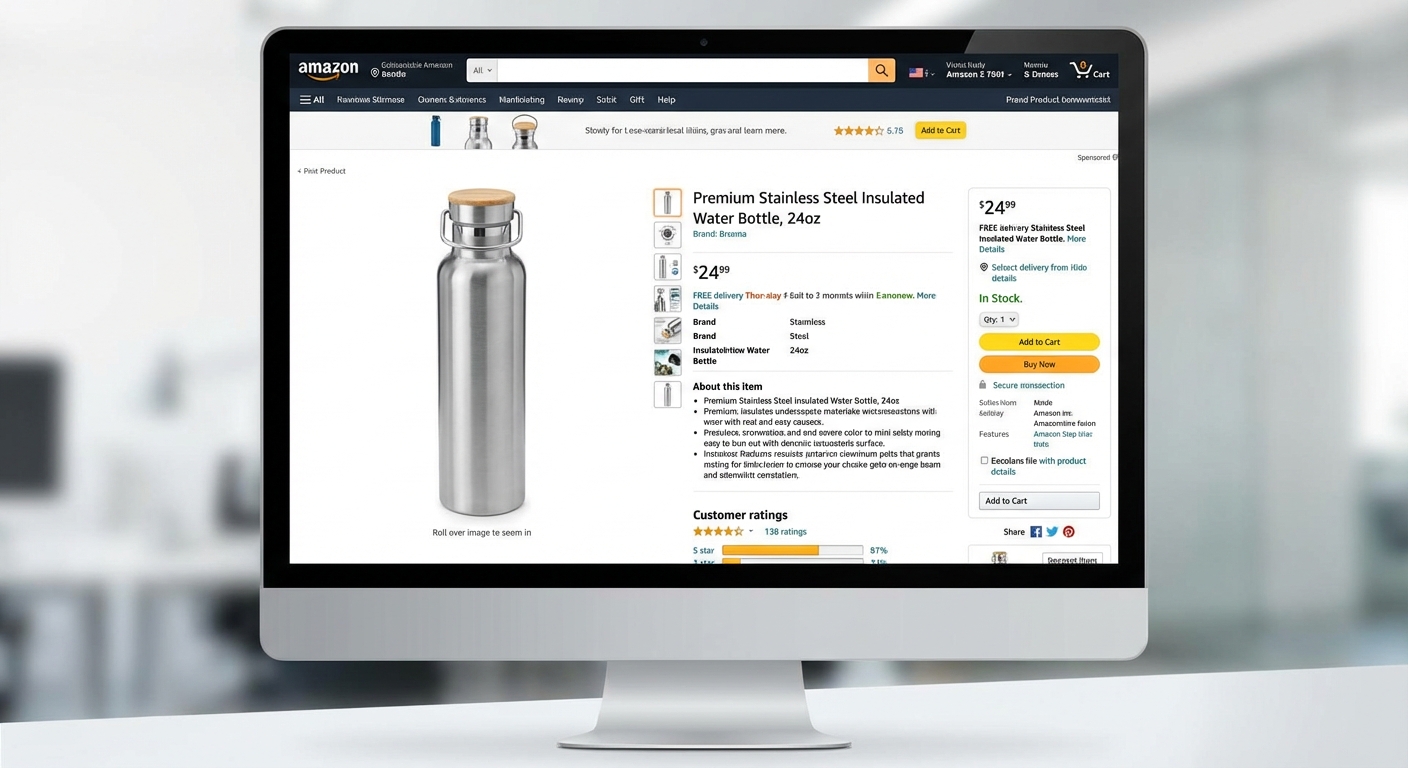
亚马逊商品
满足亚马逊的纯白背景要求。创建符合其严格规范的主图,提高商品曝光度。
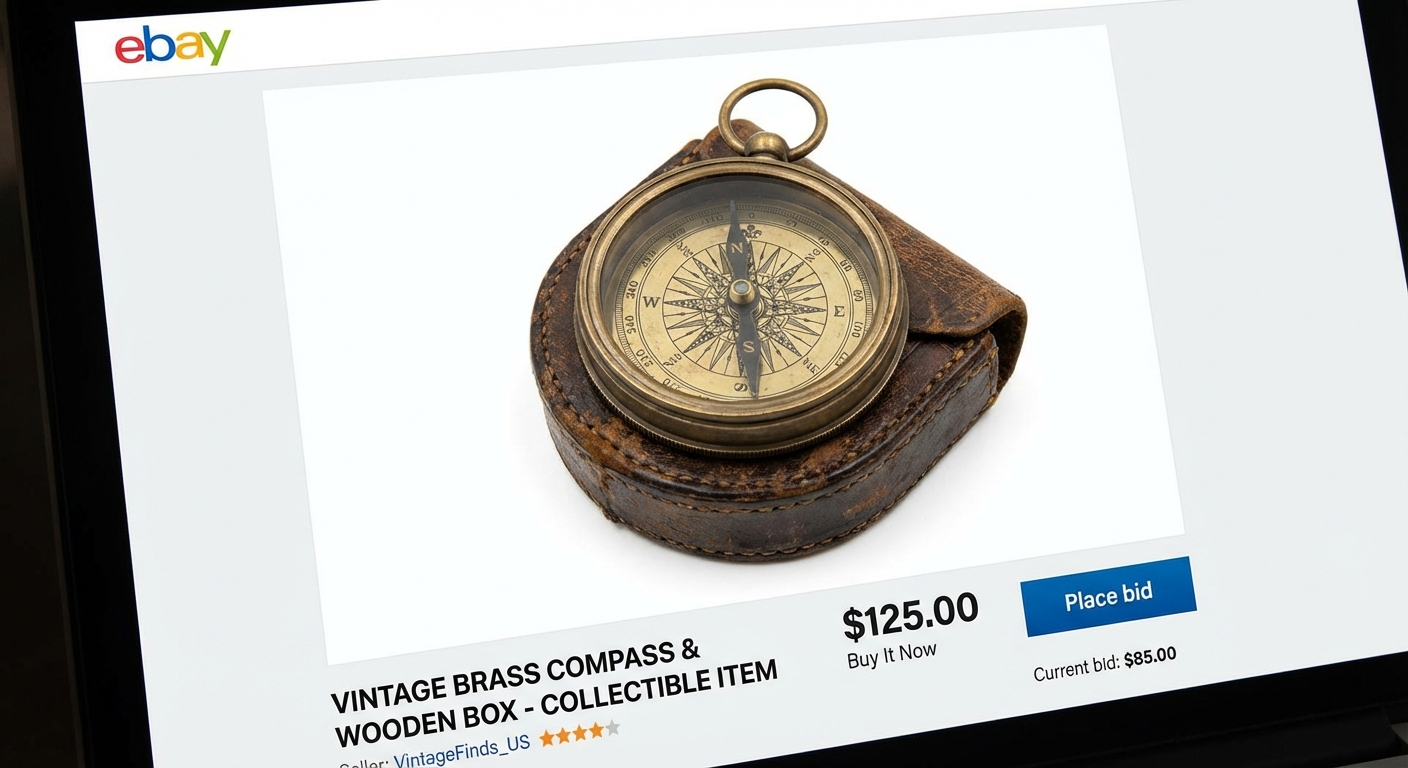
eBay拍卖
干净专业的产品图帮助您的商品脱颖而出。白色背景增加买家信任度。
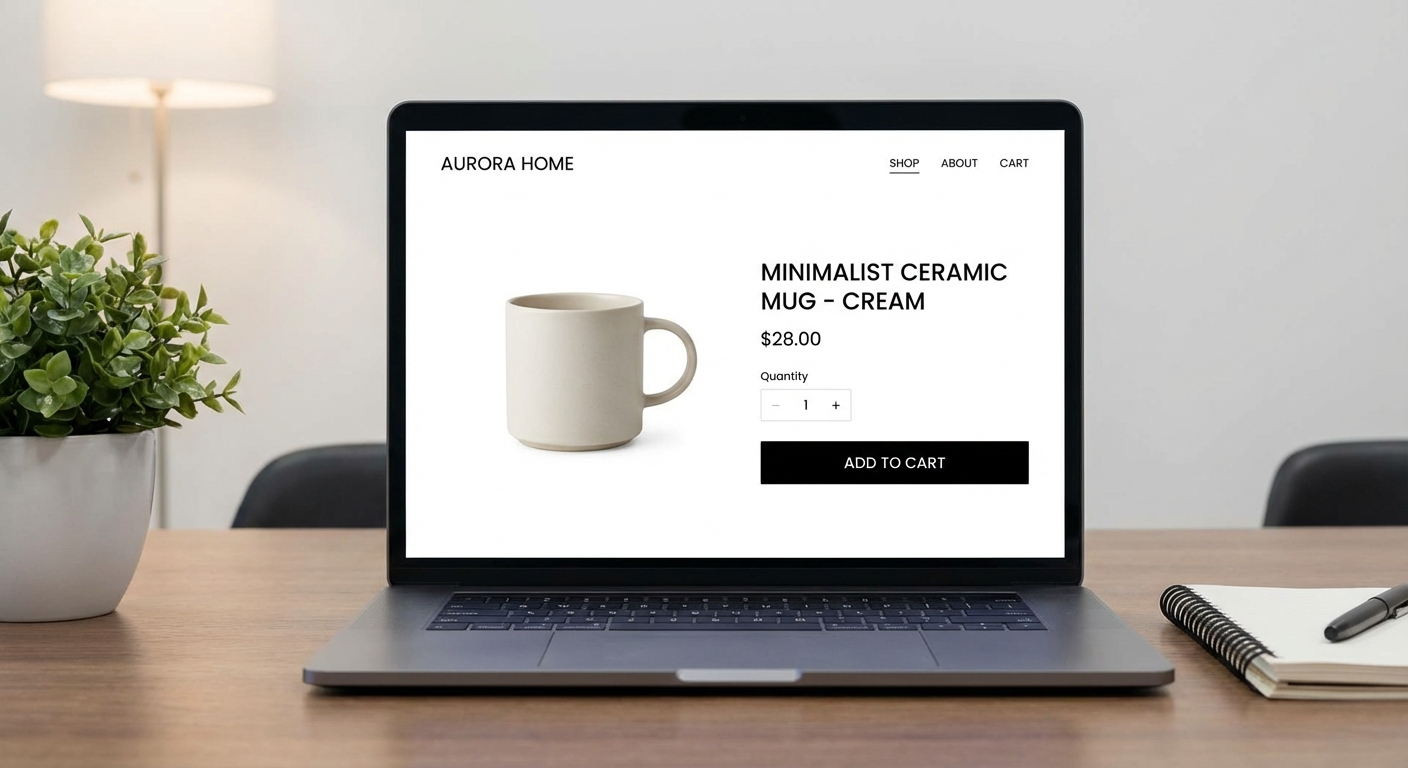
Shopify店铺
使用统一的白底产品图打造专业一致的店铺形象。
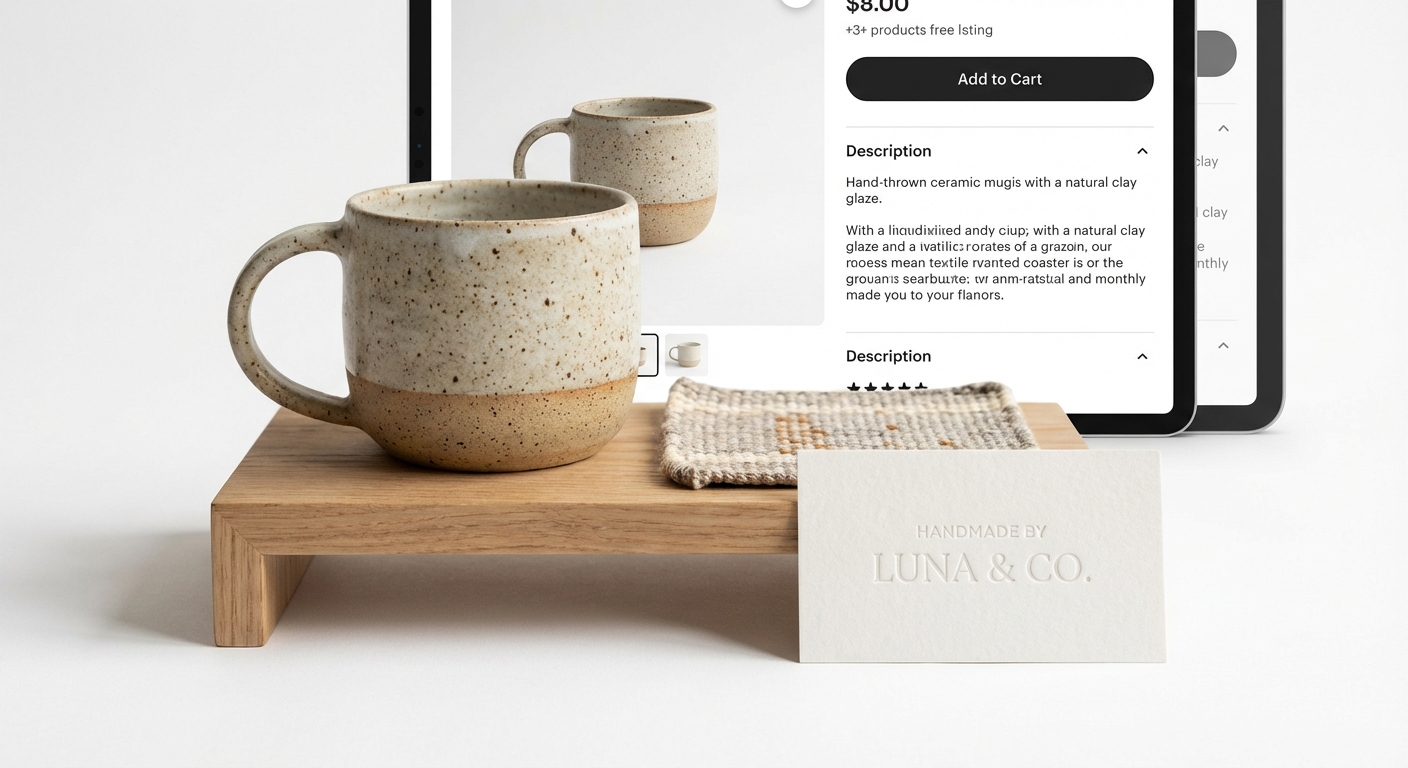
产品摄影
无需昂贵摄影棚设备也能拍出专业产品图。适用于产品目录、画册和营销材料。
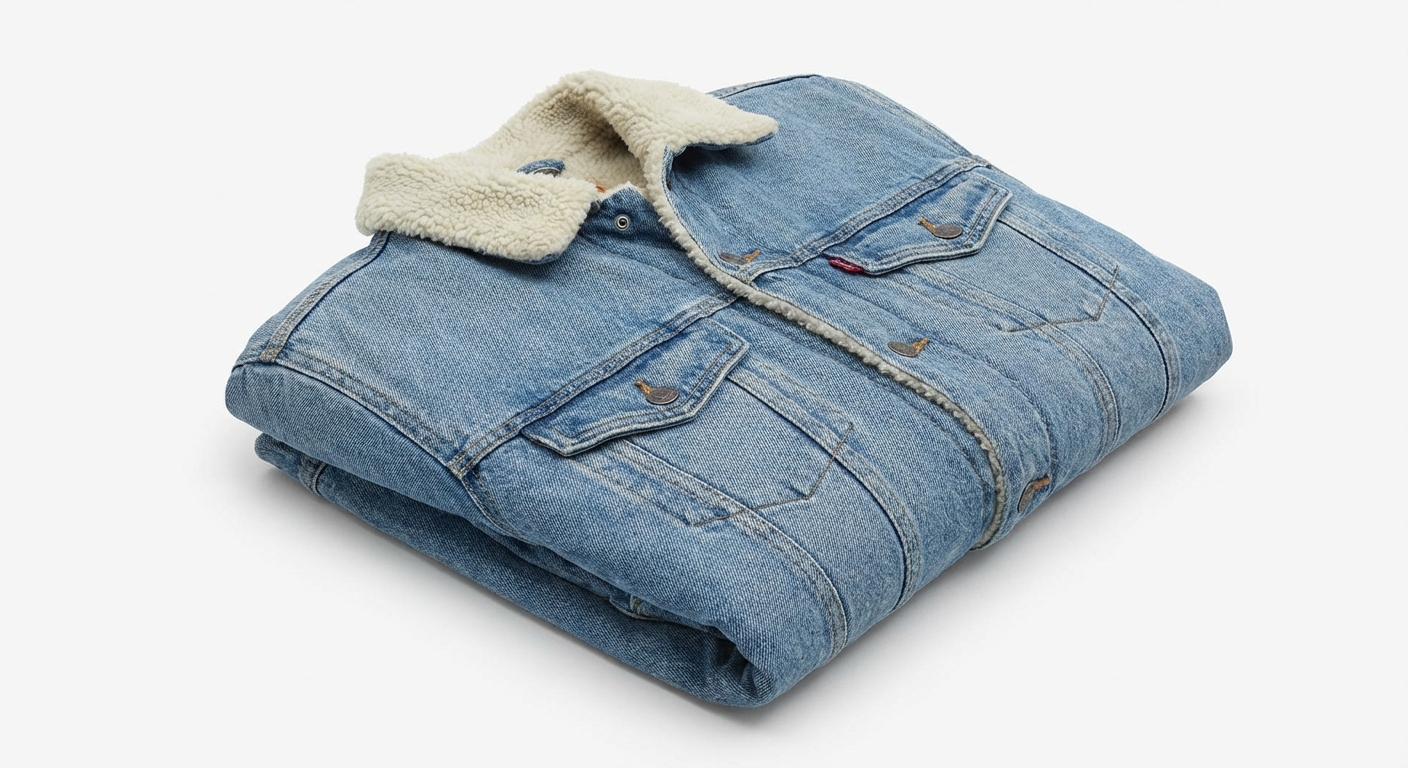
服装配饰
用干净的白色背景展示服装和配饰。适合时尚品牌和服装零售商。
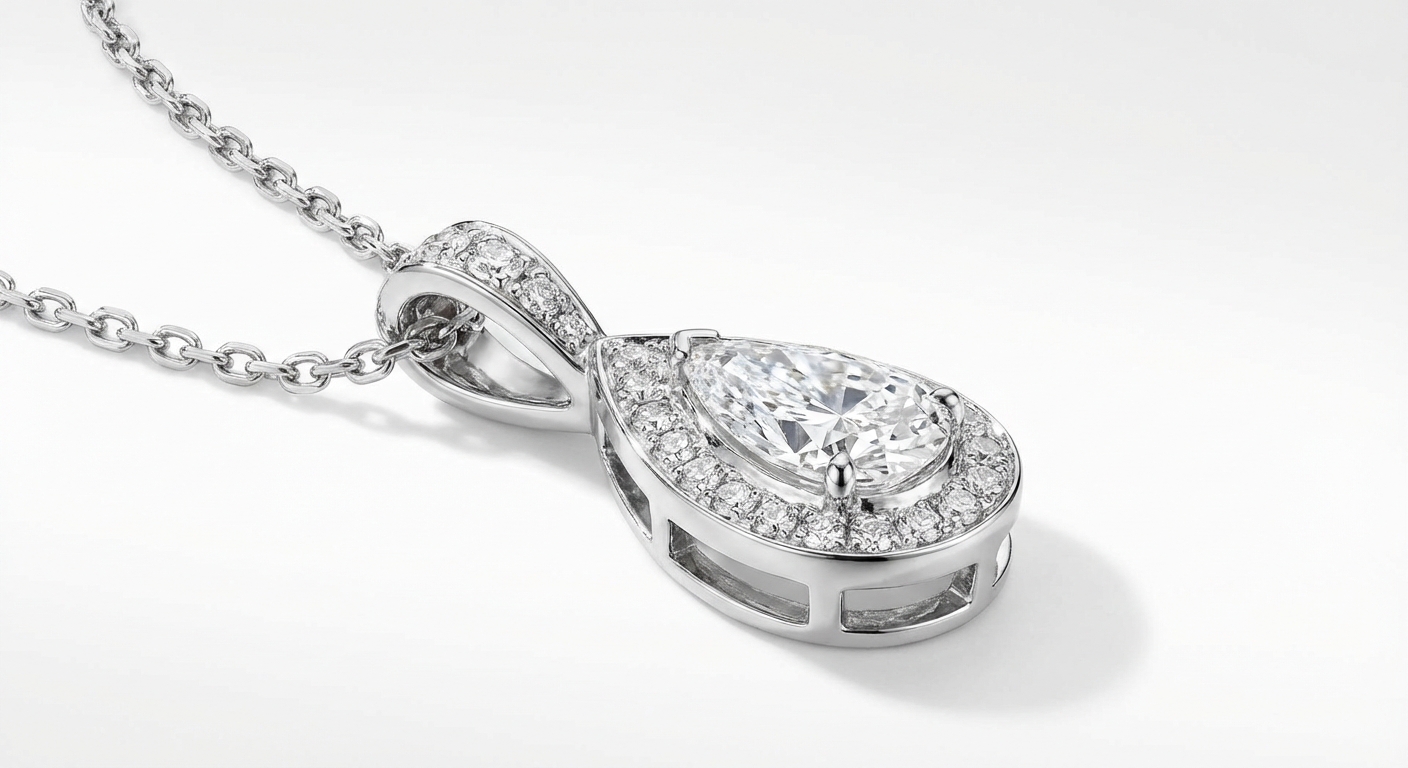
珠宝首饰
突出珠宝和小配件的细节。白色背景让贵重物品更加闪耀。
How Nano Banana 2 Compares to Other White Background Tools
See how our AI white background tool stacks up against popular alternatives
Adding a clean white background to product photos is essential for e-commerce success. Here is how Nano Banana 2 White Background compares to the leading solutions available today.
Nano Banana 2 vs Remove.bg
Remove.bg excels at background removal but outputs transparent backgrounds by default — you still need to add a white background in a separate step. Free downloads are limited to low resolution (up to 0.25 megapixels). Nano Banana 2 provides a complete one-step solution: remove the background and add a pure white background in a single click, with full-resolution output included. Perfect for sellers who need marketplace-ready photos fast.
Nano Banana 2 vs PhotoRoom
PhotoRoom is a popular mobile-first solution for product photography with templates, batch processing, and built-in backgrounds. While powerful, it requires a Pro subscription ($12.99/month) for full features and is primarily designed for mobile workflows. Nano Banana 2 offers dedicated white background generation through a simple web interface at a fraction of the cost — upload, process, download, done.
Nano Banana 2 vs AutoClipping
AutoClipping provides batch background removal with white background options, targeting high-volume e-commerce sellers. However, its plans start at $14.99/month and the interface can be overwhelming for occasional users. Nano Banana 2 keeps it simple with pay-per-use pricing — no subscription, no minimum volume. Perfect for individual sellers or small businesses who need professional white backgrounds without committing to monthly fees.
Nano Banana 2 White Background is purpose-built for e-commerce sellers who need marketplace-compliant product photos. One click, full resolution, pure white background — no subscription required.
Tips & Best Practices for White Background Photos
Create professional product photos that meet marketplace standards with these expert tips
Photograph with Even, Diffused Lighting
Even lighting reduces harsh shadows and makes AI background removal more accurate. Use a lightbox, two soft light sources on either side, or photograph near a large window with diffused natural light. Avoid direct flash which creates hard shadows.
Center Your Product with Padding
Place your product in the center of the frame with adequate white space around all edges. This gives the AI clear boundaries for separation and ensures the final image meets marketplace requirements for padding and positioning.
Keep Consistent Image Dimensions
Use the same image dimensions across all your product listings for a professional, cohesive storefront. Most marketplaces recommend square images (1000x1000 or 2000x2000 pixels). Consistency builds brand trust.
Verify Pure White (RGB 255,255,255)
Amazon and other marketplaces require pure white backgrounds (RGB 255,255,255). Our AI generates exactly this. If you are editing further, ensure your white background stays pure — off-white tones can cause listing rejections.
Upload the Highest Resolution Available
Start with the highest resolution source photo you have. More pixels mean better edge detection around your product and a more professional final result. Aim for at least 1500px on the shortest side.
Know Your Platform's Image Requirements
Different platforms have different requirements. Amazon requires pure white backgrounds and 1000+ pixels. eBay recommends white backgrounds but allows others. Shopify is flexible. Process your photos according to where they will be listed.
Consider Adding a Subtle Drop Shadow
After creating your white background image, consider adding a subtle drop shadow in post-processing. A soft shadow under the product can make it appear more natural and three-dimensional on a white page.
Do a Final Quality Check on White
Before uploading to marketplaces, view your product image on a white webpage to check for any halo effects, missed edges, or color fringing around the product. Zoom to 100% and inspect critical areas like hair, transparent elements, or intricate details.
Need more than white backgrounds? Create lifestyle scenes, seasonal themes, and ad-ready product photos.
探索更多 AI 工具
发现我们完整的 AI 图片编辑工具套件
白底图常见问题
关于产品图白底处理的所有问题
Powered by Nano Banana 2 — the free AI image generator by Google Gemini.