
AI一键增强照片质量
将模糊、低分辨率的照片瞬间转换为清晰锐利的高清图像。免费开始,无需设计技能。
选择图片
拖放或点击上传
JPG, PNG, WEBP • 最大10MB
或试试示例
增强选项
使用GFPGAN技术增强面部细节
为什么选择我们的照片增强器?
专业AI图像增强,采用最先进的技术
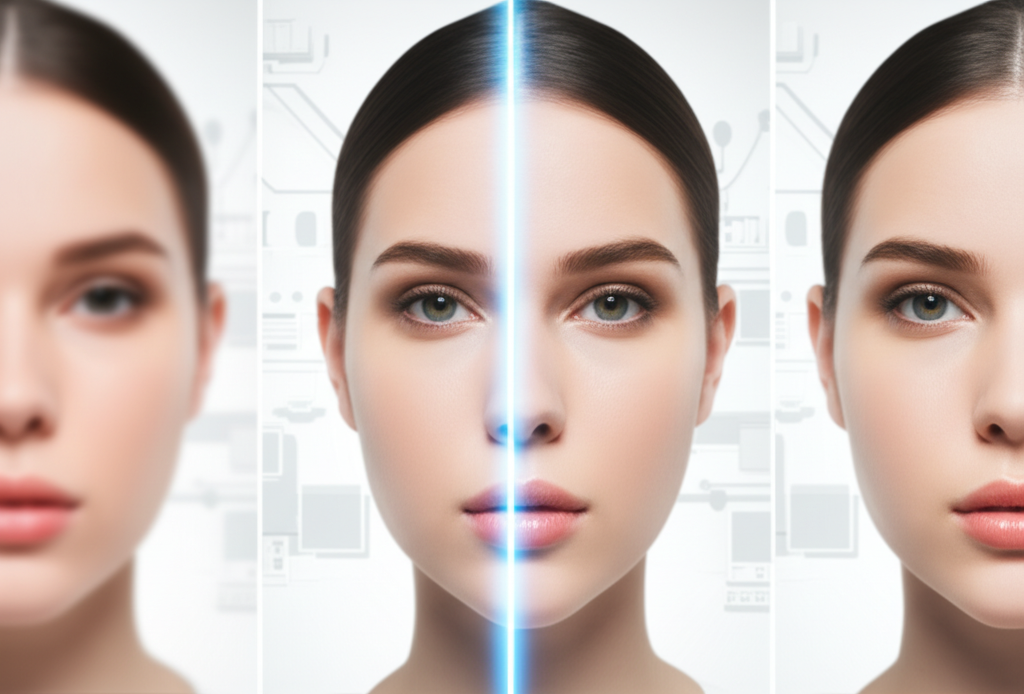
真正有效的AI增强
我们的先进AI不仅仅是锐化图像——它能智能重建细节、降低噪点、增强清晰度。使用经过数百万张图片训练的最先进Real-ESRGAN技术,我们恢复丢失的细节,展现您不知道存在的细节。无论是老家庭照片还是手机截图,都能转变为水晶般清晰的杰作。
免费增强照片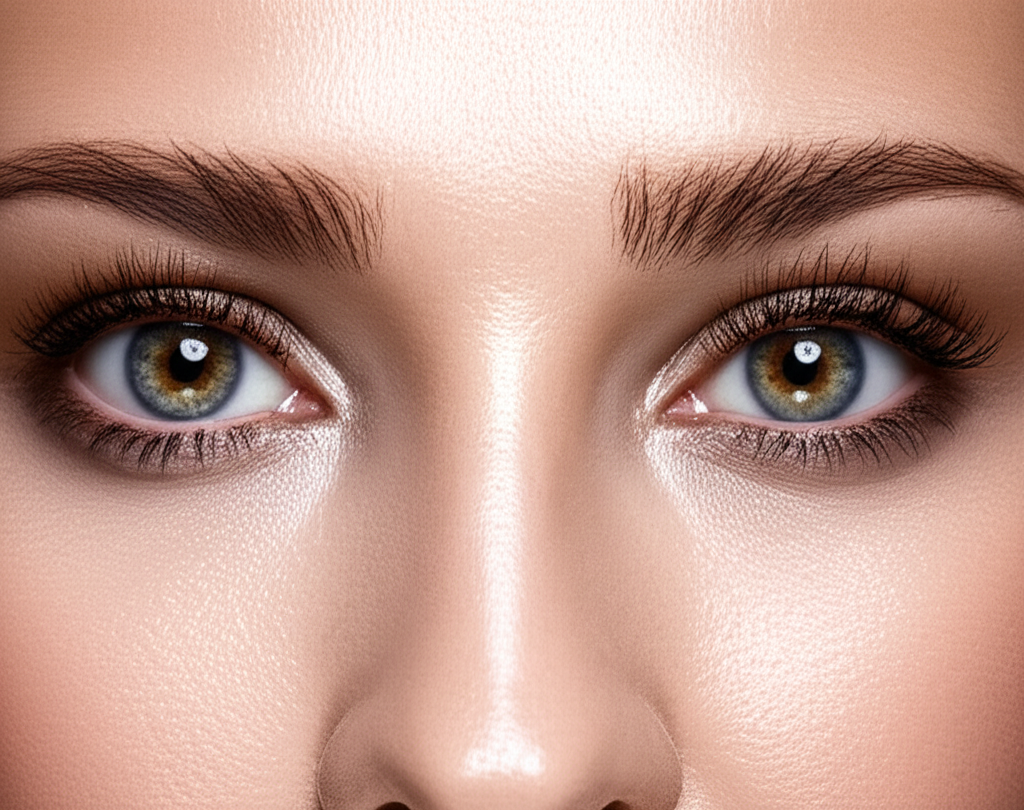
保持自然美感的人脸增强
基于GFPGAN技术,我们的人脸增强器专门针对面部特征优化,效果惊人。眼睛更锐利,肤质自然改善,表情保持真实。非常适合人像、自拍、合照和需要特别关注面部的老照片。AI懂得增强与过度处理的区别——您的照片保持真实,只是更好。
试试人脸增强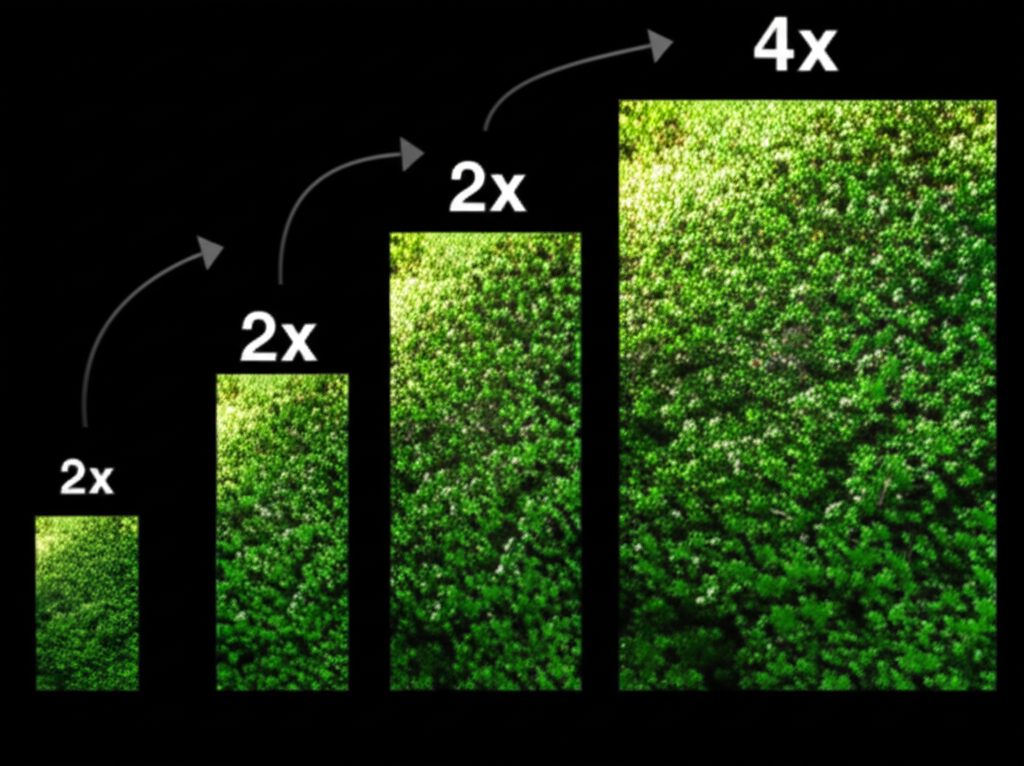
2倍或4倍放大——您来选择
需要快速提升?2倍增强将分辨率翻倍,同时保持处理速度快。想要最大细节?4倍放大将图像尺寸扩大四倍,非常适合打印或大型显示。
- 2倍:快速处理(~12秒),适合社交媒体
- 4倍:最大细节(~25秒),适合打印
- 无质量损失——AI填充缺失细节
- 支持最大10MB的任意图片尺寸
按量付费——无需订阅
厌倦了几乎不用的月度订阅?我们理解。这就是为什么Nano Banana 2使用简单的积分系统。免费注册即可获得5积分开始。每次增强只需2-3积分。需要更多时,按需购买——没有循环费用,没有承诺。这是尊重您钱包的照片增强服务。
免费开始值得信赖的照片增强
我们的照片增强器使用最先进的AI技术提供专业效果
快速增强
灵活缩放
AI精准处理
赠送5积分
3步增强照片质量
将任何照片转换为清晰的高分辨率图像
上传照片
上传任何JPG、PNG或WebP图片,最大10MB。拖放或点击浏览。
选择设置
选择2倍或4倍放大,根据您的照片开启或关闭人脸增强。
下载增强照片
几秒钟内获得水晶般清晰的图像。下载为PNG或JPG格式。
支持的格式
最大文件大小:10MB。可下载PNG或JPG格式。
The Science Behind AI Photo Enhancement
Our photo enhancer uses Real-ESRGAN (Real-Enhanced Super-Resolution Generative Adversarial Network), one of the most advanced AI super-resolution models available. The model was trained on millions of real-world photo pairs at different resolutions, allowing it to learn natural textures, edges, and photographic patterns. When you enhance a photo, the AI does not simply enlarge pixels — it intelligently reconstructs missing detail by predicting what should be there based on the surrounding context. For portraits, optional GFPGAN (Generative Facial Prior GAN) technology specifically restores facial features with remarkable fidelity, producing sharper eyes, smoother skin textures, and more natural-looking expressions.
Step 1: 上传照片
Upload any photo in JPG, PNG, or WebP format up to 10MB. The system detects image properties including dimensions, color space, and whether faces are present. Higher resolution source photos produce better enhanced results, but the AI handles low-resolution inputs remarkably well too.
Step 2: 选择设置
Choose 2x enhancement to double your resolution (ideal for web and social media) or 4x to quadruple it (ideal for printing and large displays). If your photo contains people, enable face enhancement to activate GFPGAN — this specifically targets and improves facial features without over-processing the rest of the image.
Step 3: 下载增强照片
Compare the original and enhanced versions side by side before downloading. Save as PNG for maximum quality and lossless output, or JPG for smaller file sizes. All downloads are full resolution with no watermarks or quality restrictions.
照片增强使用场景
从老回忆到专业照片,用AI增强任何图像
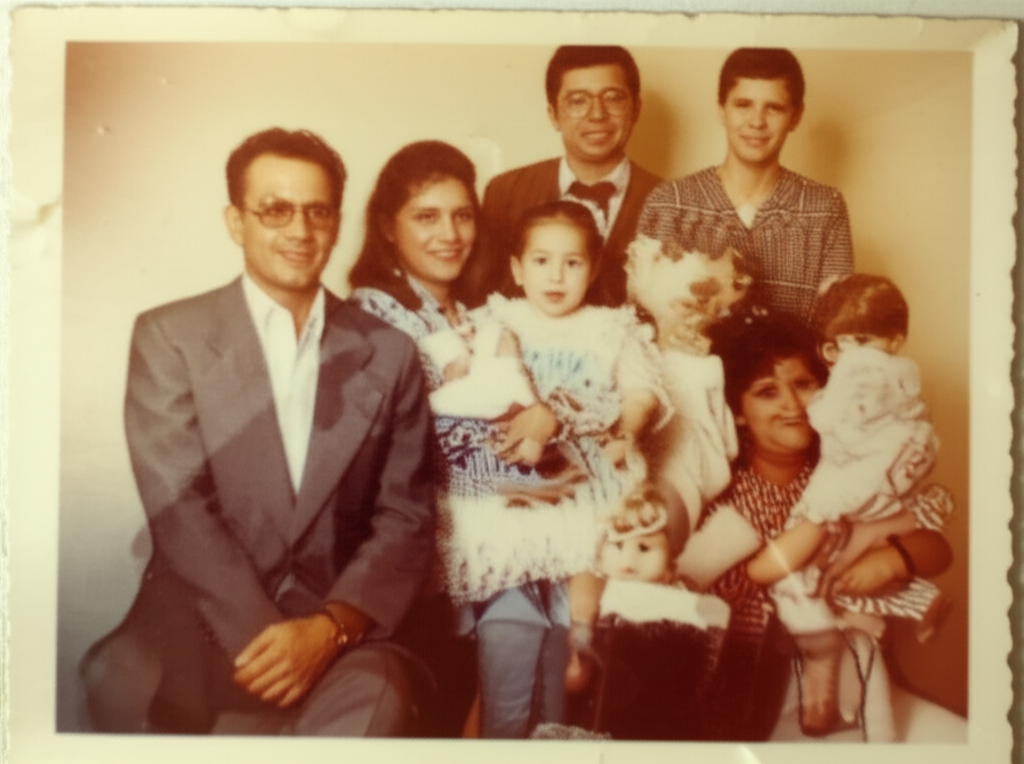
老照片修复
为珍贵的回忆和老照片恢复清晰度。修复褪色细节,锐化模糊图像。
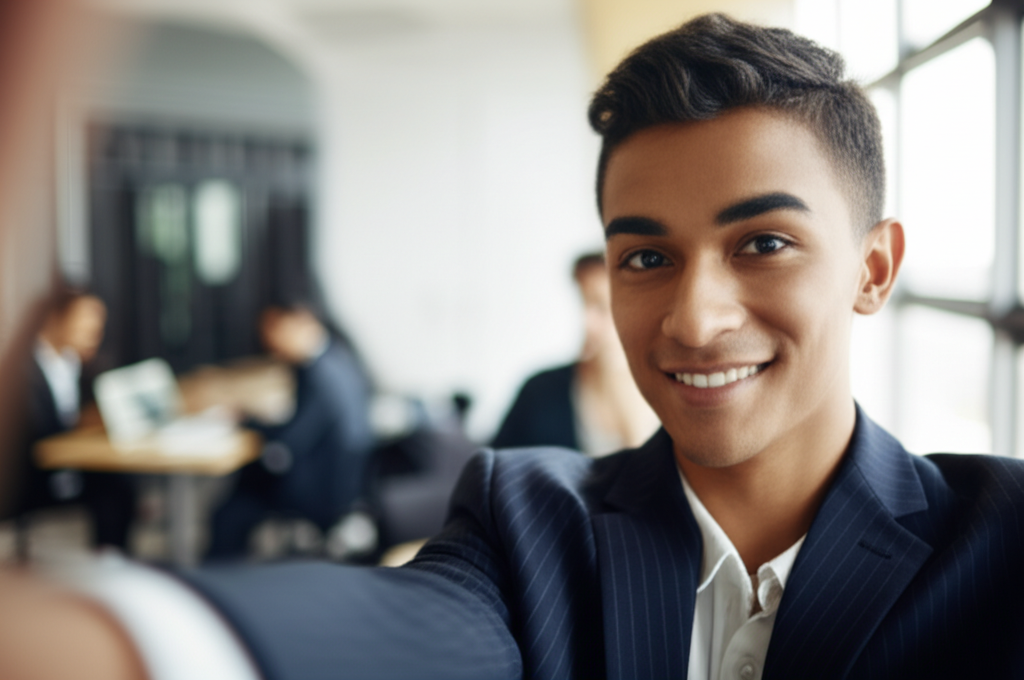
人像增强
用AI锐化自拍和专业头像。从任何照片获得工作室级人像效果。
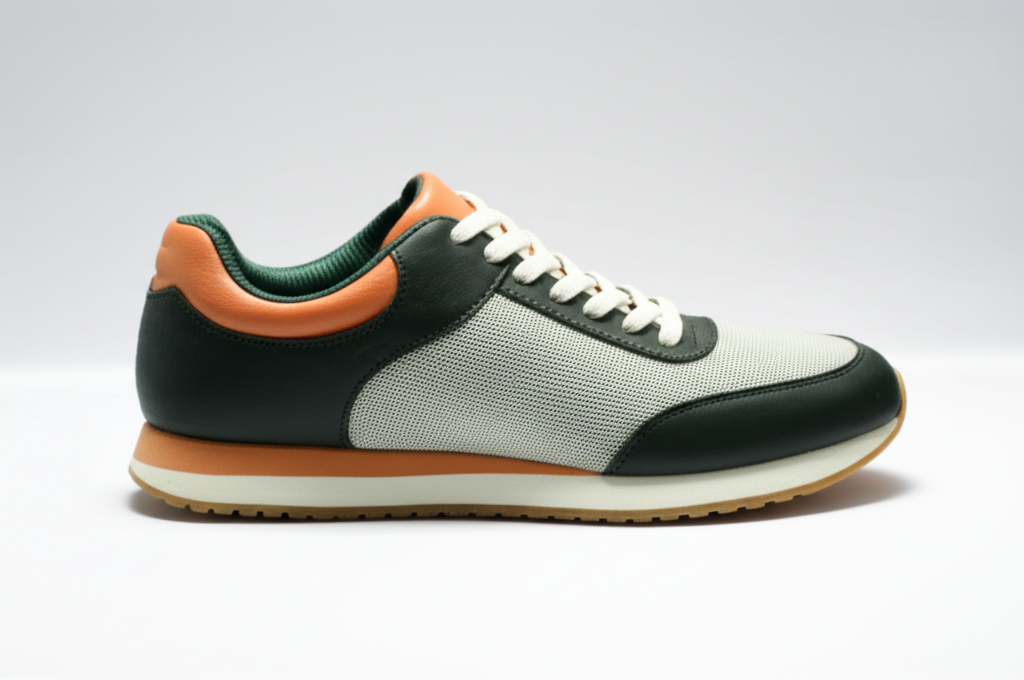
产品摄影
清晰、细节丰富的产品图片更能促进销售。非常适合电商和网店。
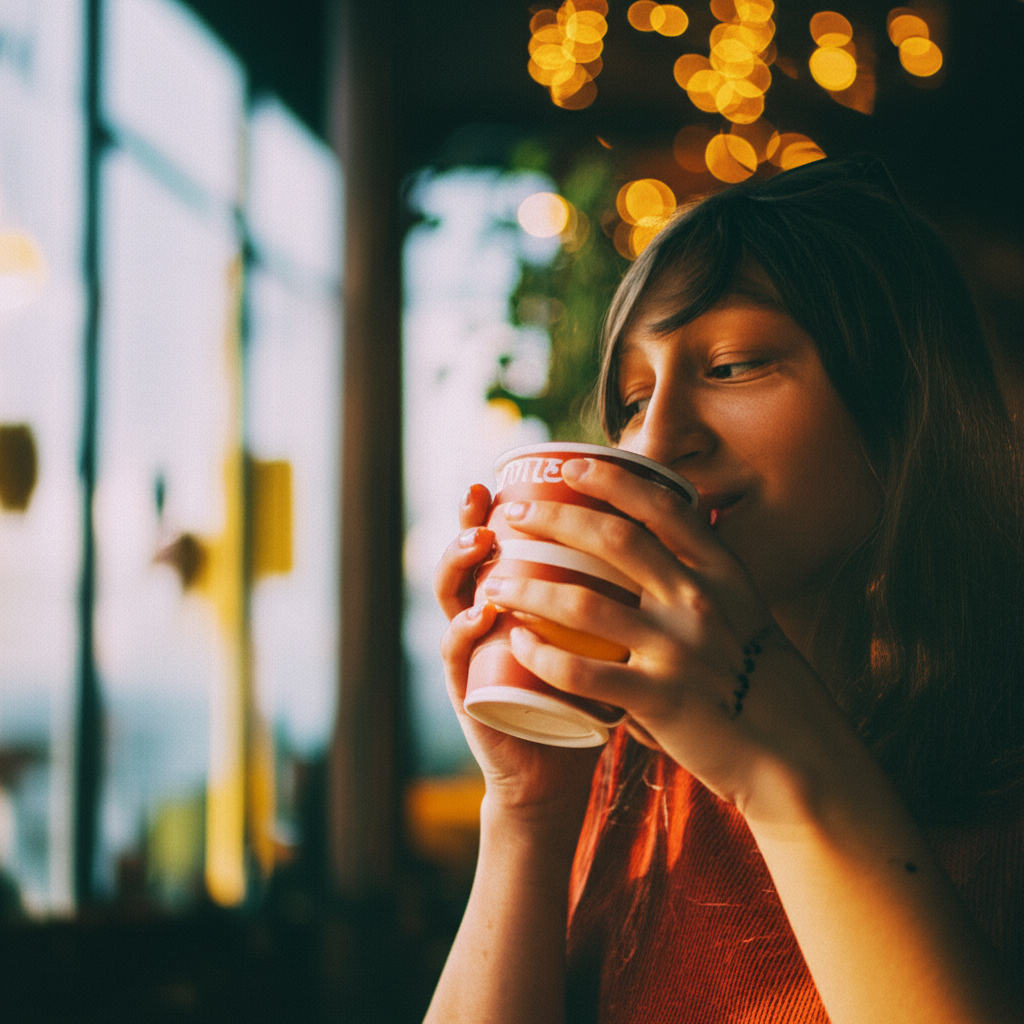
社交媒体内容
高清质量的帖子在动态中脱颖而出。让您的内容看起来更专业。
截图增强
将像素化的截图变成清晰图像。非常适合教程和演示文稿。

风景照片
揭示自然摄影中隐藏的细节。让您的旅行照片惊艳动人。
Wedding & Event Photos
Enhance group shots, candid moments, and ceremony photos. Sharpen faces in crowd photos and bring out details in dimly lit reception images.
Real Estate Listings
Sharpen property photos for listings and virtual tours. Make interior shots look crisp and professional to attract more buyers.
Food Photography
Enhance food photos for menus, delivery apps, and social media. Bring out textures, colors, and details that make dishes look irresistible.
Document & ID Photos
Improve clarity of scanned IDs, certificates, and documents. Sharpen text and photo elements on identification cards and official documents.
How Nano Banana 2 Compares to Other Photo Enhancers
See how our AI photo enhancement compares to popular alternatives
AI photo enhancement has become widely accessible, but the tools differ significantly in quality, pricing, and ease of use. Here is an honest comparison of Nano Banana 2 Photo Enhancer against the most popular alternatives.
Nano Banana 2 vs Remini
Remini is a popular mobile app primarily focused on face enhancement and old photo restoration. It delivers impressive results for facial features, particularly on severely degraded old photos. However, Remini requires a subscription ($9.99/week or $39.99/year) for unlimited use and processes images through a mobile app only. Nano Banana 2 uses the same caliber of AI technology (Real-ESRGAN + GFPGAN) accessible through any web browser — desktop or mobile — with a more affordable pay-as-you-go pricing model.
Nano Banana 2 vs Fotor
Fotor is an all-in-one photo editor that includes an AI enhancer among many other editing tools. Its enhancement feature is decent but not its primary focus, meaning it may not match the output quality of dedicated enhancement tools. Fotor Pro costs $8.99/month for full access. Nano Banana 2 is purpose-built for photo enhancement, delivering higher quality results with Real-ESRGAN technology. Our credit-based pricing means you only pay for enhancements you actually use.
Nano Banana 2 vs Adobe Enhance
Adobe offers AI enhancement through Photoshop (Super Resolution) and Lightroom (Enhance Details). These are powerful tools backed by Adobe Sensei AI, but they require an Adobe Creative Cloud subscription ($20.99/month for Photoshop or $9.99/month for Lightroom). For users who only need photo enhancement without a full editing suite, Nano Banana 2 provides comparable AI upscaling quality through a simple browser interface at a fraction of the cost.
Nano Banana 2 Photo Enhancer delivers professional-grade AI enhancement using Real-ESRGAN and GFPGAN through an accessible web interface. With pay-as-you-go pricing and no subscription required, it is the smart choice for anyone who needs high-quality photo enhancement without the overhead of expensive software suites.
Tips & Best Practices for Photo Enhancement
Get the most out of AI photo enhancement with these practical tips
Use the Best Available Source
Start with the highest quality version of your photo. If you have the original file from your camera or phone, use it instead of a version that has been shared via social media or messaging apps, which often compress images significantly.
Toggle Face Enhancement Wisely
Enable face enhancement only when your photo actually contains faces. For landscapes, products, and non-portrait images, leaving it off produces cleaner results and avoids the AI looking for facial patterns where none exist.
Restoring Old Photos
For old or vintage photos, use 4x enhancement with face enhancement enabled. The AI excels at recovering detail from faded, yellowed, and slightly damaged photographs. For severely damaged photos with tears or stains, consider cleaning those up in an editor before enhancing.
Match Enhancement to Your Needs
Use 2x for photos destined for social media, web galleries, or screen viewing. Use 4x for photos you plan to print, frame, or display on large screens. Over-enhancing a photo that will only be viewed at small sizes wastes credits without visible benefit.
Choose the Right Download Format
Download as PNG when quality is the priority — for printing, archiving, or further editing. Download as JPG when you need smaller files for web uploads, email, or social media. PNG files are larger but preserve every detail the AI generated.
Enhancing Product Photography
For e-commerce product images, 2x enhancement is usually sufficient to produce sharp, detailed listings. Make sure your original photo is well-lit and in focus — the AI enhances detail but cannot fix fundamentally out-of-focus images.
Getting the Best Portrait Results
For portraits and selfies, always enable face enhancement. The GFPGAN model specifically improves eye clarity, skin texture, and facial expressions. Results look most natural when the original photo has the face clearly visible and reasonably well-lit.
Always Preview Before Downloading
Use the before-and-after comparison to inspect your enhanced photo at full zoom before downloading. Check facial details, text readability, and edge sharpness to make sure the result meets your needs.
Enhance your photos, then transform them into scroll-stopping e-commerce visuals.
探索更多 AI 工具
发现我们完整的 AI 图片编辑工具套件
照片增强常见问题
关于AI照片增强,您需要知道的一切
Powered by Nano Banana 2 — enhance any photo with Google Gemini AI.