一键生成透明背景PNG
去除背景,获得干净的透明PNG文件。适用于Logo、图标、签名和图形设计。免费开始。
上传图片
拖拽或点击上传
JPG、PNG、WEBP • 最大10MB
或试试示例图片
为什么选择我们的透明背景工具?
专业AI抠图,完美透明效果
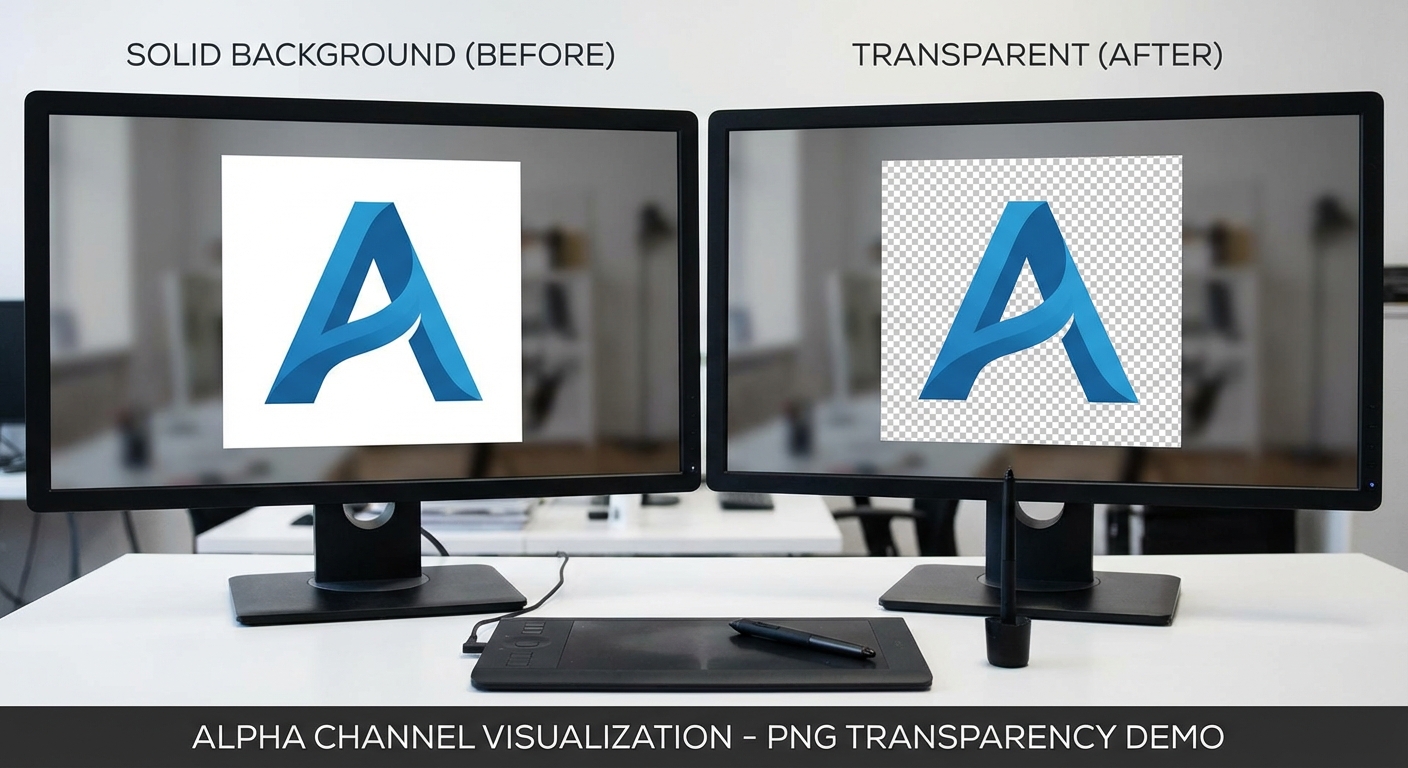
真正的Alpha通道透明度
我们的AI创建真正的透明PNG文件,具有正确的Alpha通道支持。透明度干净精确——没有白边、没有伪影、没有半透明边缘。您的图片可以完美融入设计项目中的任何背景色或图案。
立即体验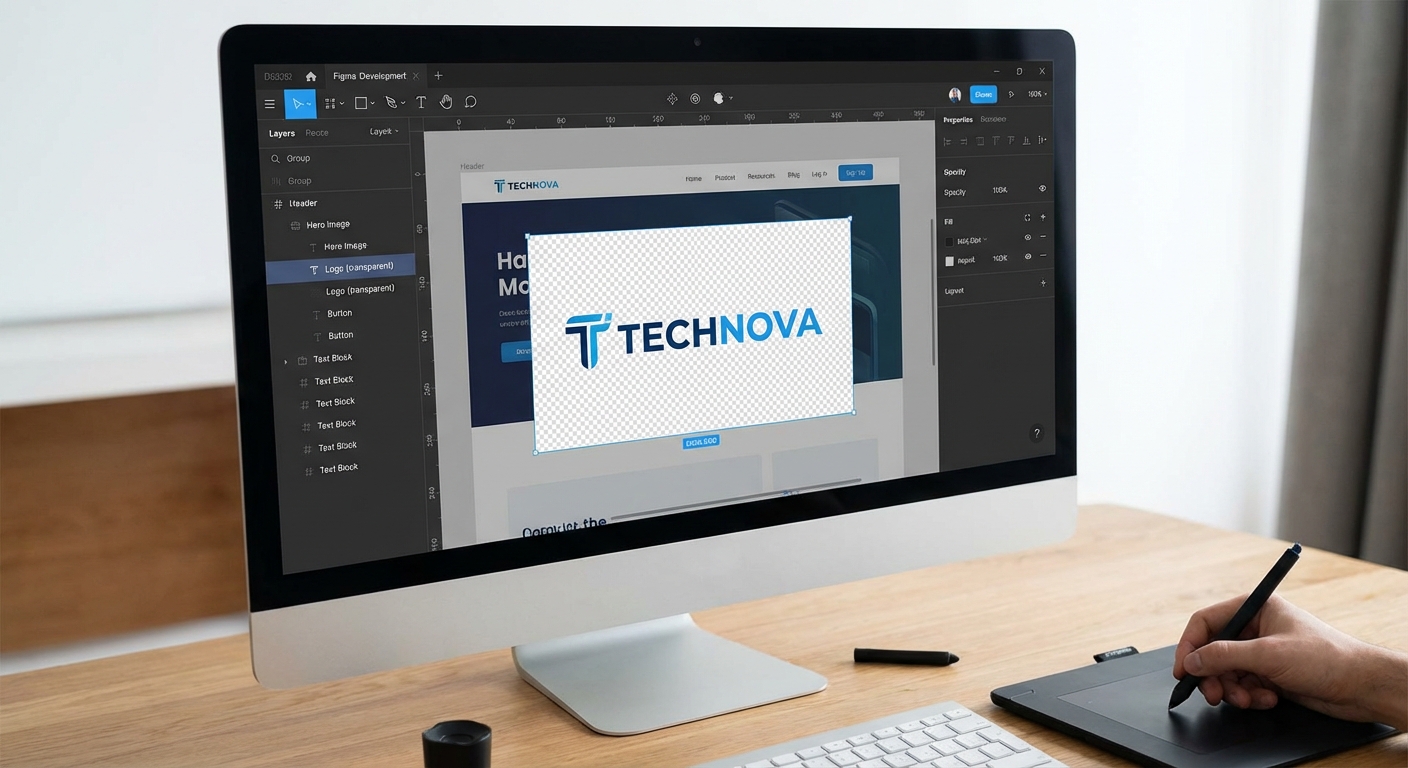
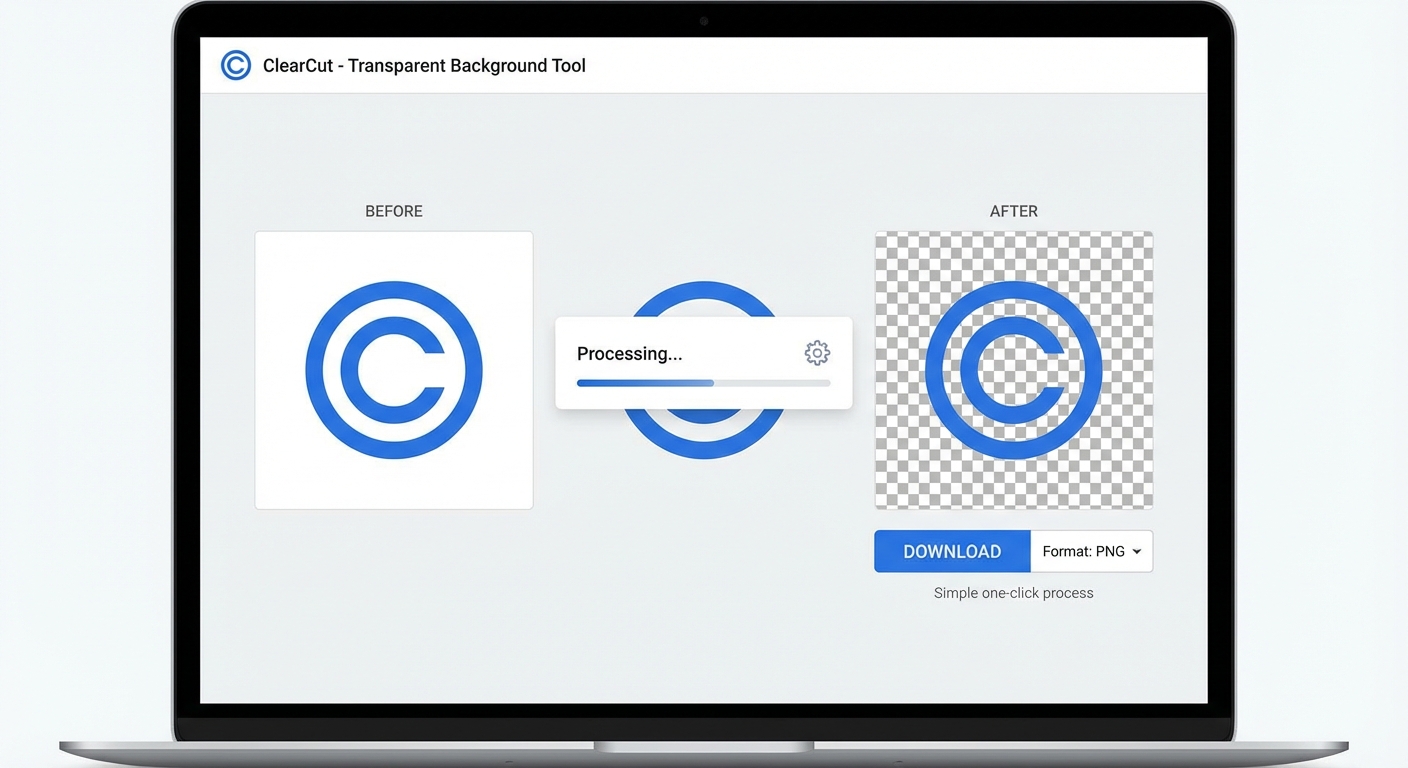
如何创建透明PNG
三个简单步骤获得透明背景图片
上传图片
上传任何您想移除背景的图片。支持JPG、PNG和WebP格式,最大10MB。
AI移除背景
我们先进的AI立即检测主体并移除背景,创建干净的透明区域。
下载透明PNG
将图片下载为完全支持透明度的PNG文件。可直接用于任何设计项目。
处理通常需要3-5秒
完美适用场景
我们的透明背景工具非常适合设计师、开发者和创作者
Logo设计
创建透明Logo文件,可放置在任何背景色或图片上,没有可见边缘。
Web开发
为网站资源、图标和UI元素生成透明PNG,实现无缝叠加效果。
平面设计
非常适合在Photoshop或Figma中进行合成、图层叠加和创建专业设计。
数字签名
将手写签名转换为透明PNG,用于专业文档签署。
图像叠加
创建透明叠加层和元素,在视频编辑和动态图形中完美叠加。
贴纸和贴花
设计具有透明背景的印刷贴纸,实现完美的模切印刷效果。
How Nano Banana 2 Compares to Other Transparent Background Tools
See how our transparent background tool compares to popular alternatives
Creating transparent PNG files is essential for graphic design, web development, and branding. Here is how Nano Banana 2 Transparent Background compares to the most popular tools for this task.
Nano Banana 2 vs Remove.bg
Remove.bg is one of the most popular background removal tools and delivers reliable results for most photos. However, free downloads are limited to low resolution (up to 0.25 megapixels), and full-resolution output requires a subscription or credits ($1.99+ per image). Nano Banana 2 provides full-resolution transparent PNGs with every download and uses a more flexible credit system. Both tools handle people and product photos well, but Nano Banana 2 includes additional support for logos, signatures, and icons.
Nano Banana 2 vs Canva Background Remover
Canva's Background Remover is available exclusively to Canva Pro subscribers ($12.99/month). While Canva is an excellent all-in-one design platform, paying for a full Pro subscription just for transparent backgrounds is not cost-effective. Nano Banana 2 offers dedicated transparent background creation with a simple credit system — pay only for what you use. Our tool also preserves alpha channel quality better for professional design workflows.
Nano Banana 2 vs Clipping Magic
Clipping Magic offers manual fine-tuning tools for precise edge control and handles hair and fur well. Plans start at $3.99/month for 15 credits. While the manual editing tools are useful for complex images, most users do not need that level of control. Nano Banana 2 delivers clean, automated transparent backgrounds that are good enough for 95% of use cases — faster and simpler. When you need quick, reliable transparent PNGs, Nano Banana 2 gets the job done.
Nano Banana 2 Transparent Background is built for speed and quality. Get clean, full-resolution transparent PNGs in seconds — perfect for logos, icons, product images, and design assets. No subscription needed.
Tips & Best Practices for Transparent Backgrounds
Create perfect transparent PNG files with these expert tips
Always Download as PNG
PNG is the only common image format that supports transparency. Always download your result as PNG to preserve the transparent background. JPG does not support transparency and will fill transparent areas with white. If sharing on social media, note that some platforms convert PNGs to JPG.
Use High Contrast Between Subject and Background
The AI separates subjects more accurately when there is strong contrast between the subject and its background. A dark subject on a light background, or vice versa, produces the cleanest edges. Avoid photographing subjects against similarly colored backgrounds.
Start with High-Resolution Source Images
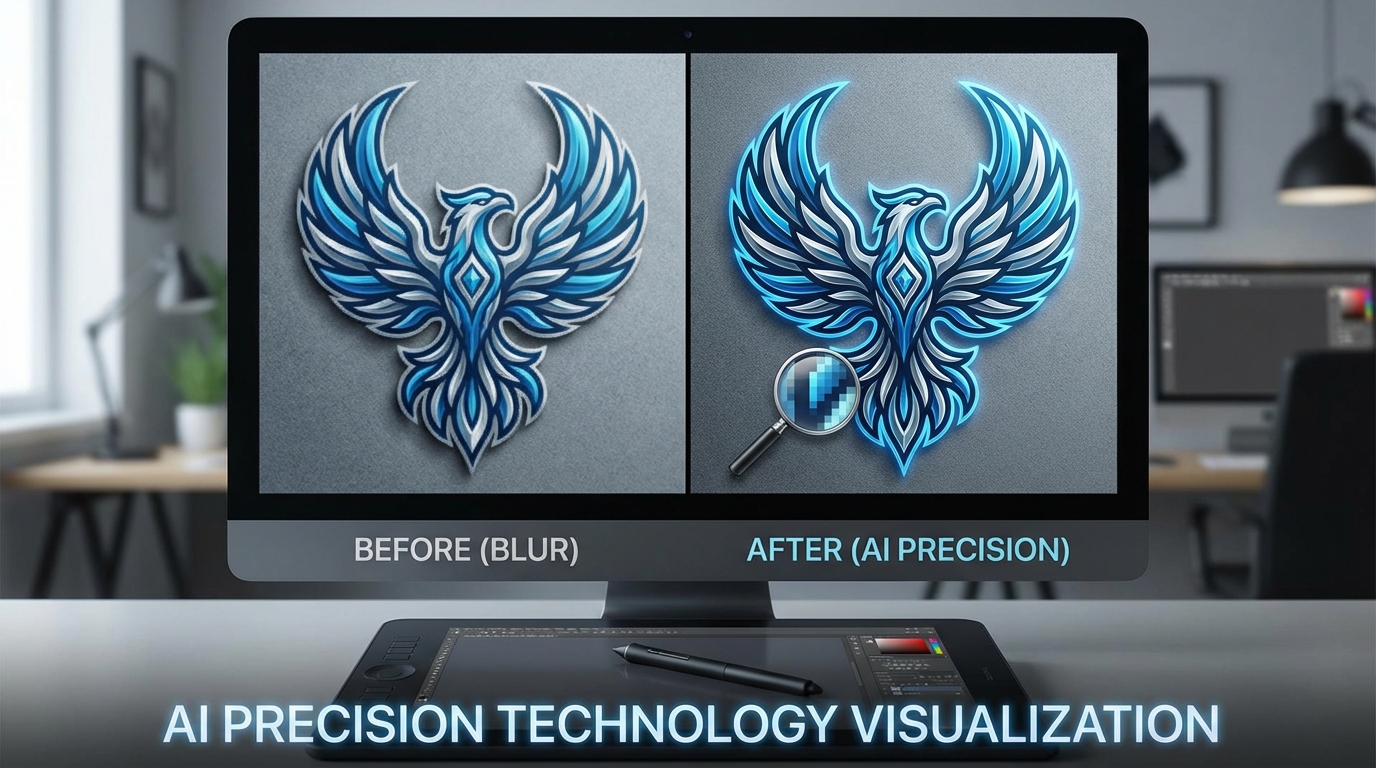
Higher resolution images provide the AI with more detail to work with, especially around fine edges like hair, fur, or intricate shapes. Upload the highest quality source image available for the best transparent cutout.
Check Edges at Full Zoom
After processing, zoom to 100% and inspect the edges of your subject. Look for any remaining background fringe, missed areas, or rough edges. Place the transparent image on a contrasting background in your viewer to spot any issues.
Photograph Against a Solid Color for Best Results
If you are taking new photos specifically for transparent backgrounds, use a solid-colored backdrop (green, blue, or white). This gives the AI the clearest possible signal for where the subject ends and the background begins.
Verify Alpha Channel in Your Design Tool
After downloading, open the PNG in your design tool (Figma, Photoshop, Canva) and verify the alpha channel is clean. A good transparent PNG should show a clean checkerboard pattern behind the subject with no white or colored fringing.
Optimize File Size for Web Use
Transparent PNGs can be large files. If using on websites, consider compressing the PNG with tools like TinyPNG or Squoosh. You can typically reduce file size by 50-70% without visible quality loss. For web, aim for under 500KB per image.
Test on Multiple Background Colors
Before using your transparent image, test it on different background colors — white, black, and a mid-tone. This reveals any edge artifacts or color fringing that might not be visible on just one background. A good cutout looks clean on any color.
Get transparent PNGs, then drop your product into any scene with our AI Product Studio.
探索更多 AI 工具
发现我们完整的 AI 图片编辑工具套件
常见问题
关于创建透明背景的所有问题
Part of the Nano Banana 2 toolkit — free AI image editing powered by Google Gemini.